Yes, there are several. An Amazon keyword tool Chrome extension usually does one of three jobs: it expands Amazon's autocomplete suggestions, adds estimated search volume to the search bar or results page, or checks whether an ASIN is indexed and ranking for a phrase. A fourth type checks the listing itself, which tells you whether the keywords you picked actually landed in the title, bullets and backend field.
The type matters more than the brand name. A free suggestion expander gives you a long list of phrases with no demand data. A volume overlay tells you which phrases shoppers type, but usually needs an account with the vendor. An index checker answers a narrower question: can my product appear for this search at all?
This guide is for sellers and agencies who want keyword data while browsing Amazon. It covers what each type shows, what to check before installing one, a worked example with real Amazon search volumes, and where a browser extension stops being the right tool.
Key Takeaways (TL;DR)
- Amazon keyword extensions fall into four types: suggestion expanders, search volume overlays, index and rank checkers, and listing checkers.
- Free suggestion expanders pull Amazon autocomplete phrases. They don't tell you how often each phrase is searched.
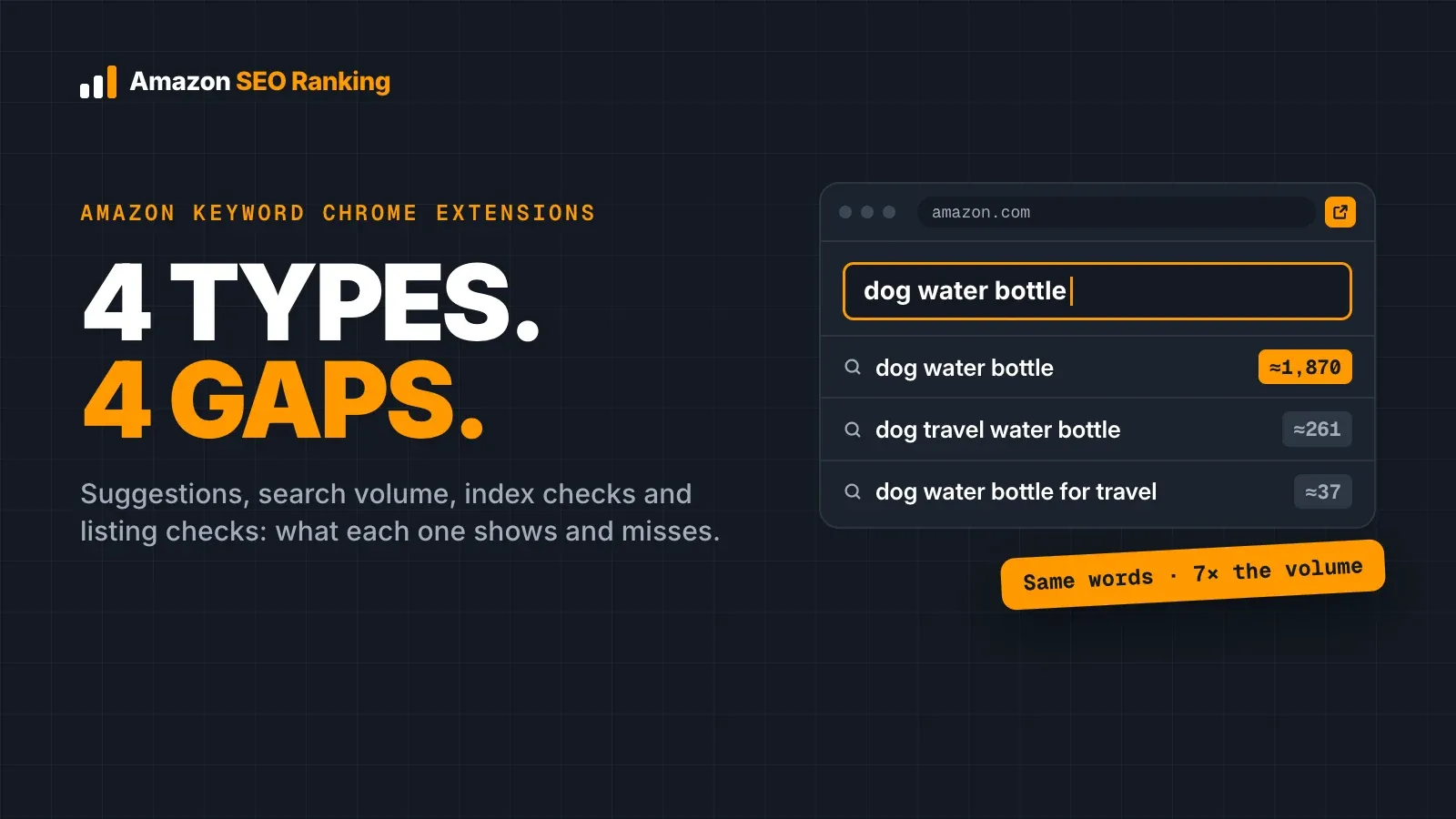
- In our test of 11 "dog water bottle" phrases, 2 had no measurable US search volume and the rest ranged from about 37 to 1,870 searches a month.
- Word order changes reported volume ("dog travel water bottle" ≈261 vs "dog water bottle for travel" ≈37), but Amazon indexes individual words, so one listing can cover both.
- Check the permission prompt before you install. "Read and change all your data on all websites" is broader than an Amazon-only tool needs.
- An extension finds candidate keywords. You still need to place them within Amazon's limits: a 75-character title, 125 characters of Item Highlights and under 250 bytes of backend terms.
Amazon Keyword Tool Chrome Extension: at a Glance
Pick the type by the question you're trying to answer. Most sellers need two of these at different stages.
| Type | Question it answers | Data source | Typical cost | Main gap |
|---|---|---|---|---|
| Suggestion expander | What phrases do shoppers start typing? | Amazon autocomplete | Free | No search volume |
| Search volume overlay | How often is this phrase searched? | The vendor's own volume estimates | Often needs a vendor account | Estimates differ between vendors |
| Index and rank checker | Can my ASIN appear for this phrase, and where? | Live Amazon search results | Free tiers, paid upgrades | Doesn't tell you why you're missing |
| Listing checker | Did my keywords land in fields Amazon reads, within the limits? | The live product page | Free tiers, paid upgrades | Doesn't generate new keyword ideas |
The 4 Types of Amazon Keyword Extension
Most store listings describe themselves as an "Amazon keyword tool", so the name won't tell you which job an extension does. Read the description for the data source.
Suggestion expanders: free, fast and volume-blind
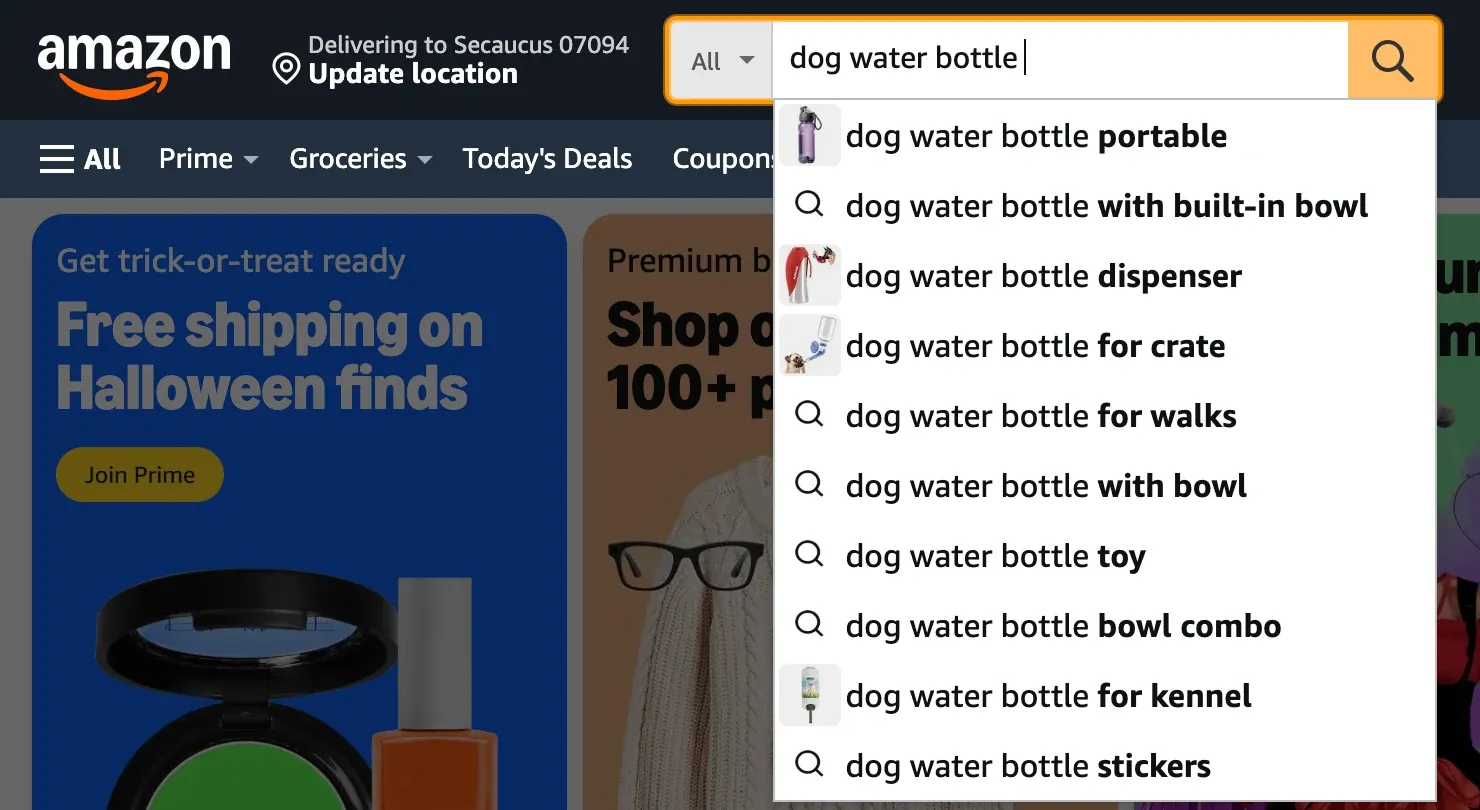
A suggestion expander types your seed phrase into Amazon's search bar for you, adds a letter or number (a to z, 1 to 9), and collects what autocomplete returns. You get a few hundred phrases in seconds instead of typing each variation by hand.
That makes it good for one thing: long-tail phrasing you wouldn't have thought of. Autocomplete shows that people type a phrase. It doesn't show whether 30 people or 3,000 people type it, which is the number you need before spending title space on it.
Search volume overlays: demand data inside Amazon
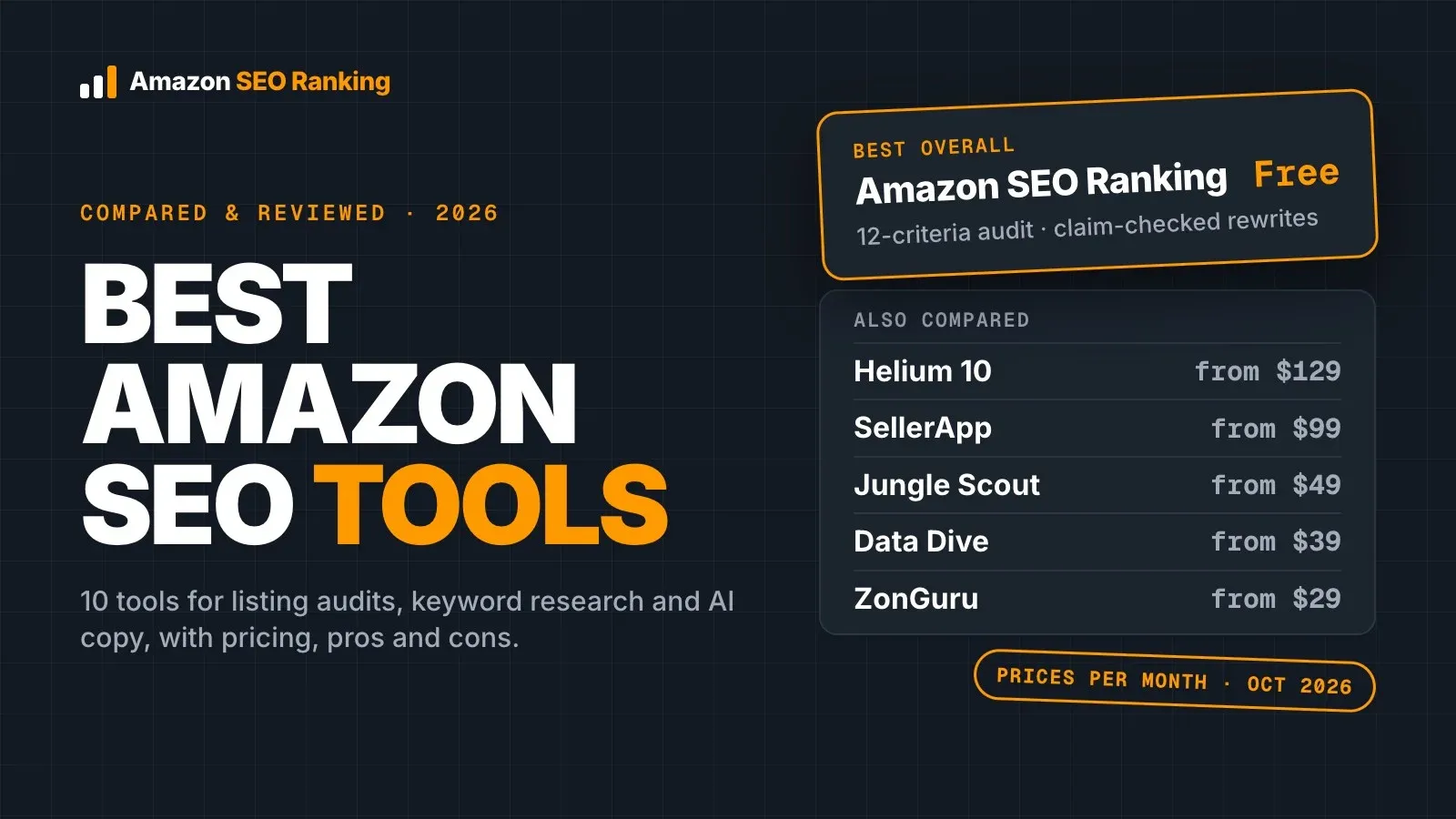
A volume overlay adds a number next to each suggestion as you type, or next to each result on the search page. Most of the large seller suites include one in their own extension, tied to their keyword database and their accounts. Those suites' core plans run $99 to $129 a month for 20-plus tools, so the overlay often comes bundled with a lot you won't use for keyword work.
Two things to know. Amazon doesn't publish exact search counts, so every vendor's figure is a modelled estimate, and two extensions can show different numbers for the same phrase. And the overlay only covers the marketplaces the vendor has data for, which is often fewer than the marketplaces Amazon operates.
Index and rank checkers: can your ASIN appear at all?
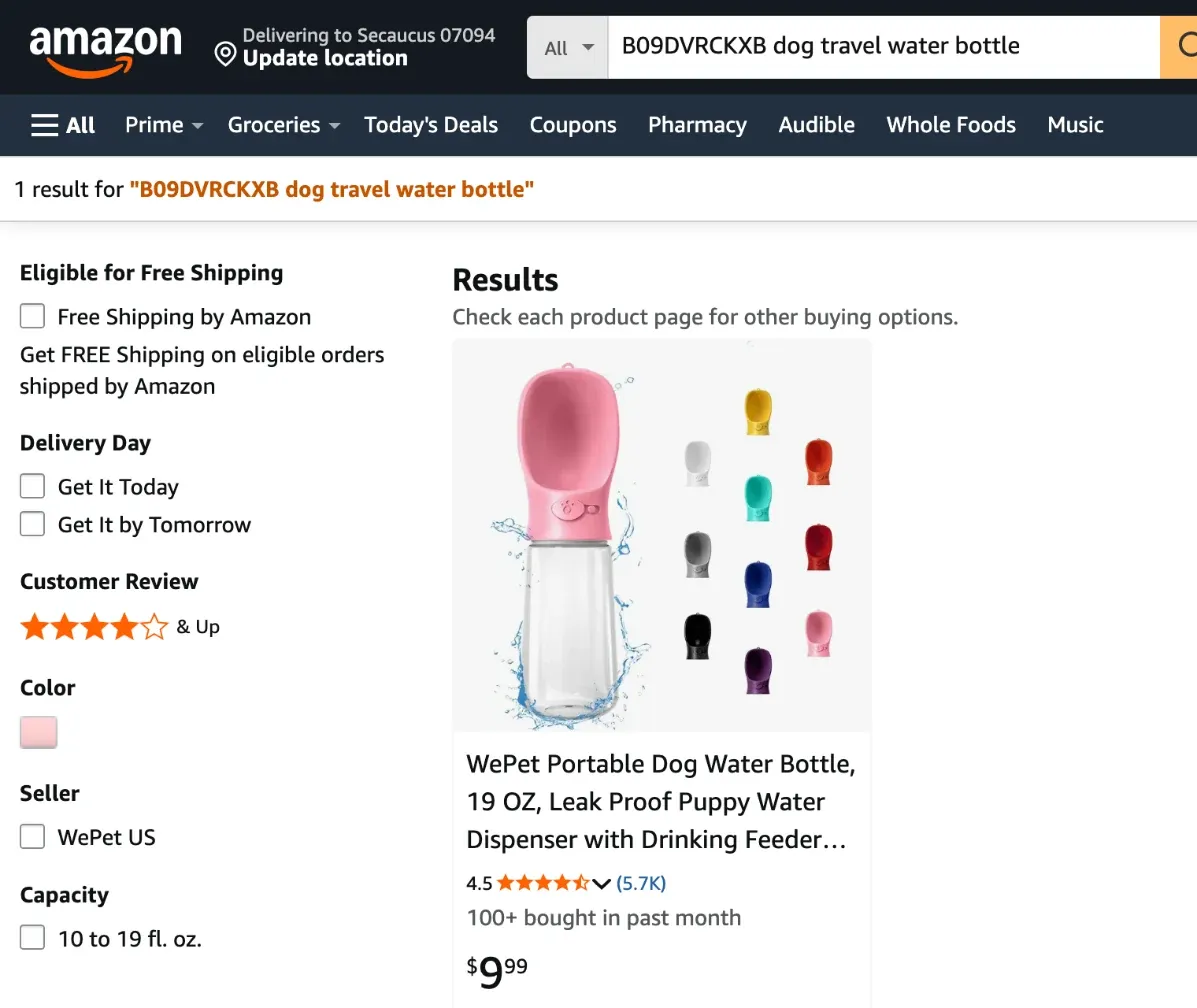
An index checker takes an ASIN and a list of phrases, then tests whether the product shows up for each one and on which page. It's the automated version of a test anyone can run.
To run it by hand, search Amazon for your ASIN followed by the phrase and see if your product comes back. An extension saves time when you're testing 30 phrases instead of three. Our guide to how to rank for keywords on Amazon covers what to do once you know where you're indexed and where you aren't.
Listing checkers: did the keywords land?
The fourth type looks at the product page rather than the search bar. It reads the live title, Item Highlights, bullets, images and rating, then scores the listing against a set of rules.
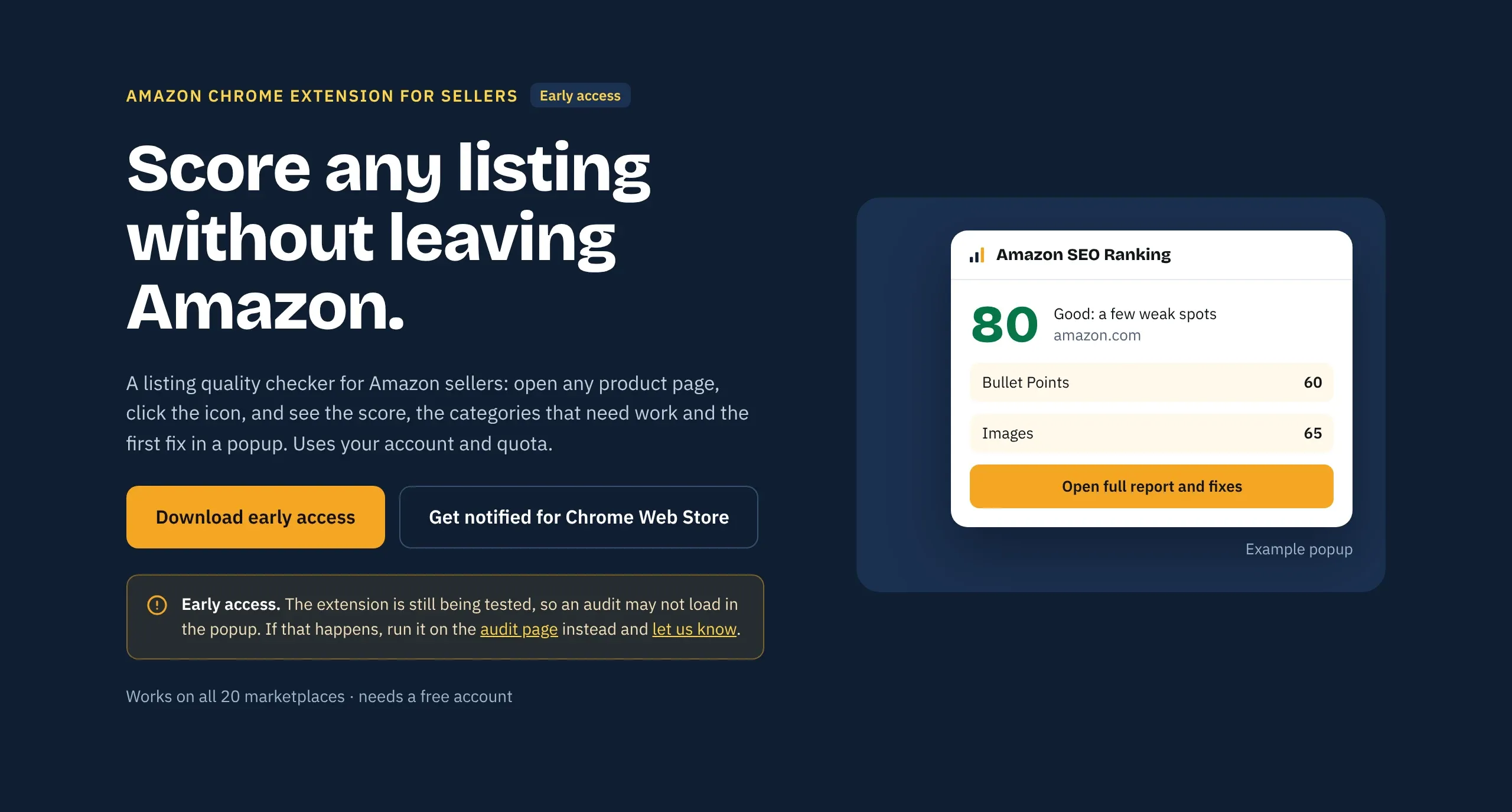
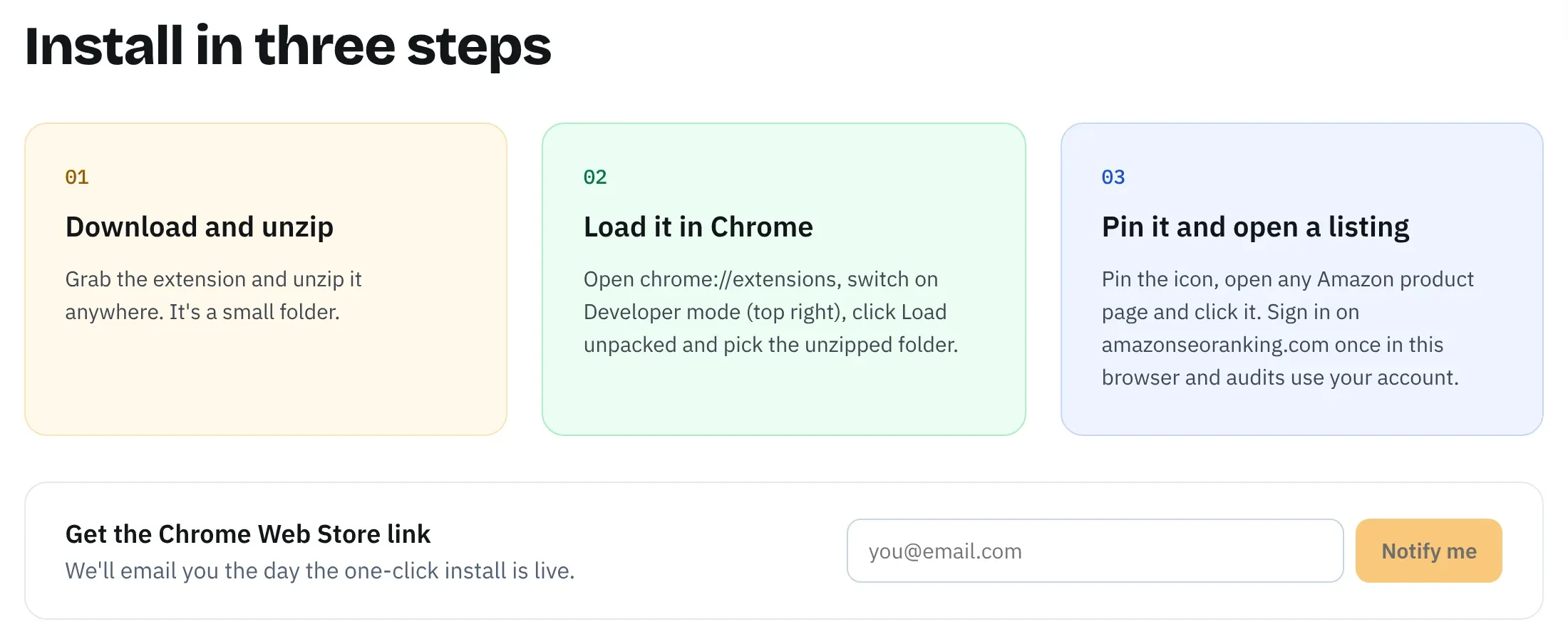
This is the type Amazon SEO Ranking's Amazon Chrome extension for sellers belongs to. It doesn't do keyword research. It runs the same 12-criteria audit as the website on whatever product page is open, and shows the score, the weakest categories and the first fix in a popup. It works on all 20 Amazon storefronts with a free account, using the same 3 audits a month as the free plan. It's in early access: you install it manually rather than from the Chrome Web Store, and if an audit doesn't load in the popup, the same audit runs on the website.
What to Check Before Installing an Amazon Keyword Extension
An extension runs inside the browser where you're signed in to Seller Central. That makes the install decision worth two minutes.
Read the permission prompt
Chrome shows a warning when an extension asks for access to your data. Google's help page explains that access to your data on all the websites you visit lets an extension read, request or modify data on every page, including your bank account. Access to a list of named websites is narrower.
A keyword tool for Amazon needs Amazon pages. If the prompt asks for every website, your browsing history or your clipboard, ask why before you accept.
Check what data leaves your browser
Every Chrome Web Store listing has a Privacy section where the developer declares what data the extension handles. Among the top results for this search, declarations range from "won't collect or use your data" to disclosing that the extension handles personally identifiable information. Read it before you install, since the extension sees the same tabs as your Seller Central session.
Amazon SEO Ranking's extension sends one thing when you click audit: the ASIN and marketplace of the tab you're on. No browsing history, no analytics and no tracking. Look at the "Updated" date on any extension too. Amazon changes its page layout regularly, and an extension that hasn't been updated in a year may read the page wrong or stop working.
Match the marketplaces to where you sell
Coverage varies widely from one extension to the next, and many stop at the larger European and North American storefronts. If you sell in the UAE, Poland or Japan, check the list before you rely on the numbers.
Amazon SEO Ranking's audit, in the extension and on the website, covers 20 Amazon storefronts. Its search volume data covers 16 marketplaces, including the UAE, Saudi Arabia, Egypt and India; the advanced keyword tools cover 4.
| Check | Where to find it | What to look for | Amazon SEO Ranking extension |
|---|---|---|---|
| Permissions | Install prompt | Access to Amazon only, not all websites | Sends only the ASIN and marketplace you audit |
| Data handling | Privacy section of the store listing | What's collected and why | No browsing history, analytics or tracking |
| Coverage | Description | Every marketplace you sell in | 20 storefronts |
| Data source | Description or FAQ | Autocomplete, vendor estimates or live page | Live product page, scored against 12 published criteria |
| Cost | Description, vendor pricing page | What works without paying | Free account, 3 audits a month, no card |
| Freshness | "Updated" date on the listing | An update in the last few months | Early access, version 1.1.0 |
Worked Example: Suggestion Lists vs Search Volume
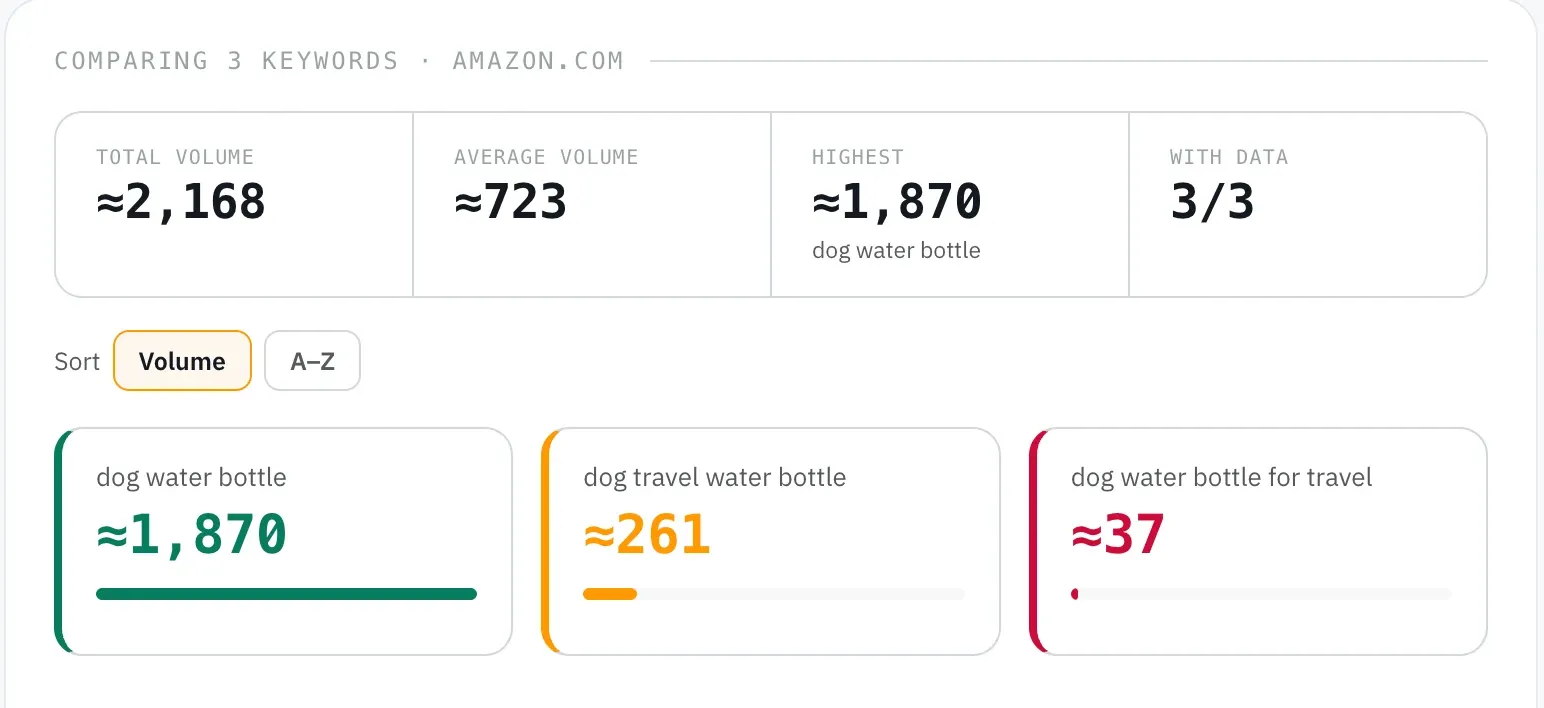
To see what a list of suggestions leaves out, we took 11 phrases for "dog water bottle", the long-tail modifiers a suggestion expander typically returns, and ran them through Amazon SEO Ranking's keyword tools (US, estimated monthly Amazon searches, 22 October 2026).
| Phrase | Est. monthly US searches |
|---|---|
| dog water bottle | ≈1,870 |
| dog water bottle portable | ≈374 |
| dog travel water bottle | ≈261 |
| dog water bottle for walking | ≈149 |
| dog water bottle dispenser | ≈74 |
| dog water bottle for crate | ≈74 |
| portable dog water dispenser | ≈74 |
| dog water bottle with food container | ≈37 |
| dog water bottle for travel | ≈37 |
| dog water bottle leak proof | No data |
| dog water bottle large | No data |
Without a volume column, these 11 look equal. With it, the head term carries most of the demand, three modifiers (portable, travel, walking) are worth title or Item Highlights space, and two phrases had no measurable volume at all.
Word order matters for the report and much less for the listing. "Dog travel water bottle" shows about seven times the volume of "dog water bottle for travel". Amazon indexes individual words from each field, so a listing that contains dog, water, bottle and travel can match both. You don't need both phrasings, and you shouldn't spend characters on them.
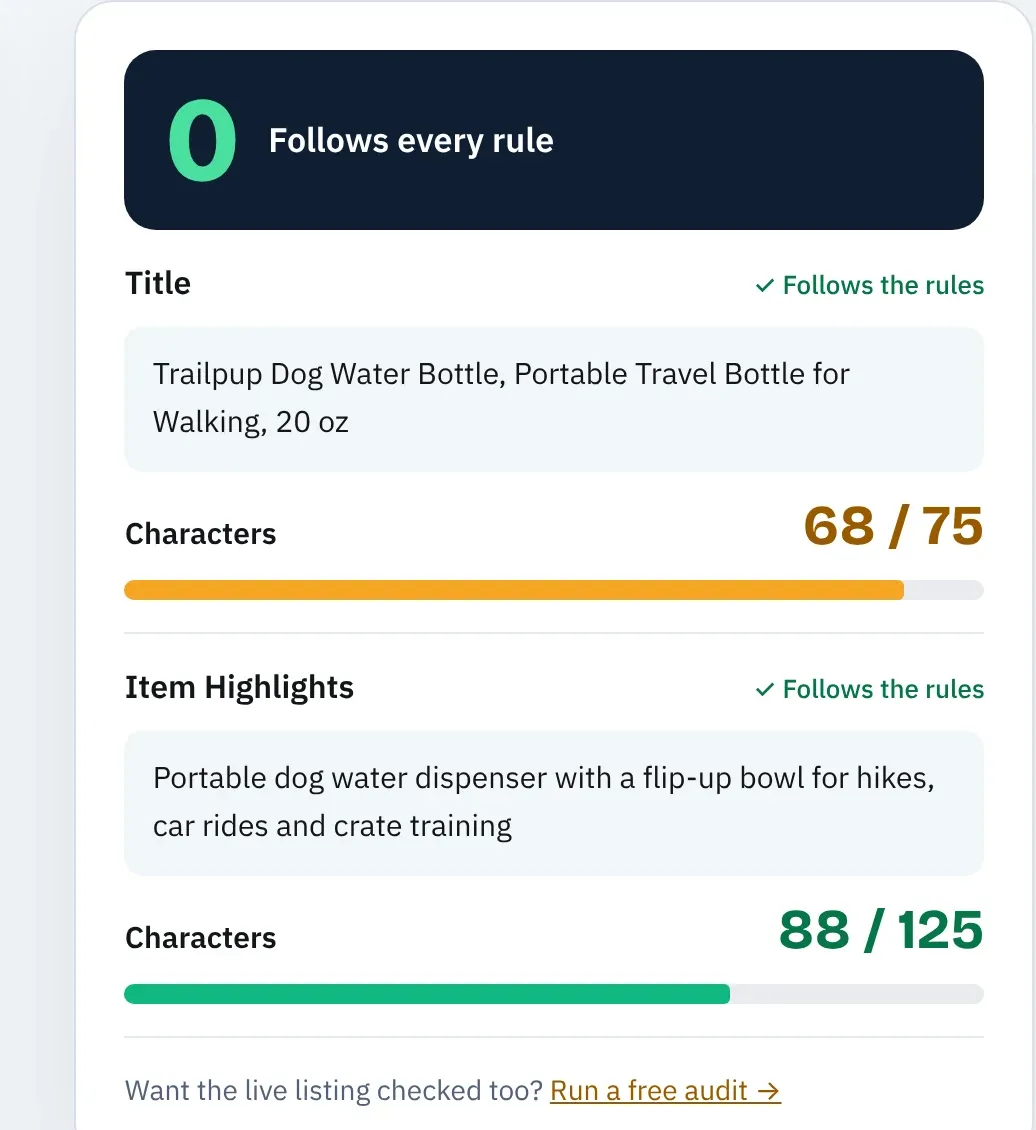
Here's how those findings fit a fictional listing, run through the free listing copy check (all three fields passed the length, claim and AI compliance checks):
- Title (68 of 75 characters): Trailpup Dog Water Bottle, Portable Travel Bottle for Walking, 20 oz
- Item Highlights (88 of 125): Portable dog water dispenser with a flip-up bowl for hikes, car rides and crate training
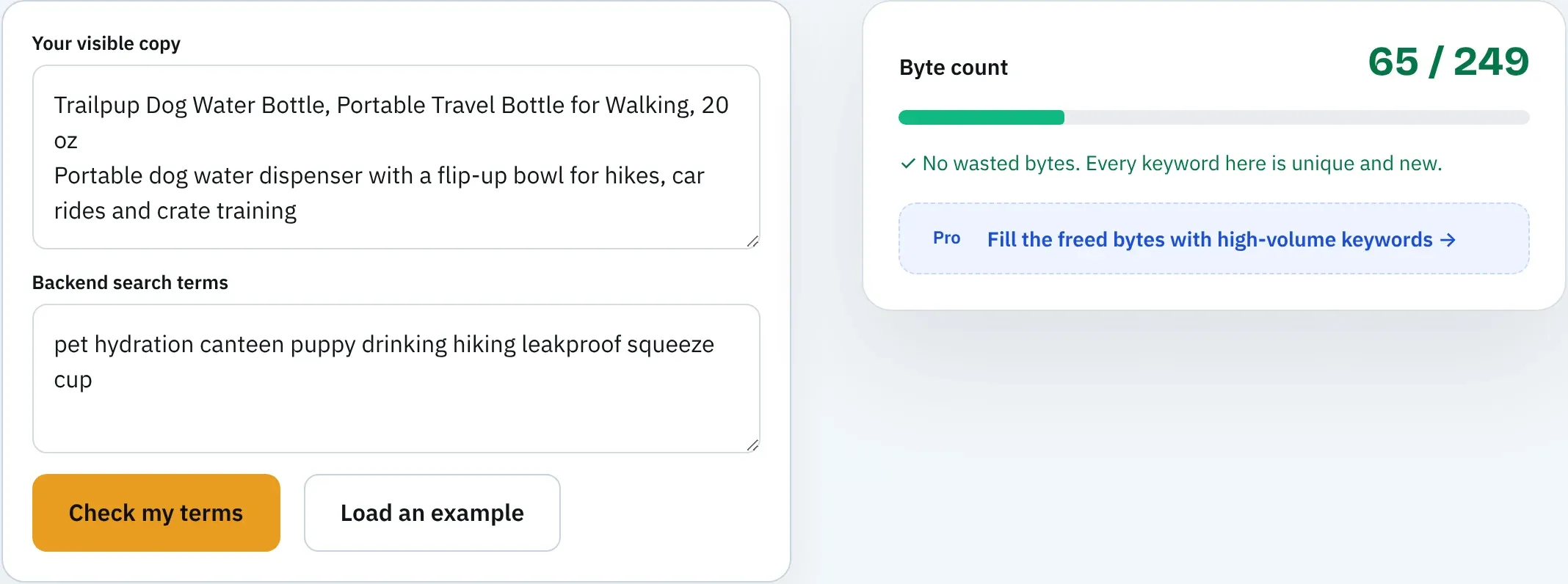
- Backend (65 of 249 bytes): pet hydration canteen puppy drinking hiking leakproof squeeze cup
Between them, the three fields cover every phrase in the table that has volume. The two no-data phrases still get covered through the backend word "leakproof" and the title, at almost no cost in space.
Where an Amazon Keyword Tool Extension Stops Helping
Extensions work on the page you have open. That's a good fit for checking a competitor or testing a phrase while you browse, and a poor fit for catalog work.
Lists, gaps and exports
Building a keyword list for a launch means comparing hundreds of phrases, sorting by volume, filtering out off-topic terms and saving the result. A popup or an overlay on the search bar isn't built for that. Amazon SEO Ranking's Amazon keyword research tool checks up to 1,000 keywords per lookup across 16 marketplaces and grades idea lists as Close match, Related or All, so off-topic phrases drop out before you sort. Keyword gap (Agency) compares the rank positions of up to 20 ASINs side by side, in the US, Egypt, Saudi Arabia and the UAE.
Every table has Copy table, which pastes straight into Google Sheets or Excel, and Add to workbook collects tables as you go into one linked .xlsx with a Keywords tab and an ASINs tab. Free accounts can run Search volume and Keyword ideas and see the first 3 results of each search, up to 30 lookups a month. Pro unlocks the full lists.
Keyword data inside your AI assistant
If you already write listings with Claude, the keyword data can come to you instead. On Pro and Agency, the Claude connector gives Claude the same search volume, keyword ideas and keyword gap lookups, plus the listing copy check, so it can research phrases and test the copy it writes against Amazon's limits in one chat.
It uses the same quotas as the website, and you sign in once rather than pasting an API key.
Placement and limits
No keyword extension checks whether your new phrases fit. Since July 27, 2026, titles in most categories are capped at 75 characters, and Amazon may rewrite titles that break the limit. The free Amazon character limit checker shows where each field gets cut.
The backend line has its own byte limit, and words you already used in the title are wasted there. Our guide to checking Amazon backend search terms covers both.
Multi-marketplace listings
A phrase list built on amazon.com doesn't transfer to amazon.de or amazon.co.jp. Shoppers type different words, and accented characters cost 2 bytes in the backend field.
Research and check each storefront separately. The audit runs per marketplace, so the same ASIN can score differently on amazon.com and amazon.de.
How to Use a Keyword Extension Without Wasting Listing Space
The extension is the first step of five. Run the rest in order:
- Collect. Use a suggestion expander or autocomplete to gather candidate phrases for your seed keyword.
- Measure. Check each phrase for Amazon search volume and cut the ones with none.
- Filter. Remove phrases that describe a different product, however high their volume.
- Place. Put the main keyword early in the title, secondary phrases in Item Highlights and bullets, and synonyms in the backend. Don't repeat a word across fields.
- Confirm. Search your ASIN plus each phrase, or use an index checker, a few days after the edit.
Steps 4 and 5 are where most listings lose points. A free Amazon listing audit scores the live page against 12 published criteria, including title and bullet keyword quality, and lists the fixes worth the most points.
Everything to Know About an Amazon Keyword Tool Chrome Extension
| Topic | What to know | Rule or number |
|---|---|---|
| Do they exist | Yes, several types | Expanders, volume overlays, index checkers, listing checkers |
| Suggestion expanders | Pull Amazon autocomplete | Free, no search volume |
| Volume overlays | Show vendor estimates as you type | Often need a vendor account; numbers vary by vendor |
| Index checkers | Test ASIN plus phrase | Manual test works too |
| Listing checkers | Score the product page | Amazon SEO Ranking: 12 published criteria, 20 storefronts |
| Permissions | Check before installing | Amazon-only access is enough |
| Data sent | Check the Privacy section | Ours: ASIN and marketplace only, no tracking |
| Coverage | Varies by extension | Check every marketplace you sell in |
| Volume caveat | All figures are estimates | Amazon doesn't publish exact counts |
| Word order | Changes reported volume | Amazon indexes individual words |
| Title limit | Main keyword goes early | 75 characters since July 27, 2026 |
| Item Highlights | Secondary phrases | 125 characters |
| Backend | Synonyms, no repeats | Under 250 bytes in most marketplaces |
Check Whether Your Keywords Landed, Free
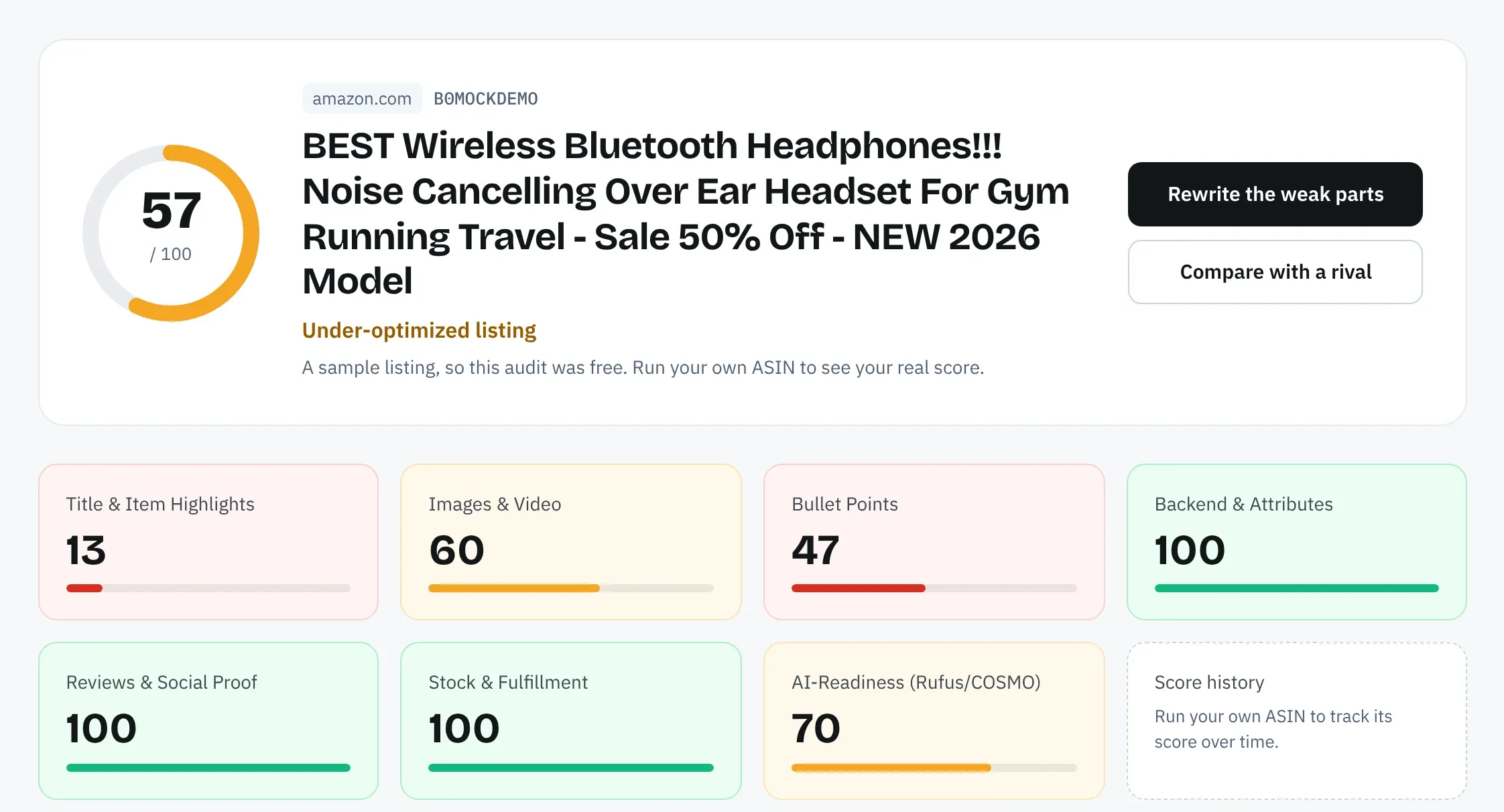
Amazon SEO Ranking scores your live listing against 12 published criteria, with every pass rule on the site, so you can see which keyword and copy fixes are worth the most points. The AI rewrites target the exact criterion a listing fails, and every rewrite is checked in code for Amazon's length limits, pack counts and unsupported claims before you see it. Keyword research uses real Amazon search volume in 16 marketplaces, and the audit covers 20 Amazon storefronts, in the browser extension or on the website.
It's built for sellers and agencies with live listings that should rank better, especially anyone selling one product in several marketplaces. Use an extension to collect phrases while you browse, then measure them and check the copy before it goes live.
The free plan includes 3 full audits a month and a keyword preview, with no credit card required. Pro costs $79 a month and starts with a 7-day free trial. Audit your listing free to see how your keywords score, or compare Pro and Agency plans if you need full keyword lists.
FAQ
Is there a Chrome extension for checking Amazon keywords?
There is a Chrome extension for checking Amazon keywords for each of three jobs: expanding autocomplete suggestions, showing estimated search volume, and checking whether an ASIN is indexed for a phrase. Free suggestion expanders pull phrases from Amazon autocomplete without search volume. Volume overlays often need an account with the vendor. Index checkers test your ASIN against a list of phrases, which you can also do by hand by searching your ASIN plus the phrase on Amazon.
What is the best Amazon keyword tool Chrome extension?
The best Amazon keyword tool Chrome extension is the one whose data source matches your question. Use a suggestion expander to find phrasing, a volume overlay to rank phrases by demand, and an index checker to confirm your ASIN can appear for them. Before choosing, check that it covers every marketplace you sell in and asks only for access to Amazon pages. Once the keywords are in your copy, a listing checker such as Amazon SEO Ranking's free extension scores whether they landed within Amazon's limits.
Is there a free Chrome extension for Amazon sellers?
There are free Chrome extensions for Amazon sellers, though most free keyword extensions stop at autocomplete suggestions. Amazon SEO Ranking's Chrome extension works with a free account and runs a 12-criteria listing audit on any Amazon product page in 20 storefronts, using the free plan's 3 audits a month. The free account also includes a keyword preview of the first 3 results per search, up to 30 lookups a month, with no card. Pro, at $79 a month, unlocks full search volume and keyword lists.
Does Amazon have its own keyword tool?
Amazon has its own keyword data, but not a public keyword tool with search volume for every seller. Brand-registered sellers get Search Query Performance and Top Search Terms in Brand Analytics, and advertisers see the Sponsored Products search term report. Everyone can use autocomplete in the Amazon search bar, which is the data most free extensions read. Search volume figures in third-party tools are estimates.
Is it safe to install an Amazon keyword Chrome extension?
Installing an Amazon keyword Chrome extension is safe when its permissions match its job and its developer discloses how data is handled. Check the install prompt: access to your data on all websites is broader than an Amazon tool needs. Read the Privacy section on the Chrome Web Store listing and check the last update date. Amazon SEO Ranking's extension sends only the ASIN and marketplace of the tab you audit, with no browsing history, analytics or tracking.
Why does search volume differ between Amazon keyword extensions?
Search volume differs between Amazon keyword extensions because Amazon doesn't publish exact search counts, so each vendor models its own estimates. Methods, data sources and refresh schedules differ, and low-volume phrases are often reported in steps rather than exact numbers. Treat volumes as a way to rank phrases against each other within one tool. Don't compare a number from one extension with a number from another.
Does the Amazon SEO Ranking Chrome extension do keyword research?
The Amazon SEO Ranking Chrome extension doesn't do keyword research; it audits the listing on the page you have open. The popup shows the 0 to 100 score, the weakest categories and the first fix, using your normal audit quota. Keyword research, including search volume in 16 marketplaces, runs in the web app, and Pro and Agency users can also run it inside Claude through the Claude connector. The extension is in early access and installs manually until its Chrome Web Store listing is live.
Do I need a paid tool if a free keyword extension shows me suggestions?
You need a paid tool only when you need search volume, competitor rankings or checks across many listings, because a free suggestion extension can't tell you which phrases shoppers type most. In our dog water bottle test, phrases ranged from no measurable volume to about 1,870 US searches a month. Free options cover part of that gap: the ASIN plus phrase test, the free character limit and backend checkers, and a 30-lookup keyword preview. Pro costs $79 a month with a 7-day free trial if you outgrow them.