A checked list of 20 keywords doesn't do anything until it's actually placed. Every Amazon listing has four places keywords can go, the title, the bullets, the description, and the backend search terms, and each one has its own limits and its own job. Stuffing every field with the same one or two terms wastes space that could be covering more ground.
Key Takeaways
- A listing has four keyword fields: title, bullets, description, and backend search terms, each with different limits and priority.
- The highest-priority keywords go in the title, within a roughly 60-75 character compliant format.
- Backend search terms are for keywords not already visible elsewhere in the listing, not a place to repeat the title.
- The 249-byte backend field works on individual words, not exact phrases, so Amazon's matching doesn't require repeating full terms.
- The AI Copy Rewriter can distribute a checked keyword list across all four fields directly, rather than placing them by hand one field at a time.
Keyword Placement at a Glance
| Field | Priority | Limit |
|---|---|---|
| Title | Highest-volume keyword first | Roughly 60-75 characters, compliant Brand + Product + attribute format |
| Bullets | Next tier, spread across five | Under 200 characters each |
| Description | Remaining relevant terms | No hard character limit, readability still matters |
| Backend search terms | Terms not already visible elsewhere | 249 bytes total, matched by individual word |
The Title Gets the Highest-Priority Term First
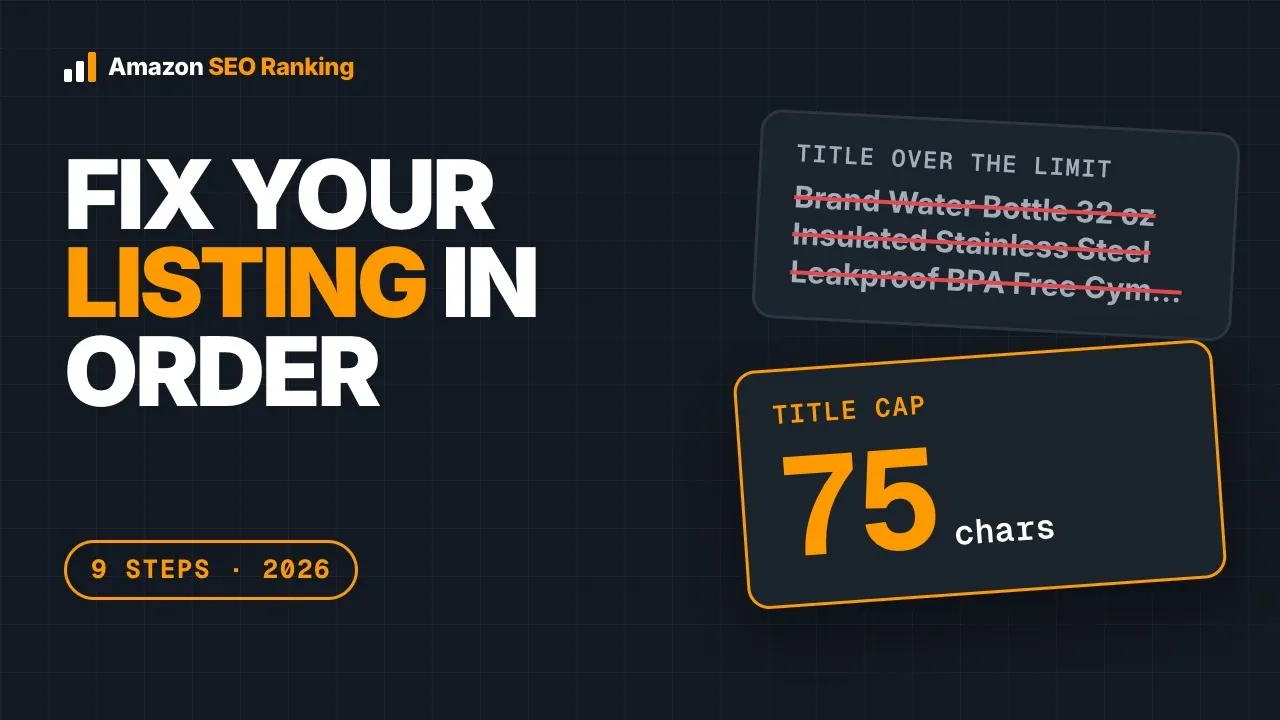
The title carries the most ranking weight of any field, and it's also the most visible to a shopper scanning search results. That means the single highest-volume, most relevant keyword from the checked list belongs at or near the start of the title, in a compliant Brand + Product + attribute format rather than a keyword-stuffed run-on. A title that reads naturally and still leads with the strongest term does both jobs at once.
Bullets Spread the Next Tier, One Idea Each
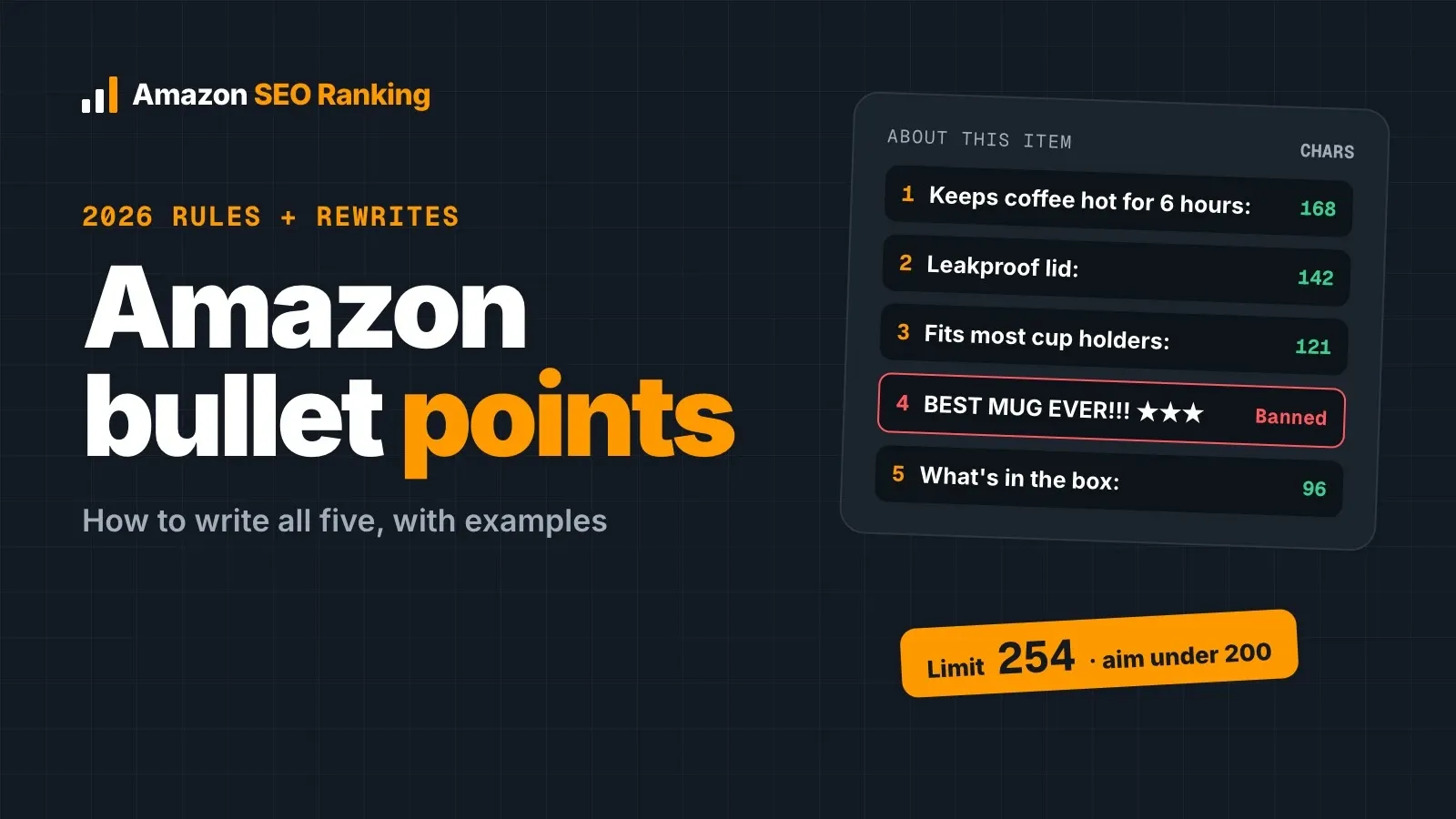
Five bullet points, each under 200 characters, is room for the next tier of keywords down from the title, but each bullet still needs to read as one clear benefit rather than a keyword list with a period at the end. Repeating the title's exact keyword in every bullet wastes that space; spreading distinct next-tier terms across the five bullets covers more ground for the same amount of visible copy.
The Description Rounds Out What's Left
By the time the title and bullets are written, the highest-priority keywords are already placed. The description is where the remaining relevant terms from the checked list go, worked into sentences that still read naturally rather than a block of keyword fragments. This field has more room than the others, which makes it easy to overstuff. It doesn't need every remaining keyword, just the ones that still fit a coherent paragraph.
Backend Search Terms: The Field Nobody Sees
The backend search terms field is capped at 249 bytes and invisible to shoppers, which makes it the easiest field to get wrong with no feedback loop. The 249-byte limit matches on individual words, not exact phrases, so "stainless steel" and "water bottle" typed separately still match a search for "stainless water bottle." Repeating a word that's already in the title or bullets wastes bytes that could hold a term the visible copy doesn't cover yet.
A Simple Order to Place 20 Keywords
- Rank the checked list by real Amazon search volume and competition score.
- Place the single strongest term in the title, in a compliant format.
- Spread the next 5-8 strongest terms across the five bullets, one clear idea per bullet.
- Work remaining relevant terms into the description as natural sentences, not a keyword dump.
- Fill backend search terms with individual words not already visible elsewhere, up to 249 bytes.
Everything You Need to Know About Placing Amazon Keywords
| Question | Short Answer |
|---|---|
| Which field gets the top keyword? | The title, near the start, in a compliant format |
| Should bullets repeat the title's keyword? | No, spread distinct next-tier terms across the five bullets instead |
| Do backend terms need to be full phrases? | No, individual words are matched, not exact phrases |
| What repeats keywords wastes the most? | Backend search terms, since that space is limited and invisible |
FAQ
Where should I put my keywords in an Amazon listing?
Amazon keywords go across four fields in priority order: the single strongest keyword near the start of the title, the next tier spread across the five bullet points, remaining relevant terms worked naturally into the description, and finally individual words not already visible elsewhere in the backend search terms field, up to its 249-byte limit. Repeating the same keyword in every field wastes space that could cover more search terms.
I've got a list of 20 target keywords for my product. How do I actually distribute them across the title, the five bullets, the description and the backend search terms without repeating myself or breaking Amazon's rules?
Distributing 20 keywords starts with ranking them by real search volume and competition, then placing the single strongest term in the title in a compliant format, spreading the next 5-8 strongest across the five bullets with one clear idea each, working remaining relevant terms into the description as natural sentences, and filling backend search terms with individual words not already used elsewhere in the listing, within the 249-byte limit. The AI Copy Rewriter can run this distribution automatically once the keyword list is checked.
Can I repeat a keyword in more than one field?
A small amount of natural repetition happens on its own since a title keyword often reappears in a bullet or description sentence, but deliberately repeating the exact same keyword across every field wastes space that could be introducing a new term instead. Backend search terms specifically should avoid repeating words already visible in the title or bullets, since that field's limited byte space is better spent on terms the visible copy doesn't cover.
Do backend search terms need to be exact phrases?
No, Amazon's backend search terms field matches on individual words rather than exact phrases, so words don't need to stay in a specific order or stay together to match a shopper's search. This means the 249-byte limit stretches further when it holds distinct single words not already used in the visible title and bullets, rather than repeating full phrases that duplicate visible copy.
What happens if I put too many keywords in the title?
A title stuffed with keywords past a natural, compliant length risks violating Amazon's content rules and reading as spam to a shopper scanning results, which can hurt conversion even if it doesn't get the listing flagged outright. The title works best with the single highest-priority keyword placed clearly, in a compliant Brand + Product + attribute format, rather than as many terms as will physically fit.
Should every bullet include a keyword?
Ideally yes, but each bullet still needs to read as one clear, complete benefit rather than a keyword followed by filler. Spreading distinct next-tier keywords across the five bullets, one per bullet, covers more of the checked list than repeating the same term or cramming multiple keywords into a single bullet at the expense of readability.
How do I know which keywords are the highest priority to place first?
Priority comes from real Amazon search volume weighed against the competition score, not from personal judgment about which term sounds most important. The Search volume tool returns both figures for each keyword in a checked list, and the highest-volume terms with a realistic competition score are the ones that belong in the title and early bullets.
Can the AI Copy Rewriter place my keywords for me?
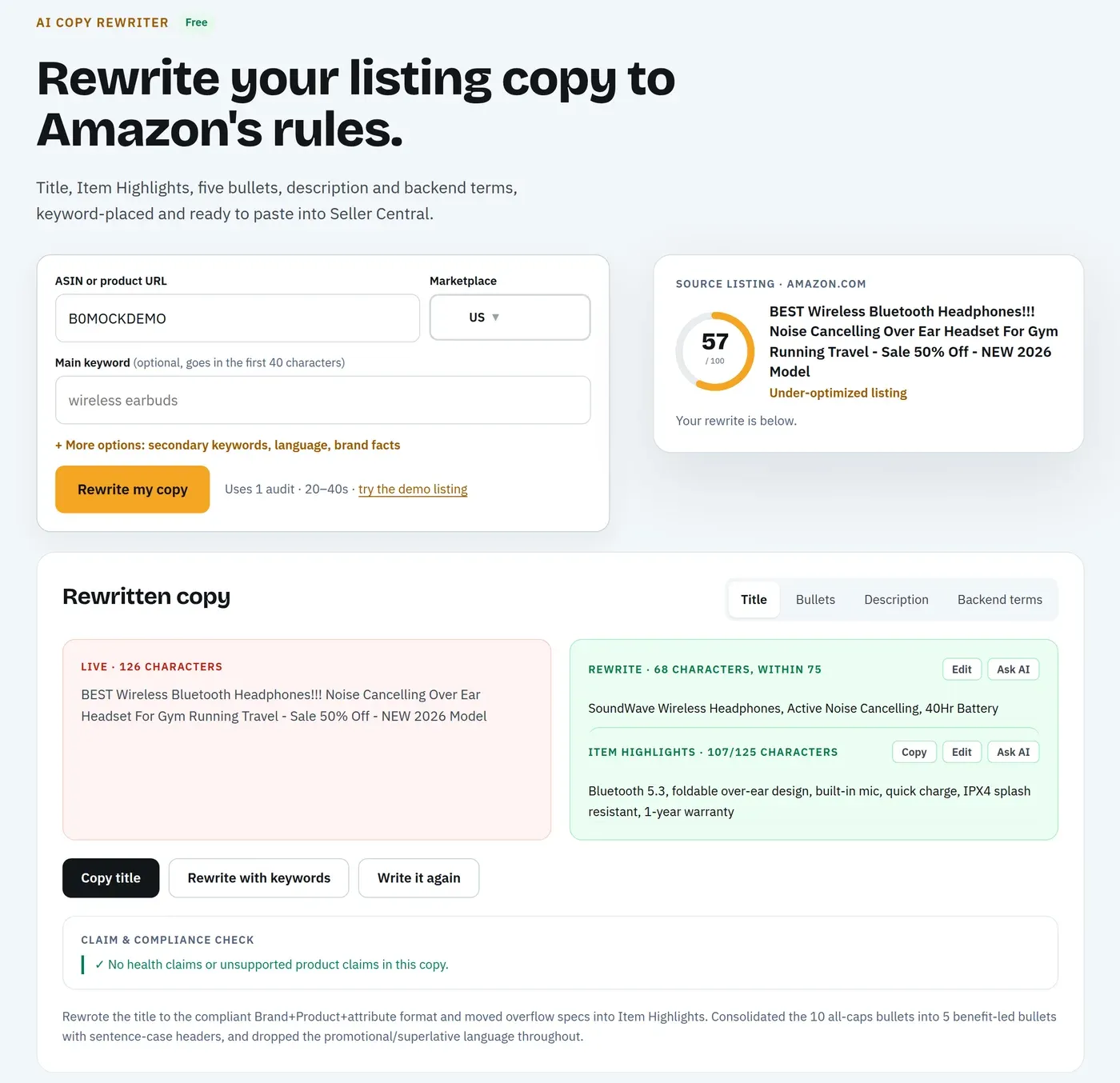
Yes, the AI Copy Rewriter takes a checked keyword list and the current listing, then generates a full replacement copy set, title, Item Highlights, five bullets, description, and backend search terms, with the keywords distributed by priority rather than requiring manual placement field by field. Each part stays editable afterward.
Place Your Keywords Automatically. The AI Copy Rewriter takes a checked keyword list and distributes it across the title, bullets, description, and backend search terms, ready to paste into Seller Central.
Try the AI Copy Rewriter Free