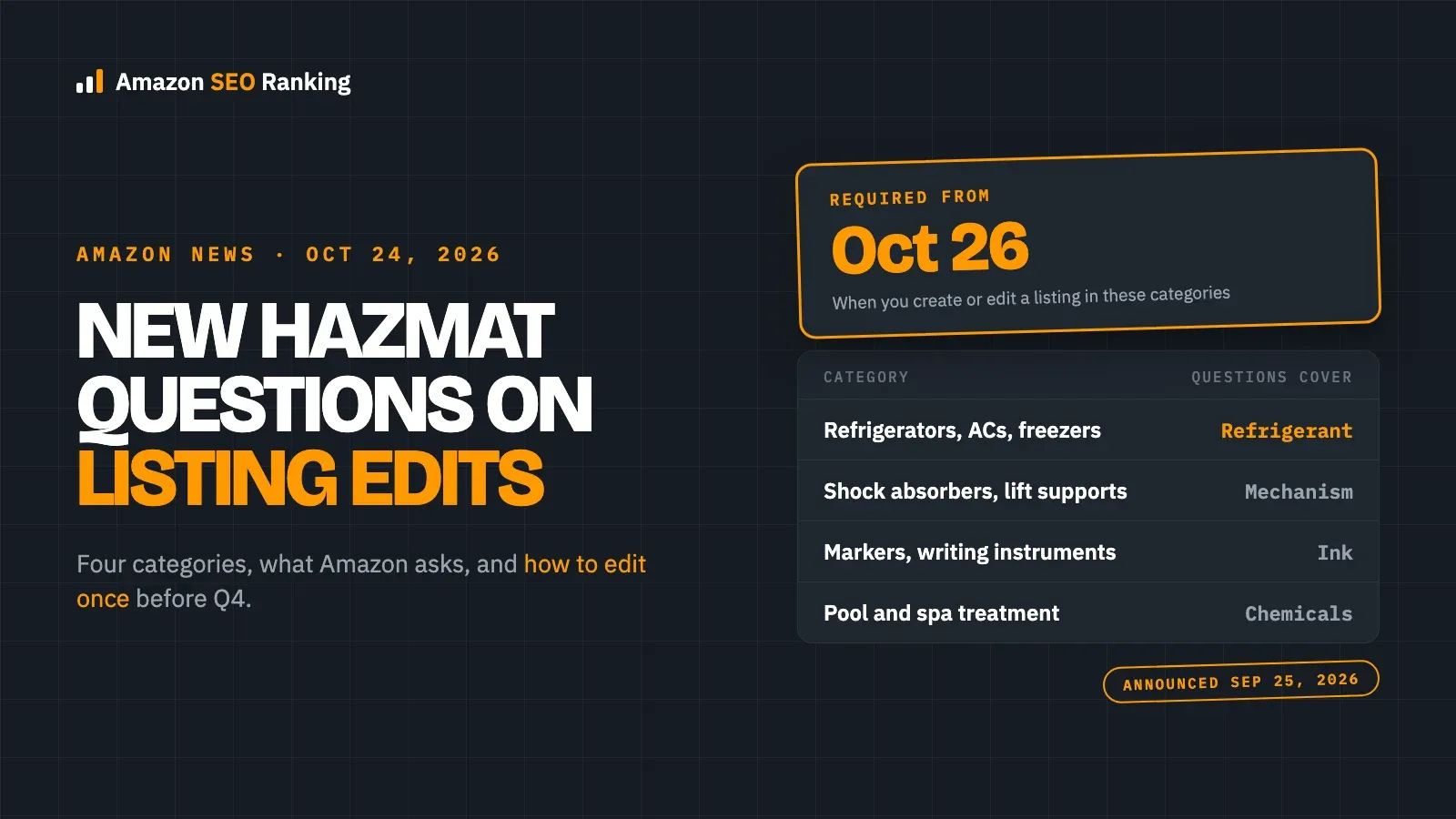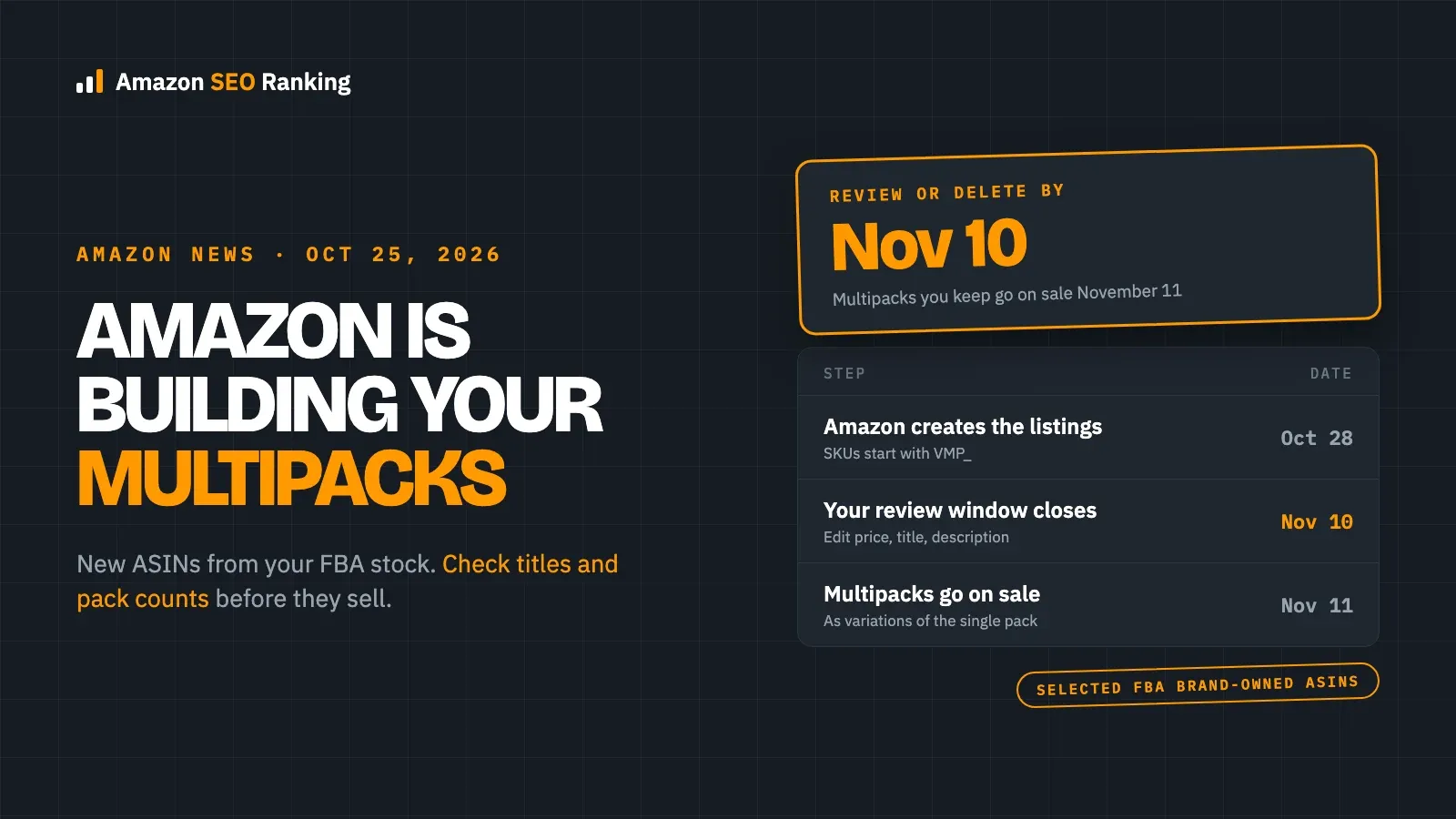
Amazon is creating a new wave of virtual multipacks for selected FBA brand-owned products, with every listing created by October 28, 2026. Sellers have until November 10 to review, edit or delete them, and any multipack still live on November 11 goes on sale to customers, according to the FBA notice shared on October 13.
A virtual multipack sells two or more units of one product as a single offer, picked from your existing single-pack FBA stock. Each one is a new listing with its own ASIN, SKU, title and description, and it appears as a variation on your single-pack product page. Amazon writes those listings, so the first time many sellers see them is in Manage All Inventory, two weeks before Black Friday on November 27.
This article covers what Amazon is creating, the three dates, how to find and edit the listings, and what to check on each one. It's for brand owners selling through FBA who received the notice, and for agencies managing those accounts.
Key Takeaways (TL;DR)
- Amazon creates virtual multipacks for selected FBA brand-owned products by October 28, 2026, and they go on sale on November 11 unless you delete them.
- Only products Amazon selects are included, chosen for strong multi-unit demand; sellers can't opt in, so check your account for the notice.
- Each multipack is a new ASIN and SKU starting with VMP_, shown as a variation on the single-pack page, priced by default at the per-unit list price times the pack size.
- You can change the price, title and description in Edit virtual multipack, but not the pack size, and a deleted multipack can't be brought back during the pilot.
- Check every multipack's title and description against the real quantity a buyer receives before November 10, because a pack-count mismatch on a new listing is a return waiting to happen.
Amazon Virtual Multipacks: at a Glance
The timeline comes from Amazon's notice; the editing rules come from Amazon's help page as summarized by Nova.
| Item | Detail |
|---|---|
| What it is | Two or more units of one product sold as one offer, fulfilled from single-pack FBA stock |
| Who gets them | Selected FBA brand-owned products with strong multi-unit demand; no manual opt-in |
| Listing | New ASIN and SKU (prefix VMP_), a variation on the single-pack page |
| Default price | Current per-unit list price times the pack size; a percentage discount is optional |
| You can edit | Price, title and description, in Edit virtual multipack |
| You can't change | Pack size; a deleted multipack can't be reactivated during the pilot |
| Key dates | Created by October 28, review until November 10, on sale November 11, 2026 |
What Amazon Announced
The notice, titled "Review your virtual multipack listings by November 10", came from the Fulfillment by Amazon team and was shared on October 13, 2026. It says Amazon will create all virtual multipacks by October 28, sellers can review or delete them through November 10, and every multipack not deleted becomes available to buy on November 11.
Amazon fulfills each order from your existing single-pack inventory, so nothing is repackaged. By default, the multipack uses the current per-unit list price, and you can set a percentage discount or run coupons or ads on it. To review them, go to Manage All Inventory and filter for VMP_. Edit virtual multipack changes the price, title or description; Delete listing in the menu removes one.
Some rules come from Amazon's help page rather than the notice. Nova's summary of it, published October 14, says the pack size can't be changed after creation, that a deleted multipack can't be reactivated during the pilot, and that edits made through other pages, flat-file templates or the API can break the listing. Amazon also creates a variation family if the single pack doesn't have one.
This isn't a new program. EcomCrew describes it as an expansion of a pilot sellers were already discussing in 2025, and sellers on the forum report multipacks appearing in waves through 2026.
Key Dates
| Date | What happens | What to do |
|---|---|---|
| October 13, 2026 | FBA notice reaches selected sellers | Check your account for it |
| By October 28 | Amazon creates all multipacks | Filter Manage All Inventory for VMP_ |
| October 28 – November 10 | Review window | Edit or delete each multipack |
| November 11 | Multipacks you kept go on sale | Check the live pages and the single pack |
| November 27 | Black Friday | Watch stock: each multipack order uses several units |
What It Means for Your Listings
New Listings You Didn't Write
Each multipack has its own title and description, and Amazon creates them. That copy is what a shopper reads when they pick the multipack in your variation selector, so it deserves the same check as a listing you wrote yourself: the title should state the pack clearly, keep your main keyword near the front, and stay inside the 75-character title limit covered in our guide to keywords for Amazon listings.
Pack Counts Have to Match Everywhere
Quantity is where multipacks go wrong. EcomCrew's example: if one sellable unit holds six sponges, a virtual two-pack holds twelve, and the title, images, variation selector and order all have to say so. A multipack title that says "2 pack" while the description still describes the contents of one unit is exactly the mismatch that turns into "not as described" returns.
Your Single-Pack Page Can Change Too
Because the multipack sits in the same variation family, your single-pack page now shows it as an option. One seller on the same forum thread reported on October 13 that a multipack's main image replaced the single pack's image on the product page. That's one report, not a confirmed bug, but it's worth checking your best sellers' images after October 28 and again after November 11.
What to Do Now: 6 Steps
- Check Seller Central for the notice. If you didn't get it, none of your products may be selected this round.
- From October 28, filter Manage All Inventory for VMP_ and list every multipack with its single-pack ASIN and pack size.
- For each one, write down the contents of one sellable unit, the number of units in the multipack and the total the buyer receives, then compare that with the multipack's title and description.
- Fix the title and description in Edit virtual multipack only, not through flat files or other tools, and decide on price: keep the default or set a percentage discount after working out your margin with your real fees.
- Delete any multipack that makes no sense for the product, remembering that a deleted one can't be reactivated during the pilot.
- After November 11, open the live multipack and single-pack pages, confirm images and quantities, and forecast stock by units per order, not orders.
What We Don't Know Yet
- Which marketplaces this wave covers. The notice doesn't name one; the help page link points to the US site.
- How Amazon picks the products beyond "strong multi-unit demand", and whether you can keep a product out of future waves.
- Whether multipack sales show up in your usual Seller Central reports, so plan to track them by SKU.
Everything You Need to Know About Amazon Virtual Multipacks
| Topic | Summary |
|---|---|
| What changed | Amazon creates multi-unit offers of selected FBA brand-owned products |
| Key dates | Created by October 28; review until November 10; on sale November 11, 2026 |
| How to find them | Manage All Inventory, filter VMP_ |
| What you can edit | Price, title, description (Edit virtual multipack) |
| What you can't | Pack size; deleted multipacks can't be restored during the pilot |
| Main risk | Pack-count mismatches between title, description, images and order |
| Stock effect | Each multipack order draws several single units |
Check Your Multipack Titles and Pack Counts, Free
Amazon SEO Ranking audits a live listing against a published 12-criteria rubric, and its consistency check flags pack counts and unit counts that disagree across the title, Item Highlights, bullets, description and spec table, on every plan with no AI call. Run it on the single-pack listing now, since that's the page Amazon builds each multipack from and the one shoppers land on first, then on each multipack once it's live on November 11. If a multipack's title needs rewriting, the AI Copy Rewriter writes one built on the spec table with the 75-character limit enforced in code, ready to paste into Edit virtual multipack.
It's built for brand owners checking a handful of listings before the holidays, and for agencies covering client catalogs: a bulk run audits up to 100 ASINs on Pro and 500 on Agency, on any of 20 Amazon storefronts.
The free plan includes 3 audits a month with no card required, enough to check your top single-pack listings before the November 10 deadline. For a catalog, Pro costs $79 a month and starts with a 7-day free trial.
FAQ
What is an Amazon virtual multipack?
An Amazon virtual multipack is an offer that sells two or more units of the same product together, fulfilled by picking that many units from your existing single-pack FBA inventory. Nothing is repackaged. Each multipack has its own ASIN and SKU, starting with VMP_, and appears as a variation on the single-pack product page. Amazon creates them for selected FBA brand-owned products with strong multi-unit demand.
When do Amazon's virtual multipacks go live in 2026?
Amazon's virtual multipacks go live on November 11, 2026, according to the FBA notice shared on October 13. Amazon creates all of them by October 28, and sellers have until November 10 to review, edit or delete them. Every multipack that hasn't been deleted by then becomes available for customers to buy on November 11, about two weeks before Black Friday.
How do I find my virtual multipacks in Seller Central?
You find your virtual multipacks in Seller Central by going to Manage All Inventory and filtering for VMP_, the prefix every multipack SKU starts with. To change the price, title or description, click Edit virtual multipack. To remove one, open the menu on that row and choose Delete listing. Make changes only through Edit virtual multipack, because edits through other pages or templates can break the listing.
Can I opt out of Amazon virtual multipacks?
You can't opt in or out of the program itself, because Amazon selects the products, but you can delete any multipack it creates before or after it goes live. A deleted multipack can't be reactivated during the pilot, so decide before you delete. The notice doesn't say whether you can keep a product out of future waves.
Can I change the pack size of a virtual multipack?
No, you can't change the pack size of a virtual multipack after Amazon creates it. You can change its price, title and description in Edit virtual multipack. If a pack size makes no sense for your product, for example a two-pack of something shoppers never buy in pairs, the option is to delete that multipack, keeping in mind it can't be restored during the pilot.
How are virtual multipacks priced?
Virtual multipacks are priced by default at your current per-unit list price multiplied by the pack size, and the price follows changes to the single pack. You can set a percentage discount on the multipack, or run coupons and ads on it. Work out the margin with your real fees before adding a discount, since fulfillment and referral fees apply to the whole order.
Do virtual multipacks affect my single-pack listing?
Yes, virtual multipacks can affect your single-pack listing, because they sit in the same variation family and share its inventory. Shoppers see the multipack as an option on your product page, and every multipack order uses several units of single-pack stock. One seller reported a multipack image replacing the single-pack image, so check your main listing's images after the multipacks are created.
Check the single-pack listings Amazon builds your multipacks from before November 10. Three free audits a month, no card required.
Run free audit