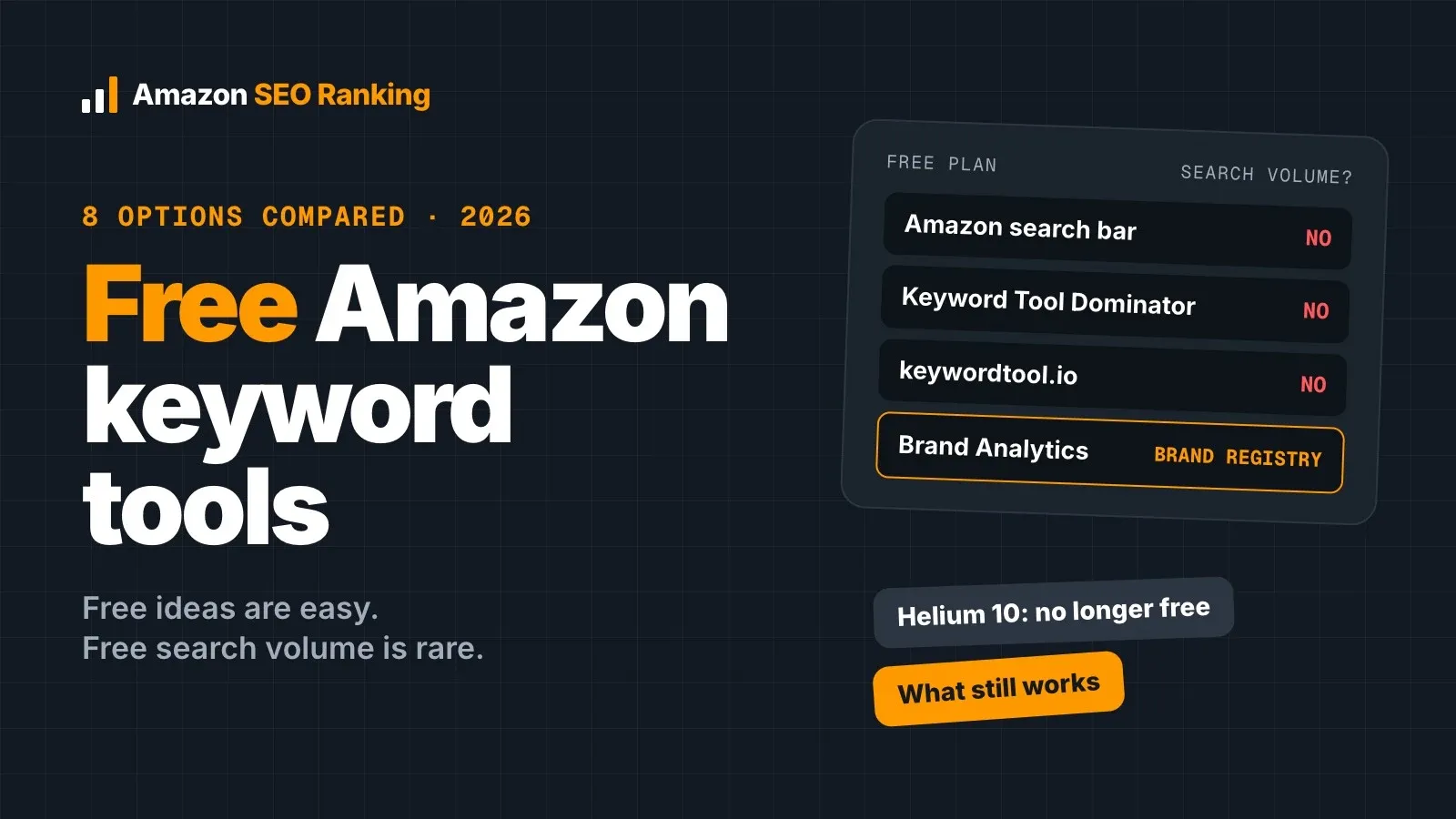
Yes, a free Amazon keyword tool can work, as long as you know which job it does. Most free options give you keyword ideas. Very few give you search volume, and the ones that do usually need Brand Registry or cap you at a couple of searches a day.
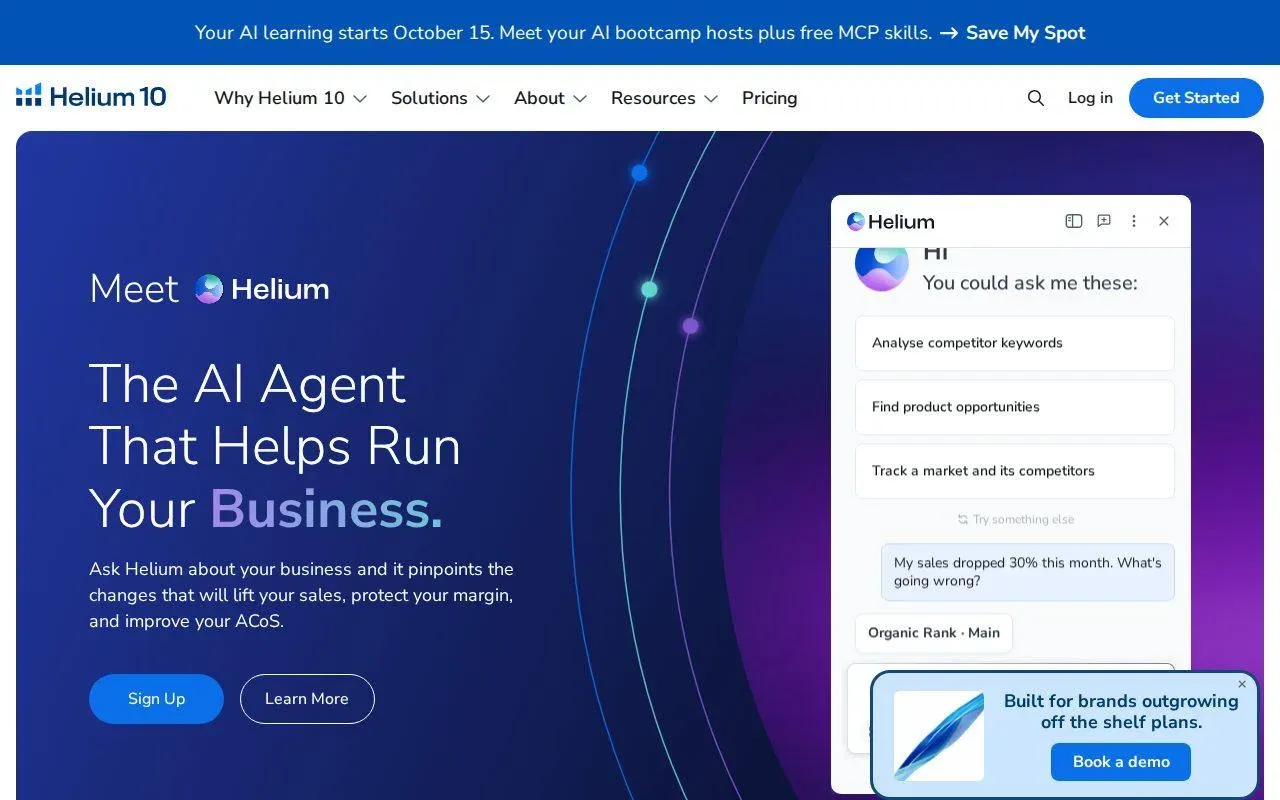
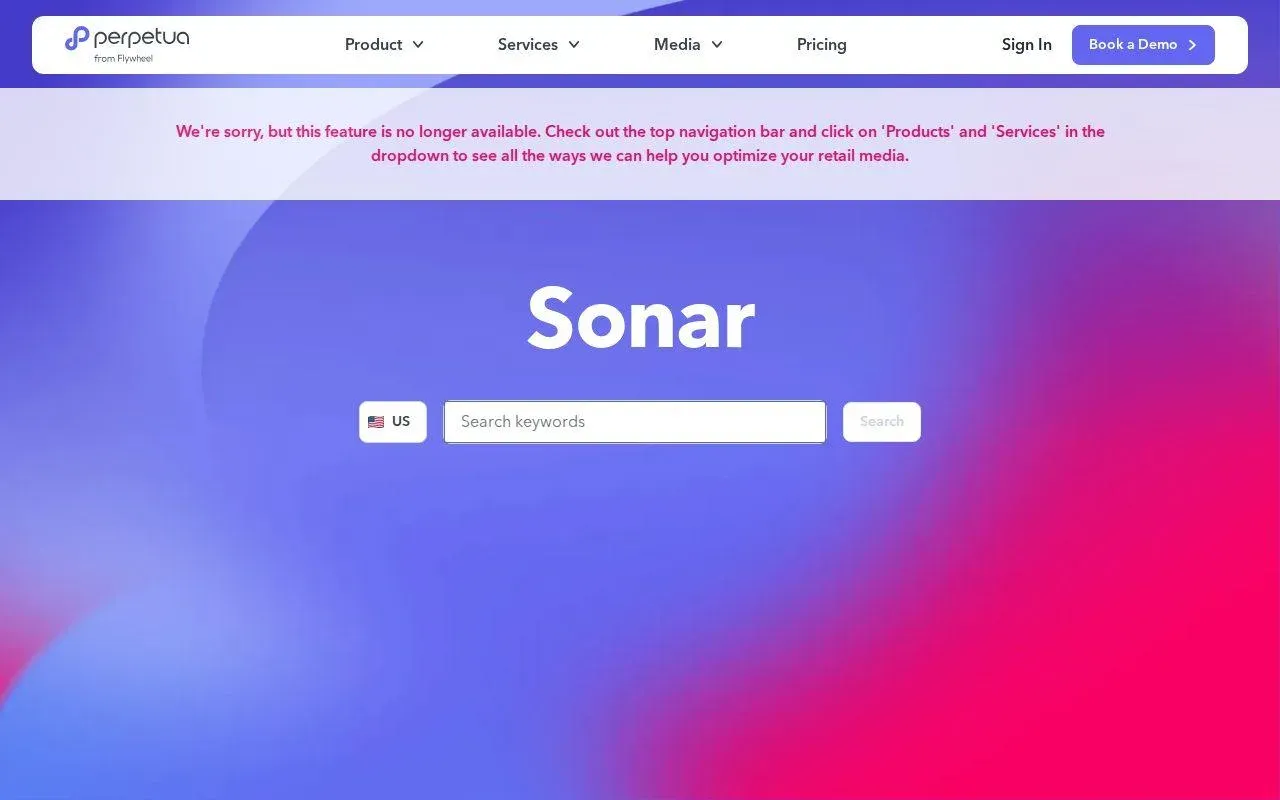
We compared the tools recommended on the top-ranking "free Amazon keyword tool" lists, checking plan details on vendor pages where they publish them. Two of the most-cited ones no longer offer free keyword research at all: Helium 10 removed Magnet and Cerebro from its Free plan, and Perpetua's Sonar page now says the feature is gone.
Below are the eight free options that still work, what each one returns, and the point where free data stops being enough to write a listing.
Key Takeaways
- Free ideas are easy. Amazon's own search bar, Keyword Tool Dominator and keywordtool.io all generate long-tail phrases from Amazon autocomplete at no cost.
- Free search volume is rare. The only first-party source is Amazon Brand Analytics (Search Query Performance), and it requires Brand Registry.
- Helium 10's Free plan lists Magnet and Cerebro as not included, per its own help center (updated May 2026). Many 2026 roundups still say otherwise.
- Perpetua's Sonar, a long-time favourite, now shows a "no longer available" notice.
- Without Brand Registry, a small Sponsored Products auto campaign gives you real shopper queries, but it costs ad spend.
- Free tools cover discovery. Once you need volume across marketplaces, or need to check that keywords landed in a 75-character title and a 249-byte backend field, you'll hit their limits.
Free Amazon Keyword Tool: at a Glance
| Tool | What you get free | Search volume? | Main catch |
|---|---|---|---|
| Amazon search bar (autocomplete) | Live shopper phrases, every marketplace | No (order hints at demand) | Manual, no export |
| Amazon Brand Analytics (SQP) | First-party query volume, clicks, cart adds, purchases | Yes, from Amazon | Brand Registry only |
| Sponsored Products search term report | Real queries that triggered your ads | Impressions and clicks | Costs ad spend |
| Keyword Tool Dominator | Autocomplete A–Z expansion, 1–100 score | No | About 2 searches/day |
| Keywordtool.io (free) | Autocomplete suggestions by marketplace | No (Pro only) | Fewer keywords than Pro |
| SellerApp free keyword tool | Estimated volume, CPC, reverse ASIN | Estimated | Results cut off on free |
| SISTRIX Amazon keyword tool | Up to 100 related terms sorted by demand, top products, brands | Relative demand | One seed at a time |
| Amazon SEO Ranking (Free plan) | 249-byte backend checker, 3 listing audits/month | No (Pro trial: 16 marketplaces) | Volume needs the 7-day trial |
What a Free Amazon Keyword Tool Can and Can't Tell You
Every free Amazon keyword tool pulls from one of three sources. The source tells you how far to trust the output.
- Amazon autocomplete. The dropdown under Amazon's search bar. Suggestions come from real shopper searches, so a phrase that shows up has some demand. No number is attached.
- Amazon's first-party reports. Brand Analytics and the ad search term report hold Amazon's own counts, limited to brand owners or to queries your ads touched.
- Modelled databases. Third-party tools estimate volume. Amazon doesn't publish raw search counts, which is why Perpetua described its Sonar volumes as the output of a prediction algorithm.
Free tiers rarely include exact monthly volume, coverage outside the US, deep reverse ASIN data or exports. So the workflow later in this guide pairs a discovery tool with a separate validation source.
The 8 Best Free Amazon Keyword Research Tools in 2026
The order below reflects how useful each free version is without upgrading.
1. Amazon's Search Bar (Autocomplete)
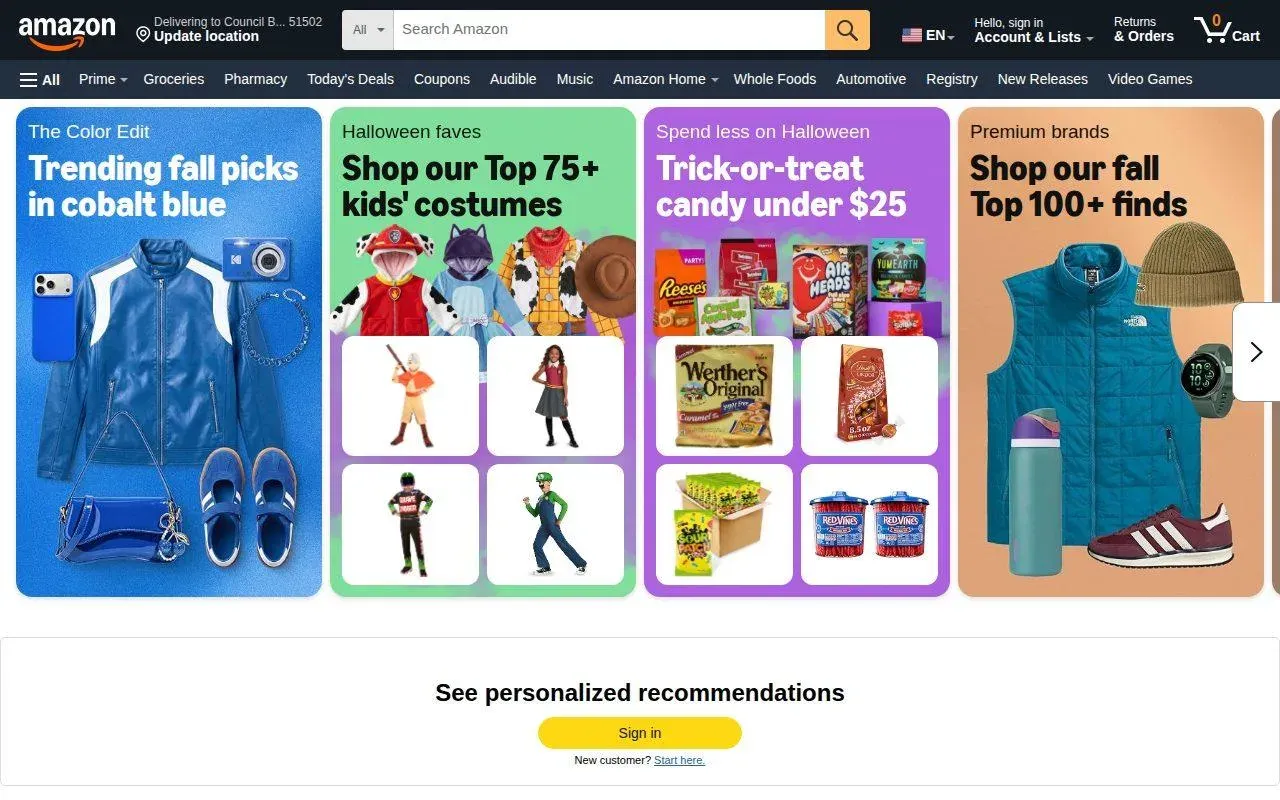
Type a seed term into Amazon's search bar and read the dropdown. This is the free Amazon keyword generator every paid tool builds on.
To go deeper, use the A-to-Z method: type "yoga mat ", then add *a*, *b*, *c* and so on. Each letter returns a new batch of completions, many of them long-tail phrases with clear intent, like "yoga mat for hot yoga".
Run it on the marketplace you sell in. Suggestions on amazon.de or amazon.co.jp won't match amazon.com. Use a private window, since your own browsing history can shape what you see.
Limit: no volume, no export, one phrase at a time.
2. Amazon Brand Analytics: Search Query Performance
If you're brand-registered, this is the best free Amazon keyword research tool you have, because the numbers come from Amazon itself. Go to Seller Central → Brands → Brand Analytics → Search Query Performance.
Each query shows search query volume plus impressions, clicks, cart adds and purchases, with your brand's share of each. The dashboard covers the top 1,000 queries tied to your brand. Next to it, the Top Search Terms report ranks queries by search frequency rank, where rank 1 is the most-searched term in the marketplace that week.
Limit: Brand Registry requires an active or pending trademark. And the report centres on queries you already compete in, so it helps less with a brand-new product.
3. Sponsored Products Search Term Report
Strictly, this is an ads report. It's also the cheapest way to see real Amazon queries without Brand Registry.
Run a low-budget automatic Sponsored Products campaign for one to two weeks. Then open the search term report under Measurement & Reporting. You'll see the exact phrases shoppers typed before seeing your ad, with impressions, clicks and orders.
Limit: it costs ad spend, and it only shows queries Amazon matched to your ads.
4. Keyword Tool Dominator
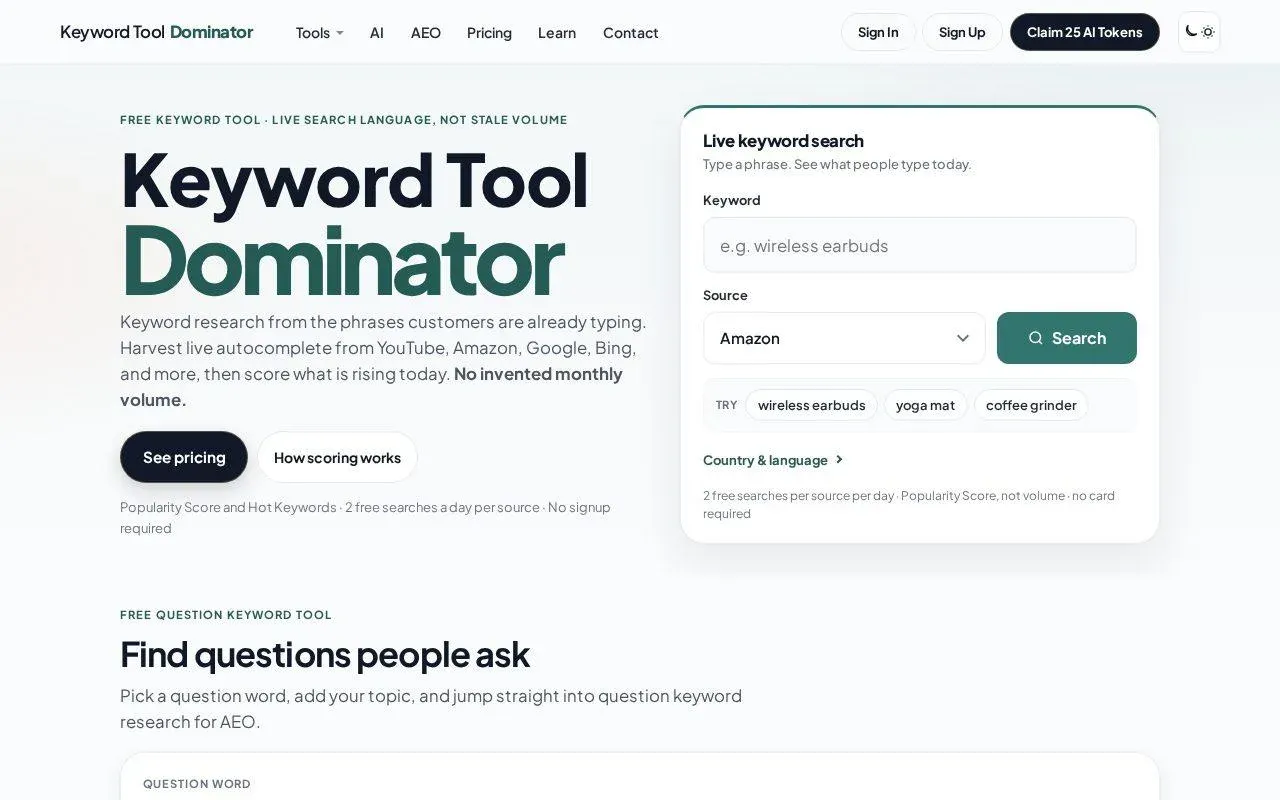
Keyword Tool Dominator automates the A-to-Z autocomplete method and gives each phrase a 1–100 score based on how often it appears in suggestions. Emplicit's July 2026 review counted 2 free searches per day, applied separately to the keyword tool and the reverse ASIN tool.
Good for building a long-tail list in minutes. The score is a popularity signal, so treat it as a sort order rather than a volume.
5. Keywordtool.io (Free Version)
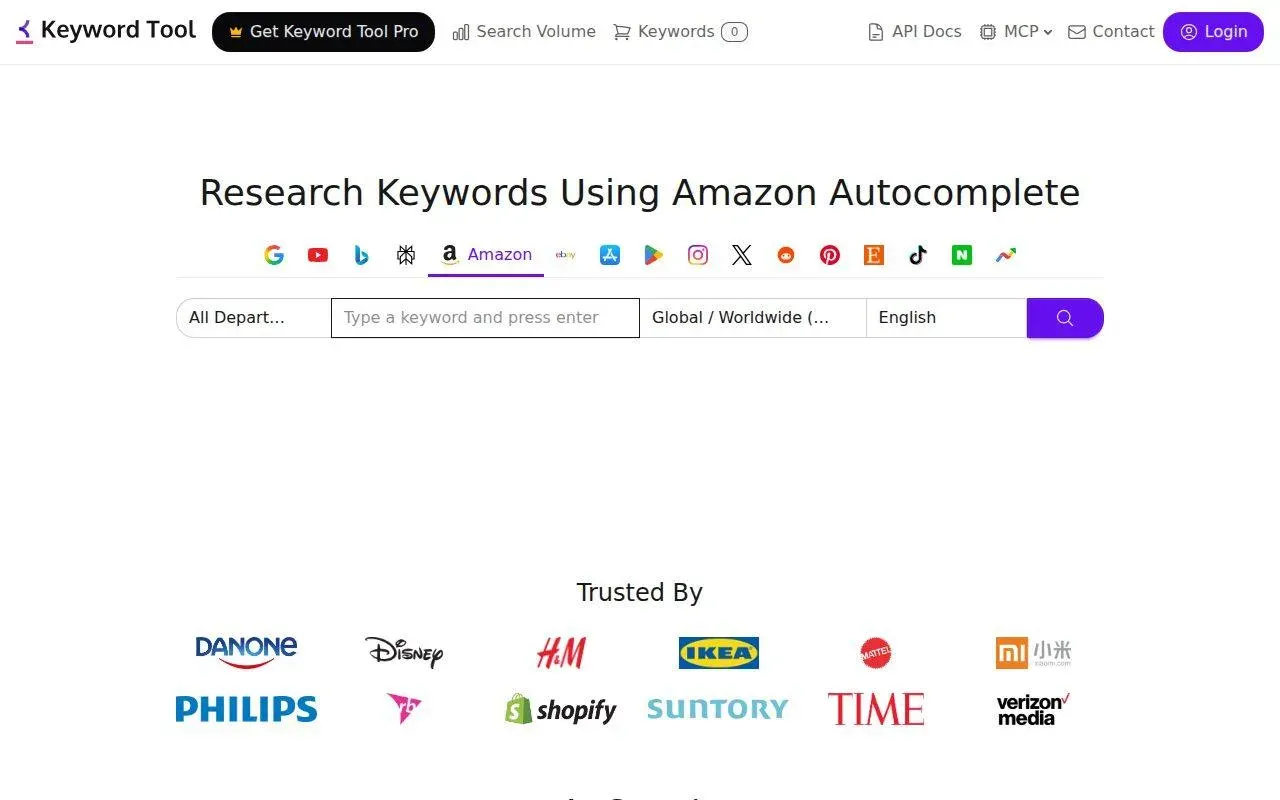
This free Amazon keyword search tool pulls autocomplete suggestions by marketplace and language, which makes it handy for sellers working outside English. Search volume estimates and roughly double the keyword count sit in the paid Keyword Tool Pro.
6. SellerApp Free Amazon Keyword Tool
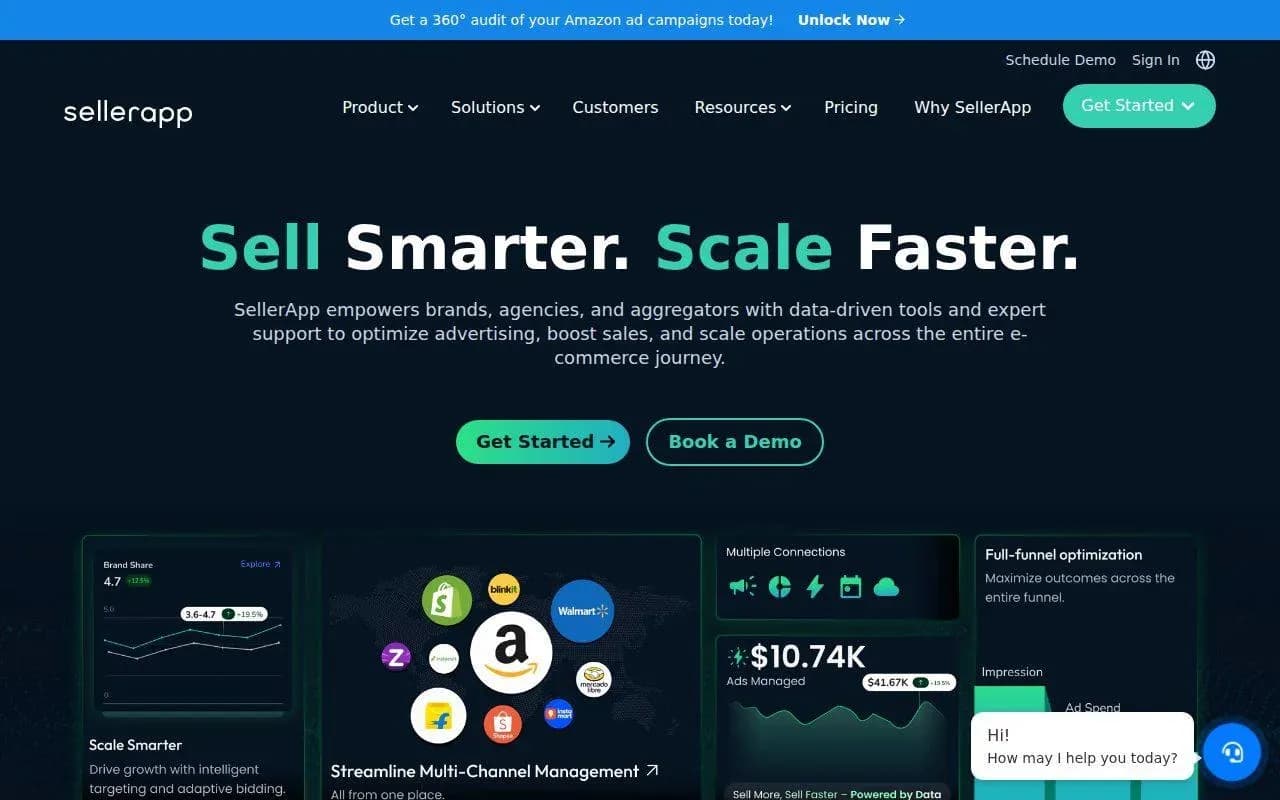
SellerApp's free tool shows estimated monthly search volume, CPC and a Keyword Power score, plus a basic reverse ASIN lookup. Free lookups return a limited set of keywords, so it works for checking a shortlist of 10–20 terms. It won't build a full list.
7. SISTRIX Free Amazon Keyword Tool
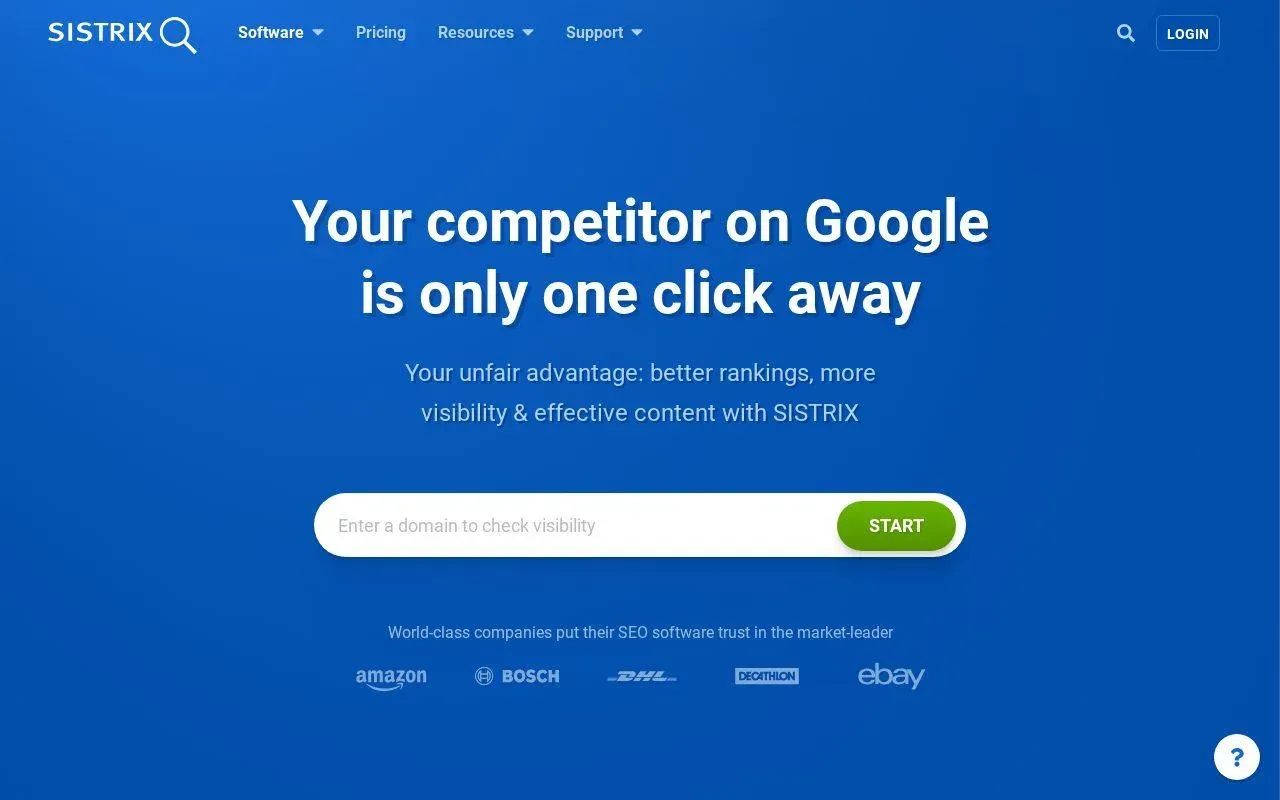
Enter one keyword and SISTRIX returns up to 100 related terms sorted by demand, the products ranking for them, and the brands those products belong to. The brand view is the useful part: you see who already owns a niche before you write a single bullet.
Limit: demand is relative, and you work one seed at a time.
8. Amazon SEO Ranking (Free Plan)
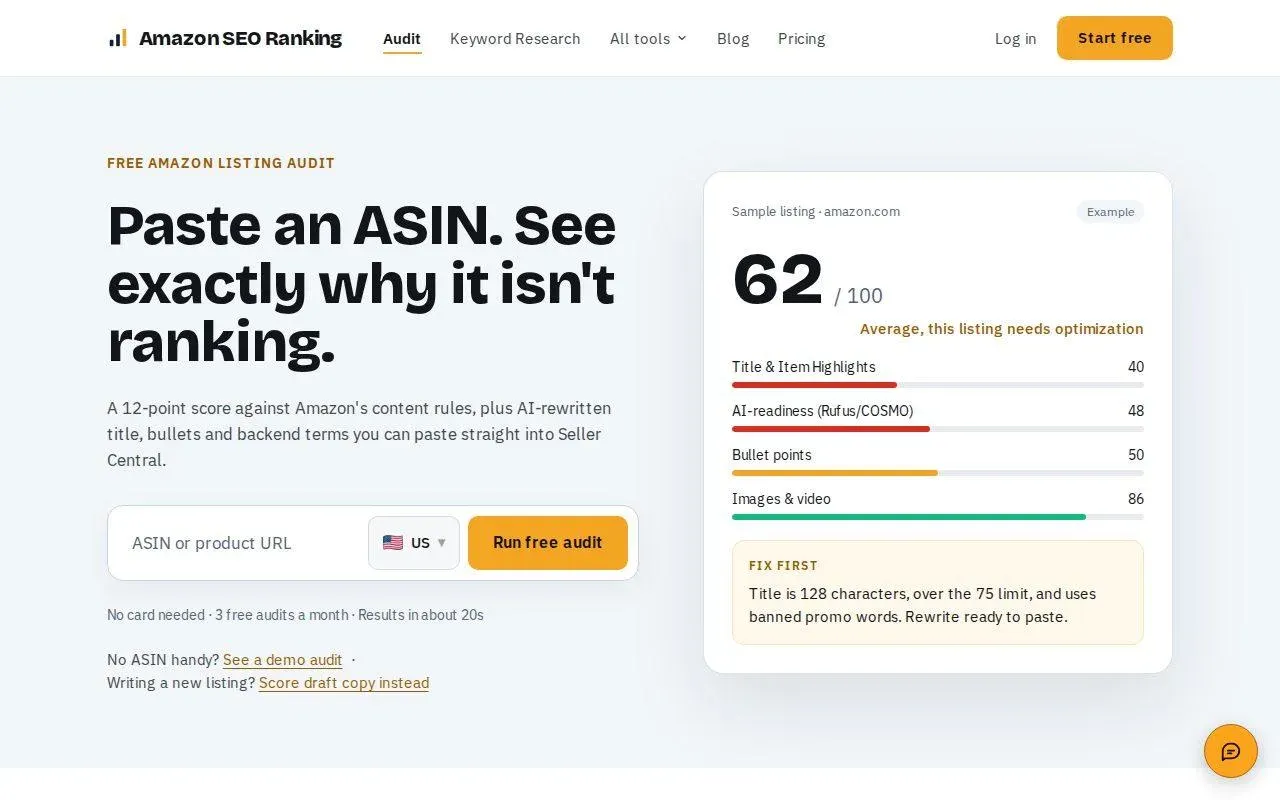
The Free plan shows a preview of keyword search volume: the first 3 results of each search, up to 30 lookups a month. What it does include, with no card: the Backend Search Terms Checker (Amazon's 249-byte limit), 3 listing audits a month against a published 12-criteria rubric (plus 3 bonus audits, once, for leaving a review), free pack-count and claim consistency checks, and an AI rewrite where you set the target keyword to place early in the title. It works across 20 Amazon storefronts.
Full keyword volume is in the Search volume tool, part of Pro ($79/month, see Amazon SEO Ranking pricing). Pro includes 2,000 keyword lookups a month. The Search volume tool covers 16 marketplaces; the Keyword ideas, "What I rank for" and Competitors tools cover the US, Egypt, Saudi Arabia and UAE. Pro starts with a 7-day free trial. Volumes appear with "≈" because they are estimates, and the Keyword ideas tool grades ideas by relevance to your seed (Close match, Related or All), so off-topic terms are easy to drop.
Best for: checking whether the keywords you found with tools 1–7 made it into your title, bullets and backend field.
Free Amazon Keyword Tools That Are No Longer Free
Two tools still show up on most "free Amazon keyword tool" lists published in 2026. Neither offers free keyword research today.
Helium 10 Magnet and Cerebro
Helium 10's own plan breakdown, updated May 13, 2026, marks both Magnet and Cerebro as not included on the Free plan. Free users get 2 Listing Analyzer searches a month and 5 lifetime Black Box uses. Even the paid Platinum plan now caps Cerebro (with Magnet) at 100 uses a month, and Platinum costs $129 monthly or $99 a month billed annually.
For comparison, Amazon SEO Ranking Pro is $79 a month with 2,000 keyword lookups. A Keyword ideas search costs 10 lookups, so that equals 200 related-keyword searches or 2,000 single-keyword volume checks. For the full breakdown, see Amazon SEO Ranking vs Helium 10.
Sonar by Perpetua
The Sonar page now opens with a notice that the feature is no longer available. Before that, it covered only Amazon US and Germany.
Its database also held only keywords where an ASIN ranked on page one, so new or low-ranking products often returned nothing. Most reverse ASIN tools share that gap. Amazon SEO Ranking's Competitors tool handles it by falling back to the top organic results for a phrase from the listing's title, labelled as found by search (US, Egypt, Saudi Arabia and UAE).
The practical lesson: before you build a workflow around any free tier, open the vendor's own plan page. Roundups go stale faster than pricing tables.
Free Amazon Keyword Search Volume: Where the Numbers Come From
Amazon search volume figures come in three grades. Mixing them up is how sellers end up chasing a "50,000 searches" keyword that never moves sales.
| Source | What the number means | Free access |
|---|---|---|
| Brand Analytics, Search Query Performance | Amazon's count of searches for that query in the period | Brand Registry |
| Brand Analytics, Top Search Terms | A rank, where 1 is the most-searched term (lower is bigger) | Brand Registry |
| Ad search term report | Impressions and clicks on your own ads | Ad spend |
| Third-party tools | A modelled estimate, best read as a range | Limited lookups, or a trial |
Read third-party volumes as ranges. Two tools can disagree on the same keyword and both be reasonable estimates. What matters is the order: which of your 20 candidates is biggest, and which is close to zero. Amazon SEO Ranking marks its volumes with ≈ for the same reason.
How to Do Amazon Keyword Research Free in 5 Steps
This workflow uses only free sources and takes about an hour per product.
- Collect seeds from facts. Pull 5–10 seed terms from your own spec table (product type, material, size, count, use) and from the titles of the top 3 competitors.
- Expand with autocomplete. Run each seed through Amazon's search bar with the A-to-Z method, then through Keyword Tool Dominator or keywordtool.io for a longer list. Repeat on every marketplace you sell in.
- Validate demand. Brand-registered? Check Search Query Performance and Top Search Terms. Not registered? Check your shortlist in SellerApp or SISTRIX, and run a small automatic campaign to see real queries.
- Assign every keyword a place. The main keyword goes early in the title. Secondary keywords go into Item Highlights and bullets, written as sentences a shopper would read. Synonyms, alternate spellings and leftover terms go into the backend search terms, under 249 bytes, without repeating words already visible on the listing.
- Check before you publish. Confirm title length, the backend byte count, and that no keyword drags in a claim the product can't support. A keyword like "organic" or "protein" can rank and still get the listing flagged if the spec table doesn't back it.
For the byte count in step 5, the free Backend Search Terms Checker in Amazon SEO Ranking works on any plan.
Five free tools also mean five separate exports. In Amazon SEO Ranking, every table has Copy table (pastes straight into Google Sheets or Excel), and Add to workbook collects keyword lists, competitors and gaps into one linked .xlsx.
When a Free Keyword Tool for Amazon Stops Being Enough
Free tools hold up well for one product on one marketplace. They start to strain in four situations.
- You sell in more than one marketplace. Autocomplete works anywhere, but free volume data thins out fast outside the US (Sonar covered only the US and Germany before it closed). A listing tuned for amazon.com isn't automatically tuned for amazon.de. Amazon SEO Ranking audits listings on 20 storefronts, rewrites copy in 12 languages and checks volume in 16 marketplaces.
- You manage more than a handful of ASINs. Two searches a day per tool means a 30-ASIN catalog takes weeks to research. Bulk Optimization runs the audit and rewrite across up to 100 ASINs per run on Pro, or 500 on Agency, each with its own marketplace and target keywords.
- You need to prove the work. Agencies reporting to a client need consistent numbers and a method someone else can check. Free tools change limits without notice, as Helium 10 and Sonar show. Amazon SEO Ranking publishes all 12 scoring criteria, and the Agency plan adds Keyword gap across up to 20 ASINs, white-label PDF reports and API access.
- You research with ChatGPT or Claude. An AI assistant can brainstorm phrases, but it can't see Amazon search volume. On Pro and Agency, the Claude connector lets Claude call Amazon SEO Ranking's keyword volume, related-keyword and listing-check tools directly.
At that point, compare the cost of a paid plan with your time. If research for one listing takes an hour across five free tools, ten listings a month is more than a full working day.
Everything You Need to Know About Free Amazon Keyword Tools
| Question | Short answer |
|---|---|
| Is there a free Amazon keyword tool that works? | Yes for ideas (Amazon autocomplete, Keyword Tool Dominator, keywordtool.io). Free volume is limited to Brand Analytics or capped estimates. |
| Best free source of real search volume | Brand Analytics Search Query Performance, for brand-registered sellers |
| Best option without Brand Registry | Autocomplete for ideas, SellerApp or SISTRIX for demand, a small auto campaign for real queries |
| Is Helium 10 Magnet free? | No. Helium 10's Free plan lists Magnet and Cerebro as not included (May 2026). |
| Is Sonar still free? | No. Perpetua's Sonar page says the feature is no longer available. |
| How accurate are free volume numbers? | Third-party figures are estimates. Use them to rank keywords, not to forecast sales. |
| Where do the keywords go? | Main keyword early in the title, secondary terms in Item Highlights and bullets, the rest in the 249-byte backend field |
| Biggest free-tool limit | Daily caps (often 2 searches) and thin coverage outside the US |
| When to upgrade | Multiple marketplaces, a catalog of more than a handful of ASINs, or client reporting |
| Free check after research | Amazon SEO Ranking's Free plan: 249-byte backend checker and 3 listing audits a month, no card |
Score Your Listing Free with Amazon SEO Ranking
Finding keywords is half the job. The other half is getting them into a listing that passes Amazon's rules and doesn't promise something the product can't back up.
Amazon SEO Ranking checks that half, with two things none of Helium 10, Jungle Scout, SellerApp, AMZScout or ZonGuru fully match:
- A published method. All 12 criteria and their pass rules are public, and each counts equally. You can see exactly why an Amazon listing audit scored 64.
- AI copy that's safe to paste. Rewrites use your listing's spec table and your brand fact sheet, and every draft is checked for health claims, unsupported claims and pack-count mismatches before you see it.
You can also try it on your own ASIN for free: 3 audits a month, no card, across 20 Amazon storefronts.
It's built for sellers whose listing is live, or about to launch, and needs to rank better, and for agencies that need a score they can explain to a client.
FAQ
Is there a free Amazon keyword tool that actually works?
Yes, there is a free Amazon keyword tool that actually works for keyword ideas: Amazon's own search bar autocomplete, which costs nothing and reflects real shopper searches. Keyword Tool Dominator and keywordtool.io automate it, with Keyword Tool Dominator capped at about 2 free searches a day. For search volume, the only free first-party source is Amazon Brand Analytics, which requires Brand Registry. Third-party free tiers such as SellerApp show estimated volume for a limited number of keywords.
What is the best free Amazon keyword research tool?
The best free Amazon keyword research tool is Amazon Brand Analytics' Search Query Performance dashboard, if you have Brand Registry. It shows Amazon's own search query volume plus clicks, cart adds and purchases for the top 1,000 queries tied to your brand. Without Brand Registry, the strongest free combination is Amazon autocomplete for ideas and SellerApp or SISTRIX for demand signals. SISTRIX returns up to 100 related terms per seed, sorted by demand.
Can I get Amazon keyword search volume for free?
You can get Amazon keyword search volume for free through Brand Analytics, but only as a brand-registered seller with an active or pending trademark. Unregistered sellers can see impressions and clicks for real queries in the Sponsored Products search term report, which costs ad spend. Free third-party tiers offer estimated volume with caps, often 2 searches a day. Paid tools also show estimates, since Amazon does not publish raw search counts to third parties.
Is Helium 10 free for keyword research?
Helium 10 is not free for keyword research in 2026, because its Free plan lists Magnet and Cerebro as not included. That status comes from Helium 10's own plan page, updated May 13, 2026. The cheapest plan with keyword research is Platinum, at $129 monthly or $99 a month billed annually. Platinum caps Cerebro, including Magnet, at 100 uses a month.
How do I find keywords for Amazon for free?
You find keywords for Amazon for free by typing a seed term into Amazon's search bar and recording the autocomplete suggestions for each letter from A to Z. Add the phrases from the top 3 competitor titles and your own spec table, such as size, material and count. Validate the shortlist in Brand Analytics if you have Brand Registry, or in SellerApp's free tool if you don't. Place the main keyword early in the title and the rest in bullets and the 249-byte backend field.
Does Amazon have its own keyword tool?
Amazon has its own keyword data in Brand Analytics, available free to Brand Registry sellers in Seller Central under Brands → Brand Analytics. Its Top Search Terms report ranks queries by search frequency, where rank 1 is the most-searched term that week. Search Query Performance adds query volume, clicks, cart adds and purchases. Amazon Ads also suggests keywords when you build a Sponsored Products campaign.
How accurate are free Amazon keyword search volume estimates?
Free Amazon keyword search volume estimates are modelled figures, so treat them as ranges rather than exact counts. Amazon does not publish raw search volume to outside tools, which means every third-party number is a prediction. Two tools can show different numbers for the same keyword and both be reasonable. Use estimates to rank keywords against each other, and check the top terms against Brand Analytics when you can.
Can ChatGPT or Claude do Amazon keyword research for free?
ChatGPT or Claude can do Amazon keyword research for free only at the brainstorming stage, because neither sees Amazon search volume or live listings. They suggest plausible phrases but can't tell you whether 50 or 50,000 shoppers search for them each month. They can also miscount characters, which matters in a 249-byte backend field. On Amazon SEO Ranking's Pro and Agency plans, the Claude connector gives Claude 6 tools, including keyword volume, related keywords and a listing copy check, so its suggestions rest on Amazon data.
Why pay for an Amazon keyword tool if free tools exist?
Paying for an Amazon keyword tool makes sense once free caps cost more time than the subscription. At 2 free searches a day, researching a 30-ASIN catalog takes weeks. Free volume data also thins out outside the US, while Amazon SEO Ranking's Pro plan costs $79 a month for 2,000 keyword lookups, with volume checks in 16 marketplaces and related-keyword tools in 4 (US, Egypt, Saudi Arabia, UAE), and starts with a 7-day free trial. If you sell one product in one marketplace, the free stack in this guide is enough.
Run a free audit on your ASIN. Paste an ASIN, see which criteria your listing fails, and score a draft before it goes live. The audit takes 10–20 seconds and never changes anything on Amazon.
Run free audit