Pick two or three competitors actually ranking for your target keyword, grade each one against the same seven categories you'd use to audit your own listing, and look for the single largest gap rather than a vague overall impression. That gap is usually the real explanation for a rank difference, and it's rarely the one sellers guess first.
For the process this builds on, see how to audit an Amazon listing for SEO.
Pick competitors by keyword, not by category
A competitor worth comparing against is one that shares your actual target keyword in search results, not just any listing selling something similar. Two products can compete on Amazon's category page while barely overlapping on search terms, and grading against the wrong comparison set just produces noise.
What's visible to grade
Everything in the seven audit categories except backend search terms: title format and length, bullet structure, image count and quality, A+ Content presence, review count and rating, and browse-node classification. All of it is sitting on the public listing page.
What isn't
Backend search terms, actual conversion rate, and sales velocity: account-level data no outside observer can see, competitor or not. Don't guess at these; grade what's actually visible and treat the rest as unknown rather than inferring it from indirect signals.
The pattern worth watching for
Sellers comparing listings usually check title first, since it's the most obvious field. In practice, image count and quality more often explain the gap. Two listings can be nearly tied on keyword coverage while one runs three images and the other nine, and that difference alone often accounts for more of the rank gap than any wording difference in the title.
Doing this at scale
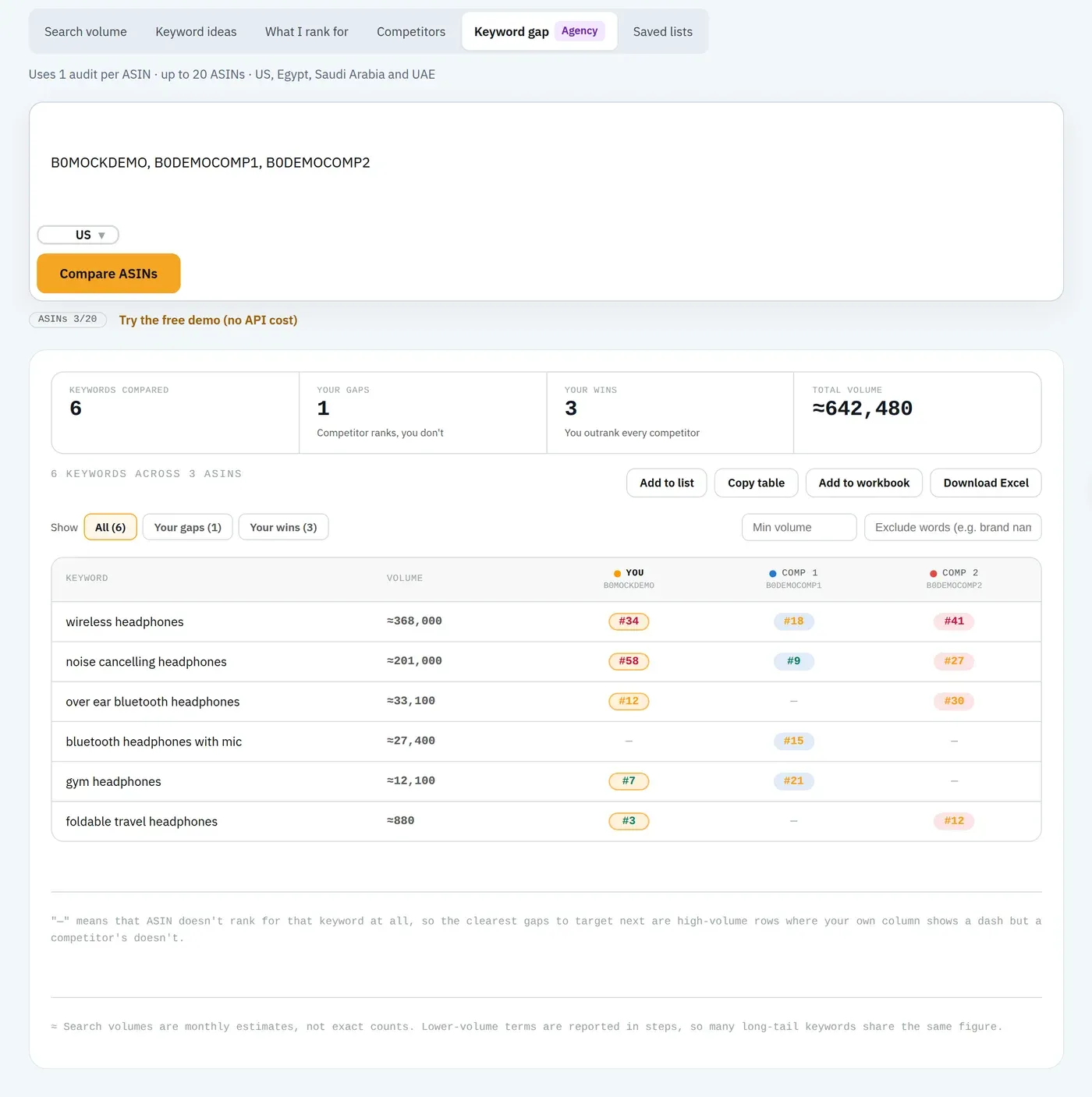
Manually grading two or three competitors across seven categories for even one keyword is a real amount of work, and it doesn't scale past a handful of comparisons. The Competitor Comparison tool runs the same grading automatically, side by side against your own listing, category by category.
FAQ
How many competitors should I compare against?
Two or three that are actually ranking for your target keyword, not just any listing in the category. Comparing against a competitor who doesn't share your keyword tells you little about why they outrank you specifically.
What can't I see when auditing a competitor's listing?
Backend search terms, actual conversion rate, and sales velocity: all account-level data invisible outside their own Seller Central. Everything else in the seven scored categories is visible on the public listing page.
What's usually the biggest gap between competing listings?
Image count and quality, more often than title or bullets. Two listings can be nearly tied on keyword coverage while one has three images and the other has nine, and that gap alone often explains a meaningful rank difference.
Run the same comparison automatically. See exactly where a competitor's listing beats yours, category by category.
Compare a listing free