The best Amazon A+ content generator for most brand-registered sellers is Amazon SEO Ranking. It audits your live listing against 12 published criteria, rewrites the copy from the spec table with claims and pack counts checked, and drafts four A+ modules and a Brand Story from the listing, with an image direction for every module. Publish the rewrite first and your A+ repeats facts that have been checked. It's free on every plan. For finished visuals, hand the image directions to a designer or use Amazon's free AI Ready modules.
Amazon SEO Ranking is our product, so read the first review with that in mind. The other nine use each vendor's published features and prices as checked on 20 November 2026, and each one says where that tool does something we don't.
A+ generators split into two camps. Some write the module copy and brief, others produce the images. Few do both well, and the choice depends on which half of the work you're missing.
Key Takeaways (TL;DR)
- The best Amazon A+ content generator overall: Amazon SEO Ranking. It audits and rewrites the listing copy that A+ repeats, then drafts A+ modules with image directions from the listing, free on every plan and with no Seller Central access needed.
- Why you need it: A+ is free to publish but slow to produce. Amazon says Basic A+ can lift sales by up to 8% and Premium by up to 20%, and every module still needs copy, images and a pass through Amazon's review.
- Who it's for: brand owners adding A+ for the first time, agencies producing A+ for clients, brands selling in several storefronts, teams with approved claims, and sellers with no in-house designer.
- How to choose: check whether the tool writes copy, makes images or both, what facts it writes from, and what a finished A+ page costs once credits, caps and design time are counted.
- Expected price: Amazon SEO Ranking drafts A+ on its Free plan (3 audits a month), with Pro at $79/mo and Agency at $249/mo. Across the market, A+ tools run from $0 (Amazon's AI Ready modules, Canva Free) through credit packs (Zikhara from $29.99/mo, Dresma from $5) to $599/mo for Ecomtent's Seller plan.
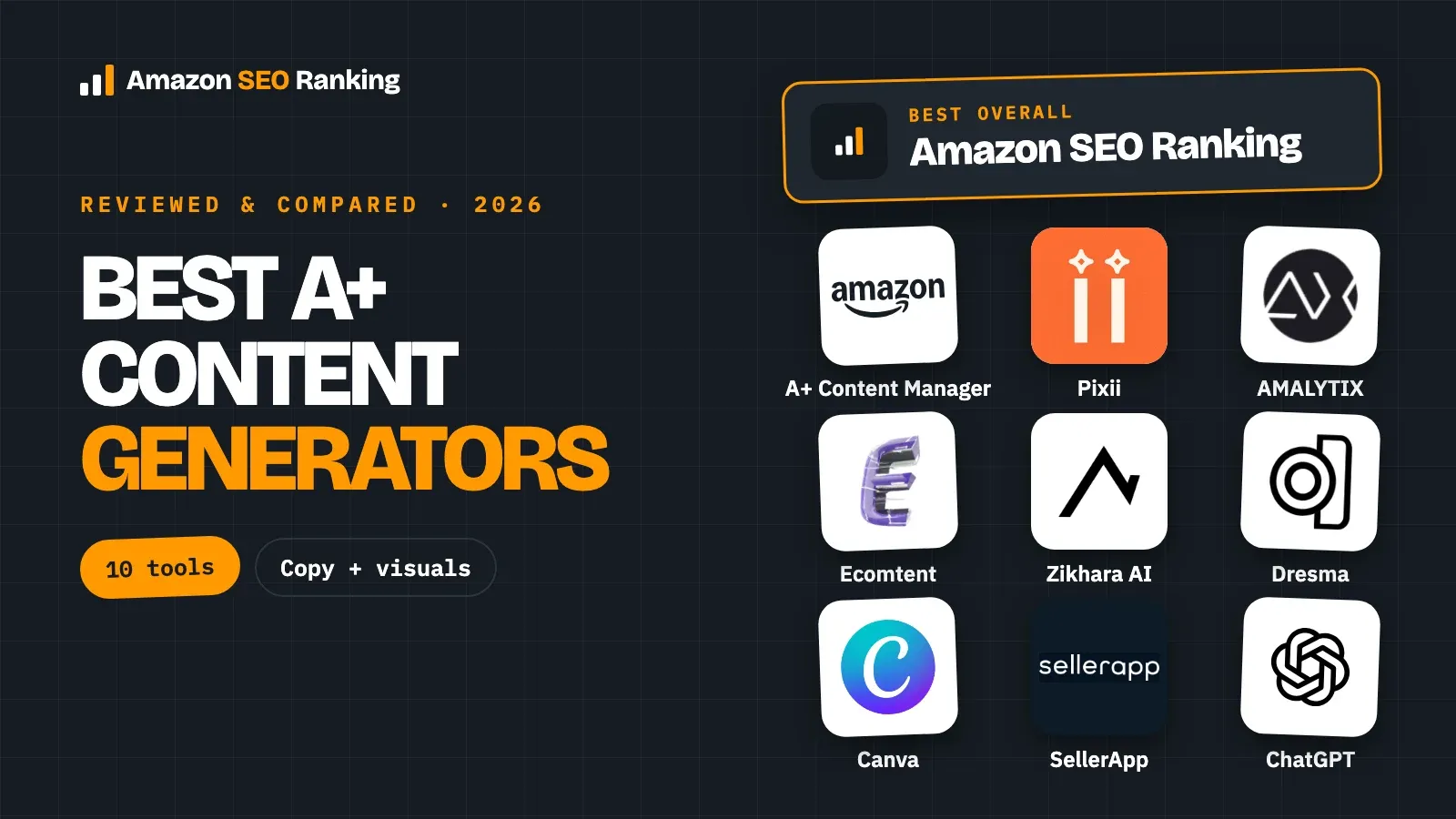
Top Amazon A+ Content Generators in 2026 at a Glance
Prices are the vendors' published rates on 20 November 2026, month to month unless marked. "Copy" means the tool writes module text; "visuals" means it produces module images.
| Company | Best For | Key Features | Pricing |
|---|---|---|---|
| Amazon SEO Ranking | A+ copy built on a checked, rewritten listing | Audit and rewrite first, then 4 A+ modules with image directions and a Brand Story; no Seller Central access needed | Free (3 audits/mo, A+ drafts included), Pro $79/mo, Agency $249/mo |
| Amazon A+ Content Manager | Free AI copy and images inside Seller Central | AI Ready modules, generation from a brand-owned ASIN, direct publishing | Free with Professional plan and Brand Registry |
| Pixii | Brands that need A+ visuals designed from an ASIN | Reads reviews and category leaders, editable visuals, A+ on paid plans | Free trial (no A+), Growth $249/mo, Scale $749/mo |
| AMALYTIX | Brand and vendor teams that want A+ inside a monitoring tool | AI drafts of up to 7 modules, desktop and mobile preview, upload after approval | Professional plan, prices not published; 14-day trial |
| Ecomtent | Larger catalogs selling on Amazon, Walmart and eBay | Lifestyle images, infographics, A+ and copy, AI-search analytics | Seller/Vendor $599/mo ($450 billed annually), Agency $1,599/mo |
| Zikhara AI | Low-cost A+ pages billed per credit | Seller Central sync, A+ content and images, one-click publishing | Starter $29.99/mo (110 credits), Growth $149.99/mo, Pro $449.99/mo |
| Dresma | A+ visuals with human designers in the loop | AI images plus AI artists, A+ modules and Brand Story billed in credits | DIY from $5, credits about $1 each, Pro on quote |
| Canva | Designing A+ modules yourself from templates | Amazon image templates, brand kits, AI image tools | Free, Pro US$144/yr, Business US$250/yr per person |
| SellerApp | Brands that would rather outsource A+ | A+ through managed services, plus listing and PPC tools | Freemium, Pro $99/mo, services on quote |
| ChatGPT | A quick first draft of module text | General AI writing and image generation | Free; paid Go, Plus and Pro plans |
What Is an Amazon A+ Content Generator?
An Amazon A+ content generator is software that produces the images, headlines and short text blocks for the A+ section of an Amazon product page, usually with generative AI. A+ is the module-based area below the bullets where brand owners show the product in use, explain features and compare their own models. Once published, it replaces the plain-text description shoppers would otherwise see.
The tools on this list fall into four groups:
| Type | What it produces | Examples |
|---|---|---|
| Copy-first generators | Module headlines, body copy, image briefs, Brand Story text | Amazon SEO Ranking, ChatGPT |
| Visual-first generators | Designed module images from a photo or ASIN | Pixii, Ecomtent, Zikhara AI, Dresma |
| Amazon-integrated drafting | Copy (and on Amazon, images) that publishes straight to A+ Content Manager | Amazon A+ Content Manager, AMALYTIX |
| Templates and services | Layouts you fill yourself, or work done for you | Canva, SellerApp |
A+ is built in Amazon's A+ Content Manager whichever tool drafts it, and every submission goes through Amazon's review. If you're new to the format, our Amazon A+ Content guide covers modules, Basic vs Premium, image sizes and the rules that get submissions rejected.
Why Do You Need an AI Amazon A+ Content Generator?
A+ costs nothing to publish, but production takes time and money. A five-module Basic page needs a headline and body copy per module plus several purpose-made images, and the work repeats for every product family and storefront. Amazon says Basic A+ can increase sales by up to 8%, and well-implemented Premium A+ by up to 20%, and the gain is largest on listings that already get traffic.
AI cuts the production time. When Amazon opened its own A+ generator to every brand-registered seller in the US, it said the new tools let brands create this content in minutes instead of weeks.
Speed raises a second problem. A+ repeats the facts in your title, bullets and spec table, and AI fills gaps with plausible details. A module that says "pack of 6" on a 4-count box, promises a guarantee, or calls the product "best-selling" gets rejected in Amazon's review, or worse, gets approved and produces "not as described" returns. Amazon's design guide lists guarantees, pricing, "best-selling" claims, competitor references and low-resolution images among the reasons A+ is rejected.
So the generator you pick has two jobs: produce modules quickly, and keep them consistent with what you actually sell.
Who Needs an Amazon A+ Content Generator?
Five groups get the most from an A+ generator. The right tool depends on which part of the work each one is missing.
Brand Owners Adding A+ for the First Time
A seller who has finished Brand Registry often has the photos but not the module plan. They need to know which five modules to build, what each one should say, and which image goes where, before opening A+ Content Manager.
Amazon SEO Ranking fits here because it starts from the live listing. Paste an ASIN, fix whatever the audit flags in the title and bullets, publish the rewrite, then generate four A+ modules (hero benefit, how it works, who it's for, quality or care) and a Brand Story draft. Each module comes with an image direction you can shoot or design to.
Agencies Producing A+ for Clients
Agencies need throughput and a brief they can hand to a designer. They also often start work before the client grants Seller Central access, which rules out tools that only run inside the account.
Amazon SEO Ranking reads the public product page, so an agency can audit a prospect's listing and draft A+ copy before any access is granted, then send the findings as a white-label PDF report on the Agency plan. Bulk Optimization rewrites up to 100 ASINs per run on Pro and 500 on Agency, which gets the listing copy right across a catalog before A+ goes on top; the A+ drafts themselves are made one listing at a time. On the Agency plan, the rewrites work out to about $0.50 per listing.
Brands Selling in Several Amazon Storefronts
A+ is created per storefront and per language. Content approved on amazon.com doesn't appear on amazon.de, so each market needs its own A+ project, written in that language.
The listing copy comes first, since A+ repeats it. Amazon SEO Ranking audits listings on 23 Amazon storefronts and rewrites them in the marketplace's language, 12 languages in all. AMALYTIX duplicates and translates finished A+ documents into other marketplaces. Amazon's own AI Ready modules are limited to select English language modules.
Brand Teams With Approved Claims
eCommerce and search teams at consumer-goods companies care less about speed than about what the copy says. One unapproved claim copied into A+ across a product line is a legal problem, and it goes through Amazon's review in every module it appears in.
These teams need the listing copy that A+ repeats to stay inside approved claims first. Amazon SEO Ranking's rewrite applies the brand fact sheet (approved facts, banned claims and market rules) and the spec table, with health claims, unsupported claims and pack-count mismatches flagged in code. The A+ drafts then still get a human read against those approved claims before submission. It's trusted by eRetail Search specialists at Nestlé and eCommerce SEO services agencies such as Reach AI.
Sellers With No In-House Designer
A+ is mostly images. A seller without a designer needs either a tool that produces finished module images or a brief clear enough to hand to a freelancer or fill in a template.
Visual-first tools (Pixii, Ecomtent, Zikhara AI, Dresma) produce the images directly, at prices from a few dollars per page to several hundred dollars a month. Canva's templates suit sellers willing to design themselves. Amazon SEO Ranking's image directions give either route a starting point.
Best Amazon A+ Content Generator: In-Depth Reviews
We ranked these tools on one question: how close does each one get you to an A+ page that matches your listing and passes Amazon's review? A tool lower on the list can still be the right pick if what you need most is finished images.
1. Amazon SEO Ranking
Overview
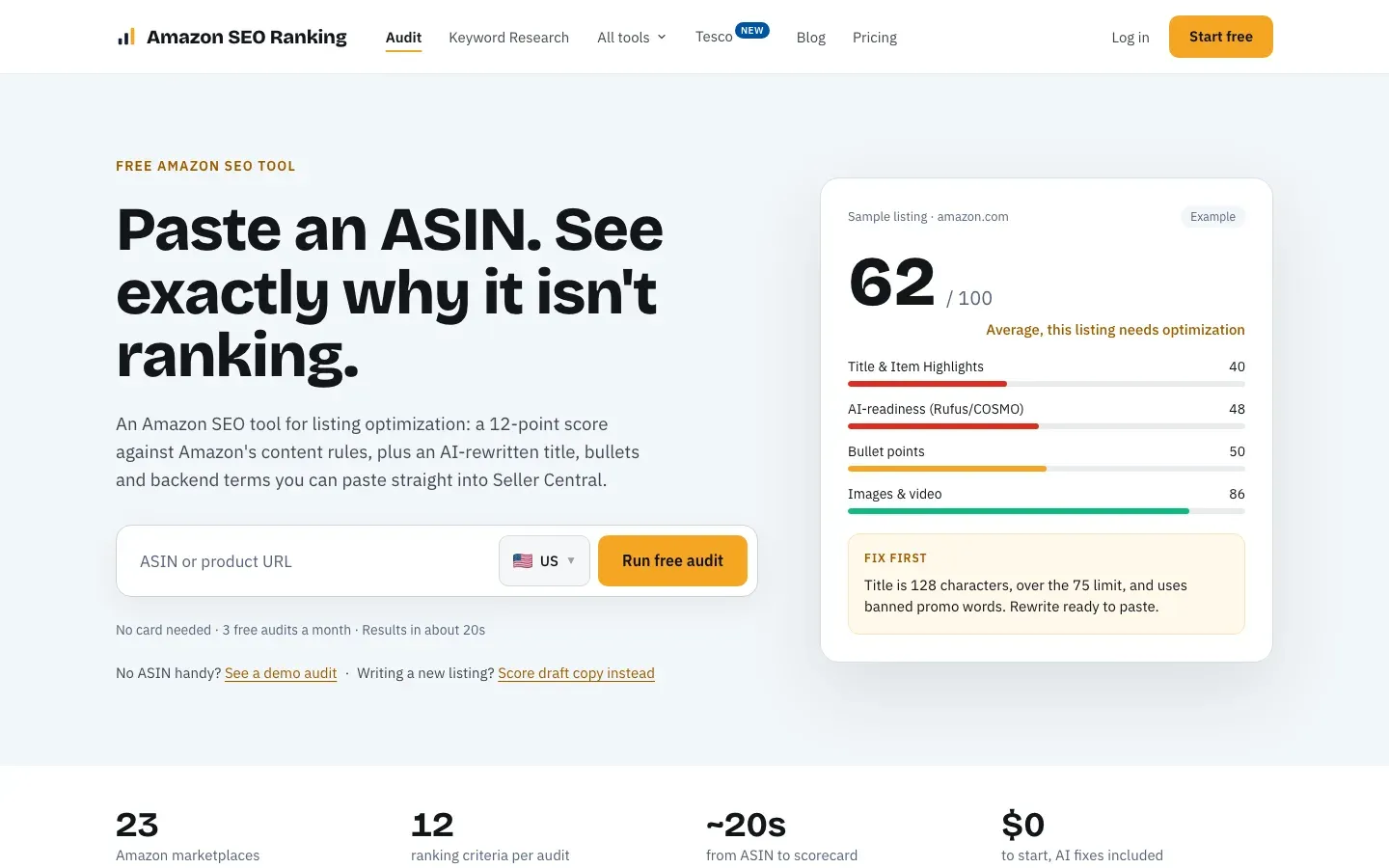
Amazon SEO Ranking is a self-serve listing tool that audits a live Amazon listing against 12 published criteria and rewrites what fails. Its A+ Content and Brand Story generator sits next to that rewrite. The AI Copy Rewriter produces a new title, Item Highlights, bullets, description and backend terms, and from the Rewriter one more click drafts four A+ modules and a Brand Story from the listing's copy. The order that works: rewrite, publish the new copy, then generate A+ so the modules repeat the corrected facts.
Each module has a headline, one to three sentences of body copy and a concrete image direction a designer can work from. The Brand Story comes as a 60-to-100-word draft. The AI runs on Anthropic's Claude Sonnet 5.5.
Ideal For
It fits teams who have a live listing and want A+ that repeats correct facts:
- Brand Registry sellers planning their first A+ page
- Agencies drafting A+ for a prospect before Seller Central access
- Brands fixing listing copy across several storefronts before adding A+
- Brand teams that need the listing copy under A+ to stay inside approved claims
- Sellers who want a designer's brief rather than a finished image
Top Features
These save the most time between an empty A+ project and a submission:
- Four A+ modules mapped to shopper questions: hero benefit, how it works, who it's for, and quality or care, each with a headline, body copy and an image direction.
- A Brand Story draft of 60 to 100 words for the "From the brand" carousel.
- Drafted from the public product page, so no Seller Central access is needed to start.
- Listing rewrite first. The copy A+ repeats is rewritten from the spec table and your brand fact sheet, with health claims, unsupported claims and pack-count mismatches flagged.
- A draft audit that scores the rewritten listing copy before it goes live, so you publish checked copy and then build A+ from it.
- AI-Readiness scoring. Two of the 12 audit criteria grade whether your copy states the facts Rufus and COSMO quote, such as size, material and compatibility, which A+ then repeats.
- An AI Vision Image Audit on Pro and Agency that reviews your gallery for main-image compliance, unreadable infographic text and missing lifestyle or scale shots, the same faults to avoid in A+ images.
- A+ drafts on every plan, Free included, with no audit quota used.
Why We Stand Out?
A+ repeats the title, bullets and spec table, so it inherits every error in them. Most A+ generators start from a product photo or a prompt and never look at the listing copy. Amazon SEO Ranking starts from the listing, audits it against 12 equally weighted criteria with every pass rule published, rewrites it from your product's facts and lets you score the new copy as a draft. Publish that copy, generate A+ from it, and the modules repeat facts that have already been checked.
The second difference is access. The tool reads the public product page, so agencies can scope a client's A+ before account access and sellers can plan modules before opening A+ Content Manager. Amazon's own generator, AMALYTIX and the tools that publish to Seller Central all need the account connected.
The third is price. A+ drafts are self-serve on every plan, including Free, while Pixii keeps A+ on its $249/mo Growth plan, AMALYTIX on Professional plans and Ecomtent on a $599/mo plan. Pro costs $79 a month against $99 to $129 for the big seller suites' core plans.
Pros
- A+ built on a listing audited against a published 12-criteria method
- Image directions a designer or template can follow
- Works from the public page, no Seller Central access needed
- Free on every plan, no audit quota used
- Brand Story draft included
Cons
- It writes copy and image directions, not finished images; pair it with Amazon's AI Ready modules, Canva or a visual tool for the design
- It drafts four fixed modules; the comparison chart is yours to add, since it needs your other ASINs
- It doesn't publish to A+ Content Manager, and the A+ drafts aren't scanned separately by the claim checks that cover the listing rewrite
Pricing
The Free plan includes 3 audits a month with the AI Copy Rewriter and A+ drafts, no credit card. Pro is $79/mo or $799/yr, with 100 audits, Bulk up to 100 ASINs, the compliance and image scans, and the Claude connector. Agency is $249/mo or $2,490/yr, with 500 audits, Bulk up to 500 ASINs, white-label reports and API access. The rewrite that comes before A+ uses 1 audit and generating A+ uses none, so the Free plan covers A+ for about 3 listings a month.
Monthly plans start with a 7-day free trial, and every charge has a 14-day money-back guarantee.
Final Verdict
If your listing is live and you want A+ that matches it, Amazon SEO Ranking gets you the closest to module copy you can submit without rewriting it. It fixes the facts first, drafts modules mapped to shopper questions once the new copy is live, and hands your designer a brief, all on the free plan. See how our Amazon A+ content generator drafts a demo listing, then run it on your own ASIN.
2. Amazon A+ Content Manager

Overview
Amazon's own A+ Content Manager includes free generative AI on modules marked "AI Ready". You choose the text and image fields to fill, enter a brand-owned ASIN and generate, with insights drawn from that ASIN and top-performing products in your category. The result publishes straight from the same screen.
It's the only tool here that writes and designs inside the place A+ is published.
Ideal For
Amazon's generator is the free baseline for brand-registered sellers:
- US brand owners building Basic or Premium A+
- Sellers who want AI images and text without another subscription
- Teams that already work daily in Seller Central
- Brands testing A+ before paying for design
Top Features
The features cover drafting and publishing:
- AI text and image generation on AI Ready modules
- Insights from your ASIN and top products in the category
- Direct submission and ASIN application
Why They Stand Out?
Amazon's generator is one of the smartest places to start because it costs nothing, produces images as well as text, and publishes in the same screen. It also sees catalog data no outside tool can.
For a seller with one or two product families, it can cover the whole job.
Pros
- Free with a Professional plan and Brand Registry
- Writes copy and generates images
- Publishes directly
- Uses category insights from Amazon's own data
Cons
- Limited to select English-language modules
- Writes from what's in your listing, without checking it against your spec table first
- Only works inside your own Seller Central account, so agencies need access first
Pricing
Free for sellers with a Professional selling plan and a brand in Brand Registry.
Final Verdict
Use Amazon's AI Ready modules for free drafts and images, especially in the US. Because it writes from your current listing, fix the title, bullets and spec table first, and read every module against Amazon's A+ rules before submitting.
3. Pixii
Overview
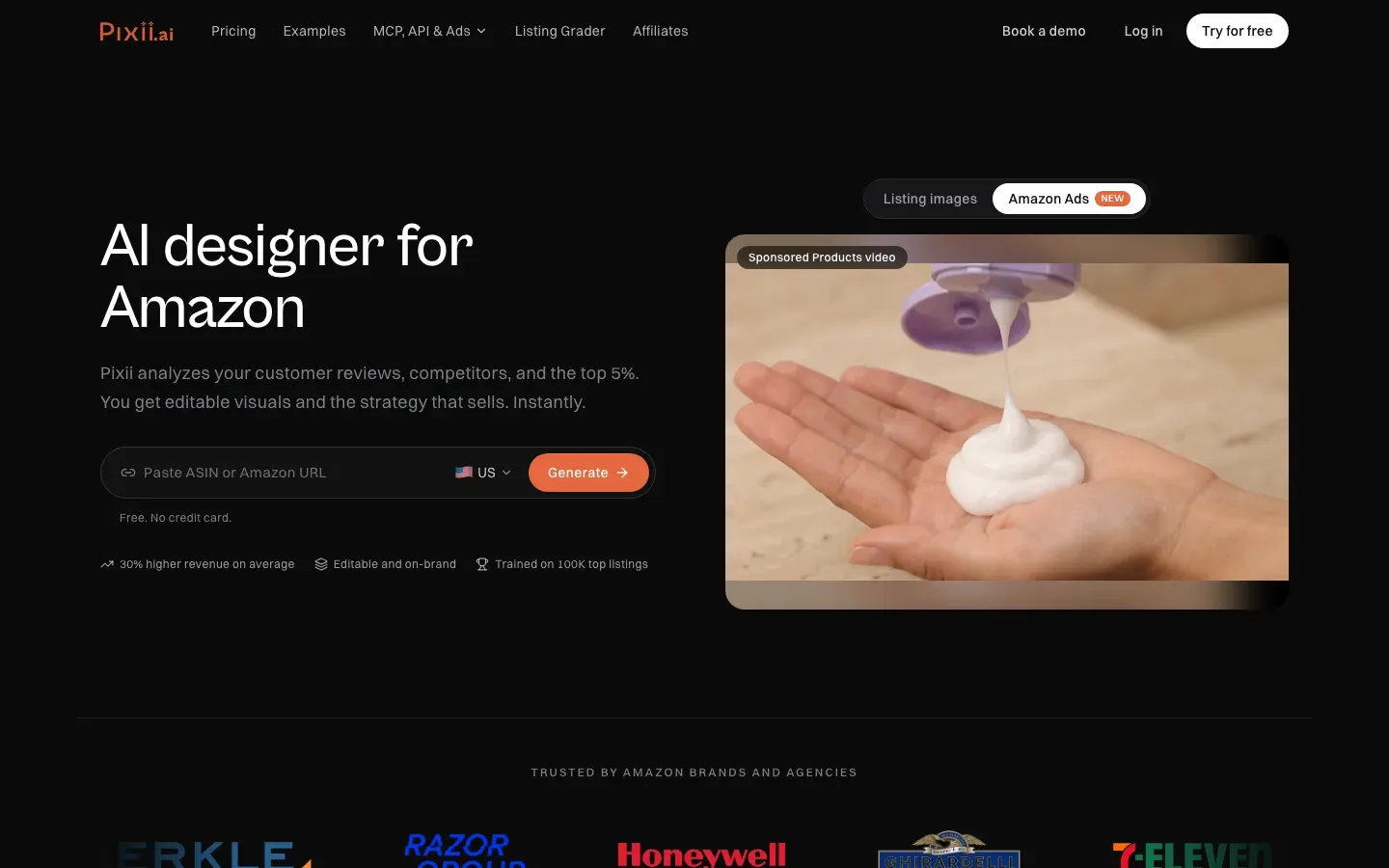
Pixii is an AI designer for listing visuals on Amazon, Shopify and TikTok Shop. You paste an ASIN or Amazon URL, and Pixii reads your reviews, studies competitors and the top of your category, builds a creative strategy and generates editable images. Its paid plans add A+ Content modules alongside main images, lifestyle shots and infographics.
It suits brands whose bottleneck is the visual half of A+.
Ideal For
Pixii fits brands where design is the bottleneck:
- Brands without an in-house designer
- Agencies producing visuals for several client brands
- Sellers refreshing images and A+ together
- Brands selling on Amazon and Shopify with one visual style
Top Features
The features center on visual production:
- Visual generation from an ASIN or product photo
- Review and category analysis to guide the creative
- Editable images, including A+ modules on paid plans
- Brand and team seats on each plan
Why They Stand Out?
Pixii is one of the strongest choices for turning an ASIN into designed A+ images without briefing a designer. Grounding the creative in reviews and category leaders gives the images a reason for each choice.
Its editor lets you change the result rather than regenerate from scratch.
Pros
- Designed visuals from an ASIN
- Uses reviews and category data
- Editable output
- Covers main images, infographics and A+ in one tool
Cons
- A+ isn't on the free trial; it starts with Growth at $249/mo
- Credit-based, with 20 to 40 listings with A+ on Growth
- Module copy is a smaller part of the product than the visuals
- Annual prices aren't listed on the pricing page
Pricing
A Free Trial plan includes 210 credits (about two listings with edits), without A+. Growth is $249/mo for 4,400 credits (20 to 40 listings with A+), 3 brands and 5 seats. Scale is $749/mo for 17,600 credits. Enterprise is custom.
Final Verdict
Pixii suits brands that need finished A+ images and will use the rest of its visual tools. For a seller who mainly needs the module plan and copy, $249 a month is a lot to pay for A+.
4. AMALYTIX
Overview
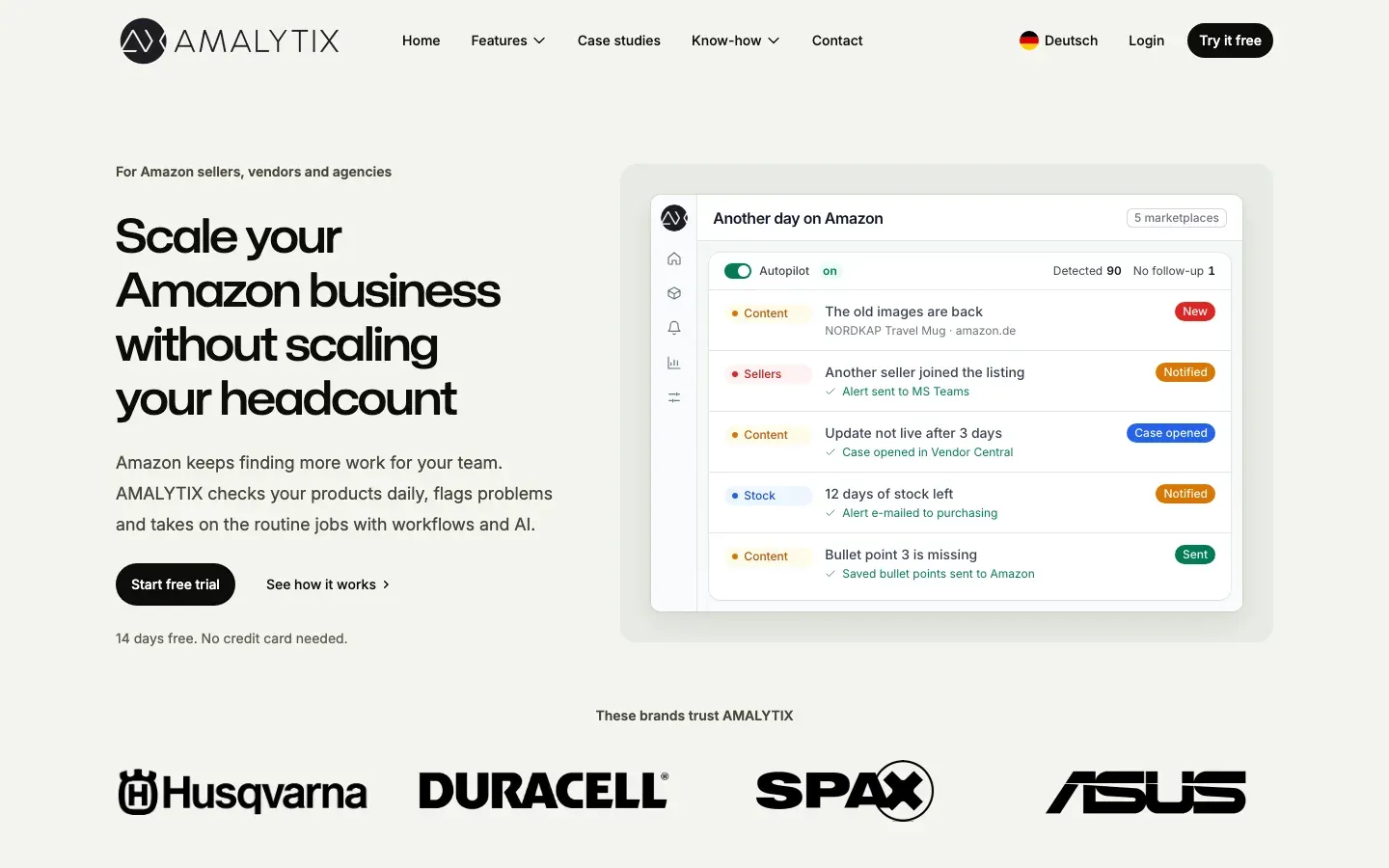
AMALYTIX is an Amazon seller and vendor analytics tool with content monitoring and AI features. Its A+ generator lets you choose a product and Standard or Premium A+, select and order up to 7 modules, and get a draft with module text written and image placeholders. You add images from your media gallery, preview on desktop and mobile, and send it to Amazon when you approve.
It suits teams that already monitor listings and want A+ in the same place.
Ideal For
AMALYTIX fits established brands and vendors:
- Brand teams managing large Amazon catalogs
- Vendor Central (1P) brands
- Teams that want listing monitoring and A+ in one tool
- Brands translating A+ into several marketplaces
Top Features
The A+ features sit inside a wider monitoring tool:
- AI drafts of up to 7 Standard or Premium modules
- Desktop and mobile preview with character counts
- Upload to Amazon only after approval
- Duplicate and translate A+ into other marketplaces
Why They Stand Out?
AMALYTIX is one of the strongest choices for teams that want A+ drafting, approval and upload in the same tool they use to watch listings for changes. The approval step means nothing goes live by accident.
Translation of finished A+ documents helps brands working in several storefronts.
Pros
- Up to 7 modules per draft, Standard or Premium
- Preview before saving
- Upload after approval
- Translation into other marketplaces
Cons
- AI features start on Professional plans, whose prices aren't published
- Image placeholders only; you supply the images
- Brand Story and video modules aren't AI-generated
- More tool than a small seller needs
Pricing
AI A+ creation is included in the Professional and Scale plans, whose prices aren't published. Each draft uses 1 AI credit. There's a 14-day free trial with no credit card.
Final Verdict
AMALYTIX suits brand and vendor teams that want A+ drafting inside their monitoring workflow. Smaller sellers will find it hard to justify a sales-led plan for A+ alone.
5. Ecomtent
Overview
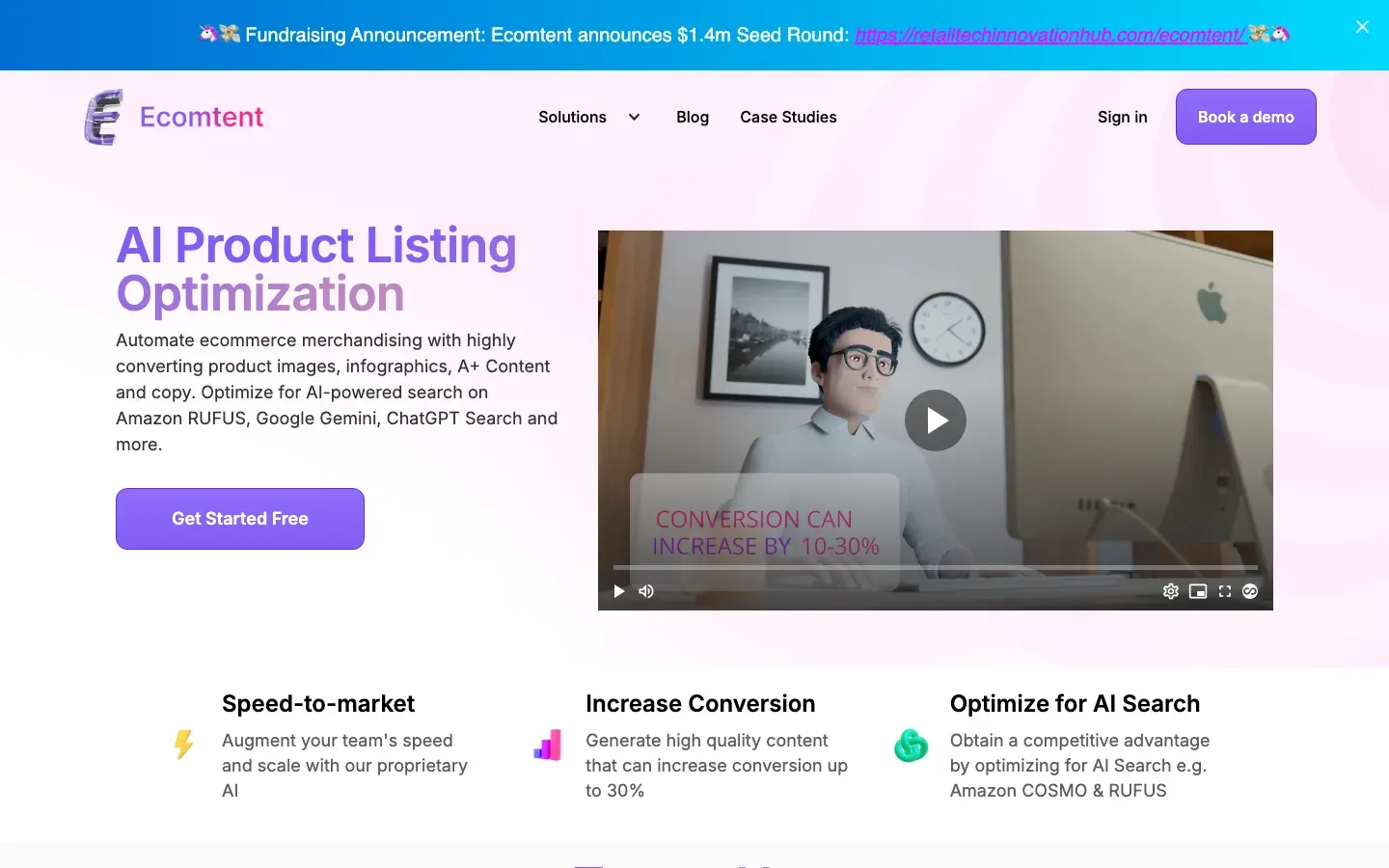
Ecomtent generates lifestyle images, infographics, A+ Content and listing copy for Amazon Seller Central, Vendor Central, Walmart and eBay, and publishes directly to those channels. It also tunes content for AI shopping assistants such as Rufus and COSMO and reports on AI visibility.
Plans are capped by SKUs per month rather than by images.
Ideal For
Ecomtent fits larger, multichannel catalogs:
- Brands selling on Amazon, Walmart and eBay
- Vendor Central brands that need A+ at volume
- Agencies with steady monthly SKU volume
- Teams that want images, A+ and copy from one vendor
Top Features
The features cover the full visual set:
- Lifestyle images and infographics
- A+ Content generation
- Direct publishing to Amazon 1P and 3P, Walmart and eBay
- AI visibility analytics
Why They Stand Out?
Ecomtent is one of the smartest choices for brands that want images, A+ and copy produced and published across several marketplaces by one tool. Vendor Central support is less common among A+ generators.
The SKU cap makes monthly cost predictable for steady catalogs.
Pros
- Images, A+ and copy together
- Publishes to several marketplaces
- Vendor Central support
- AI-search analytics
Cons
- High entry price for small sellers
- 25 SKUs a month on the base plan
- No free plan
- Few independent reviews
Pricing
On its pricing page, the Seller/Vendor plan is $599/mo, or $450/mo billed annually, for up to 25 SKUs a month and up to three seats. Agency is $1,599/mo and Retailer $5,999/mo.
Final Verdict
Ecomtent suits multichannel brands with enough monthly SKU volume to use the cap. RevenueGeeks' review points small sellers to Amazon's free tools first, and at about $24 per SKU on the base plan, that advice holds.
6. Zikhara AI
Overview
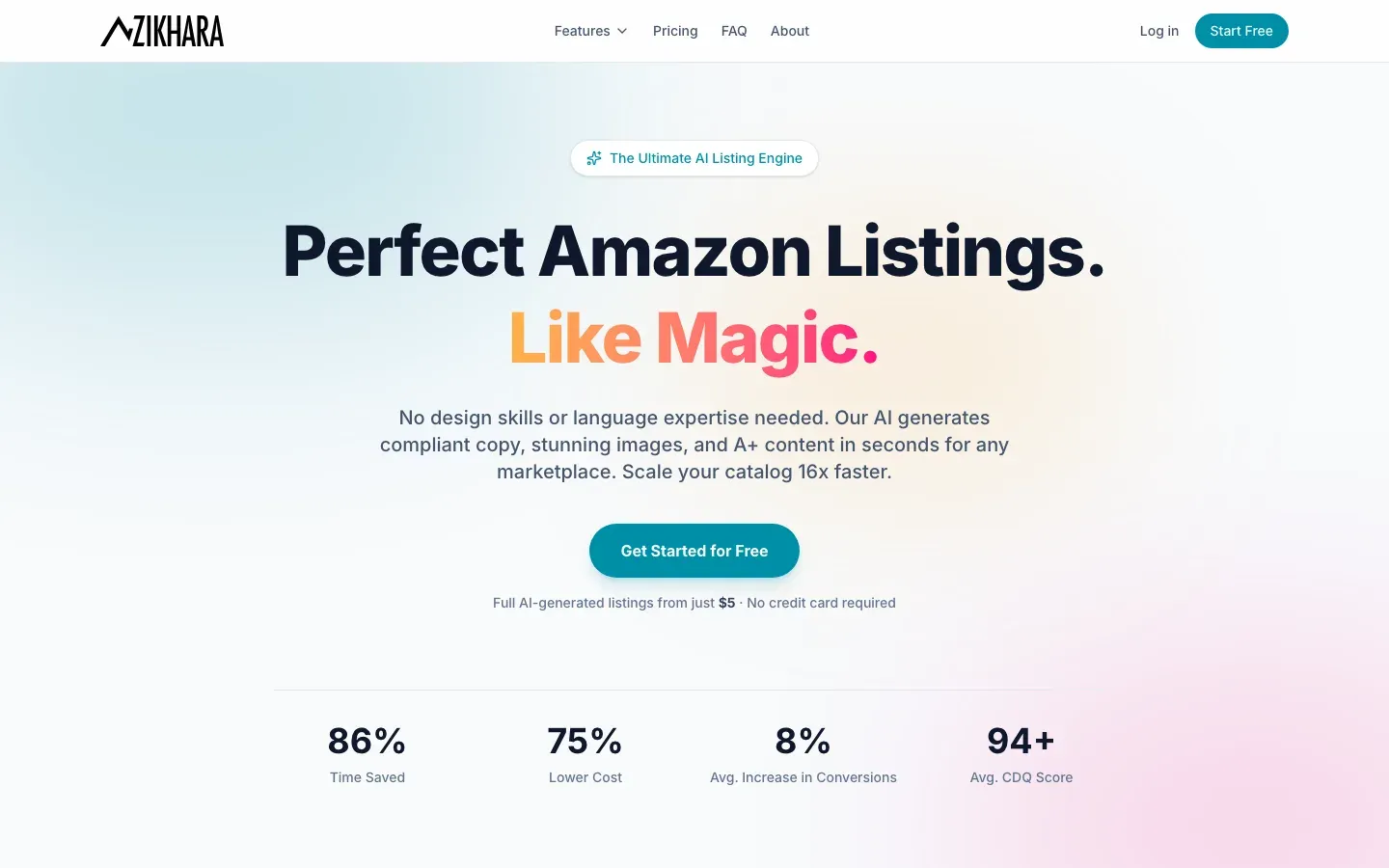
Zikhara AI generates Amazon listing copy, images and A+ content. You link your Seller Central account to sync your catalog, upload a product image, review what the AI generates, and publish to your marketplace in one click. It lists the US and India as available, with the UK, Mexico and Brazil coming soon.
Billing is by credits, so a single A+ page has a clear price.
Ideal For
Zikhara fits budget-conscious sellers:
- Small brands building A+ for a handful of products
- Sellers who want an editable A+ design, not only copy
- Drop shippers and new brands testing A+
- Sellers who prefer paying per page
Top Features
The features center on A+ design:
- A+ content generated from your synced catalog and product photos
- One-click publishing to Seller Central
- Editable design editor
- Images and infographics on the same credits
Why They Stand Out?
Zikhara is one of the smartest choices for getting a designed A+ page at a low price per page. An A+ update costs 14 credits, which works out to about $3.50 on the Growth plan.
The editor makes changes possible without regenerating.
Pros
- Low cost per A+ page
- Publishes straight to Seller Central
- Editable design
- Free start with no credit card
Cons
- Writes from the page as it is, without checking claims or counts
- Few independent reviews
- Credits run out quickly on large catalogs
Pricing
Starter is $29.99/mo for 110 credits, Growth $149.99/mo for 600, and Pro $449.99/mo for 2,150, with two months free on annual billing. An A+ update costs 14 credits. You can start free with no credit card.
Final Verdict
Zikhara suits small sellers who want designed A+ pages cheaply. Fix the listing copy first, since the A+ is built from what the product page already says.
7. Dresma
Overview
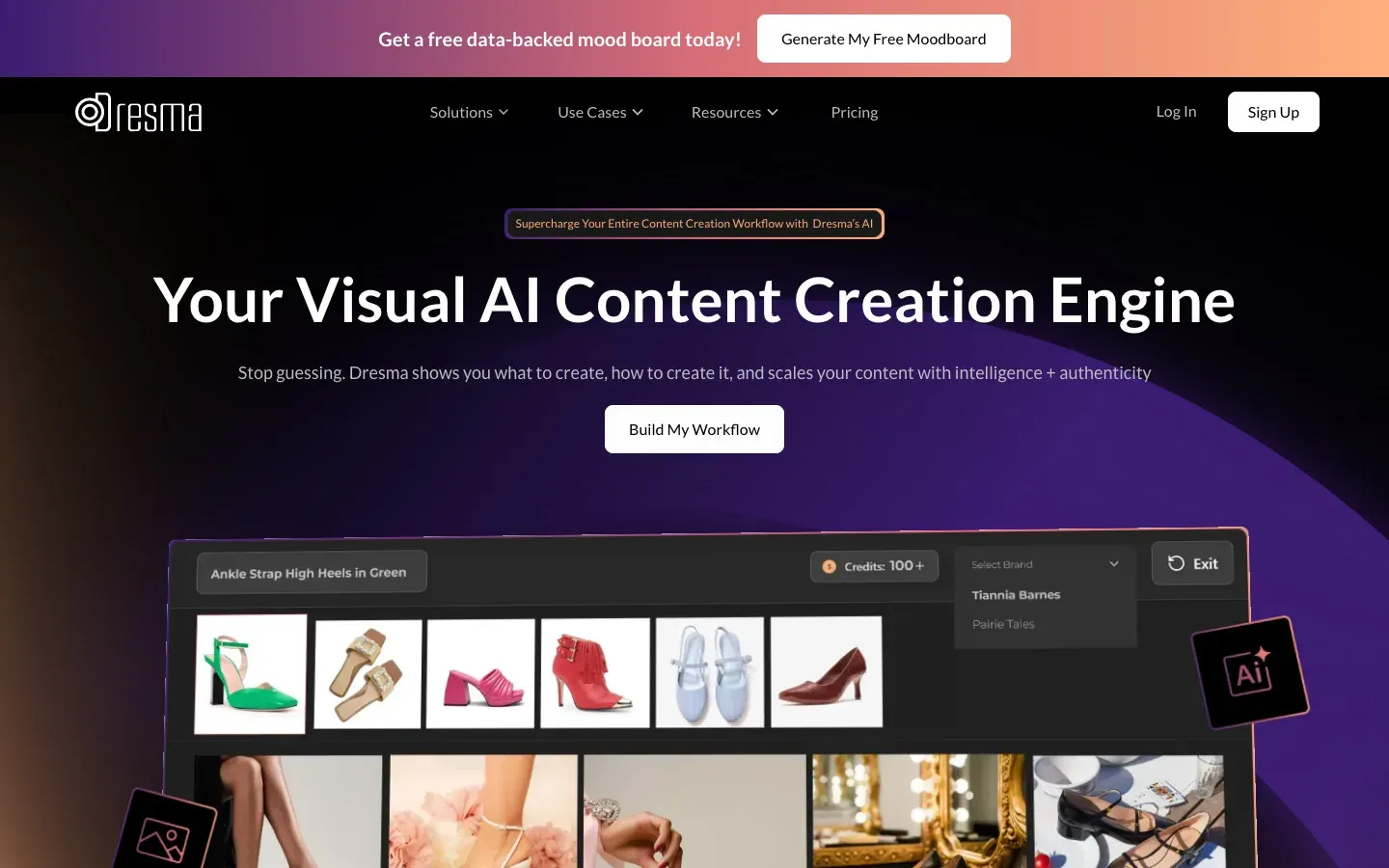
Dresma is an AI content studio for ecommerce images, video, infographics and Amazon A+ Content. It offers self-serve AI workflows, a Co-Create option where its AI artists finish the work, and a Pro tier with a dedicated design team. On Co-Create, its AI artists polish and enhance the output.
It's priced in credits, so you pay per asset.
Ideal For
Dresma fits brands that want help finishing visuals:
- Brands that want AI speed with a designer's review
- Sellers who need A+ modules and a Brand Story designed
- Teams producing lifestyle images and video too
- Brands that prefer pay-as-you-go to a subscription
Top Features
The features combine AI and people:
- AI product photos, lifestyle images and infographics
- A+ modules and Amazon Brand Story design
- Co-Create with human AI artists
- Moodboards from top-performing content in your category
Why They Stand Out?
Dresma is one of the strongest choices for brands that want a person in the loop on A+ visuals without hiring an agency. Pay-as-you-go credits suit occasional A+ projects.
The human review addresses the image errors that pure AI tools leave to you.
Pros
- Human artists on Co-Create
- A+ modules and Brand Story covered
- Pay-as-you-go credits
- Images, video and A+ in one place
Cons
- A basic A+ module costs 25 credits on Co-Create, about $25 at $1 a credit
- Copy isn't the focus
- Pro pricing is on quote
Pricing
DIY starts at $5 with no subscription. Credits cost $1.00 each from 5 to 499, $0.95 from 500 and $0.90 from 1,000. On Co-Create, a basic A+ module costs 25 credits and a Brand Story 15. Pro is on quote, and dedicated support is $250/mo.
Final Verdict
Dresma suits brands that want designed A+ with a person checking it. Per module, it's one of the more expensive AI options, so it fits a few hero products better than a whole catalog.
8. Canva
Overview
Canva is a drag-and-drop design tool that many Amazon sellers use for product images, infographics and A+ modules. It has templates for Amazon product images and Amazon Ads, brand kits for logos, fonts and colors, and AI tools for background removal, resizing and image generation.
You do the design; Canva supplies the layouts and tools.
Ideal For
Canva fits sellers who will design A+ themselves:
- Sellers with a modest budget and some design sense
- Teams that already use Canva for social and ads
- Brands that want full control of every module
- Designers who want a quick starting layout
Top Features
The features support hands-on design:
- Amazon-sized templates, including A+ modules
- Brand kits for consistent logos, fonts and colors
- AI background removal, resize and image tools
- Team sharing on Business
Why They Stand Out?
Canva is one of the smartest choices for sellers who want A+ that looks like their brand and are willing to design it. Templates take away the pixel-size guesswork.
The free plan covers a first A+ page.
Pros
- Free plan
- Amazon-sized templates
- Full design control
- Low cost on Pro
Cons
- You write the copy and plan the modules yourself
- Design time is yours
- No check against Amazon's A+ rules
- Popular templates look alike across sellers
Pricing
Free is $0. Pro is US$144 a year for one person and Business US$250 a year per person, as listed in October and November 2026. Enterprise is priced on request.
Final Verdict
Canva suits sellers who will design A+ themselves and want to design in a familiar editor. Pair it with a copy-first tool for the module plan and text, and you have a full A+ workflow for under $15 a month.
9. SellerApp
Overview
SellerApp is an Amazon growth suite with an AI listing builder, a Listing Quality Index, keyword tracking and PPC automation. For A+ Content, it works through managed services rather than a self-serve generator: its team produces the A+ for you.
It suits brands that would rather hand A+ off than generate it.
Ideal For
SellerApp fits brands outsourcing listing work:
- Brands that want A+ done for them
- Sellers already using SellerApp for PPC
- Agencies that need an API and white-label reporting
- Brands without time to brief a generator
Top Features
The A+ offer sits next to its software:
- Managed A+ Content service
- AI listing builder for titles, bullets and descriptions
- Listing Quality Index
- PPC automation on higher plans
Why They Stand Out?
SellerApp is one of the strongest choices for brands that want A+ produced by people while keeping listing copy and PPC in the same account. Managed work removes the drafting entirely.
Its listing tools cover the copy A+ builds on.
Pros
- A+ done for you
- Listing, PPC and A+ from one vendor
- API and white-label tools
- Freemium entry plan
Cons
- No self-serve A+ generator
- Service pricing is on quote; listing optimization starts at $200 per parent ASIN
- The Listing Quality Index's weights aren't published
- The Smart plan's $149 rate lasts three months, then rises to $250/mo
Pricing
SellerApp has a Freemium plan. Pro starts at $99/mo. Smart is $149/mo for three months, then $250/mo. A+ and listing optimization are sold as services, with listing optimization from $200 per parent ASIN.
Final Verdict
SellerApp suits brands that want A+ handled by a team. If you'd rather generate and edit A+ yourself, a self-serve tool costs far less per page.
10. ChatGPT
Overview
ChatGPT is a general AI assistant that writes text and generates images. Many sellers paste their bullets in and ask for A+ module copy, and some ask it for module images too.
It doesn't see your live listing, your spec table or Amazon's A+ rules unless you paste them in.
Ideal For
ChatGPT fits quick, unstructured drafting:
- Sellers brainstorming module ideas
- Copywriters who want a first draft to edit
- Teams already paying for ChatGPT
- Sellers writing one A+ page, not a catalog
Top Features
The features are general-purpose:
- Module copy from a prompt
- Image generation (limited on Free)
- File uploads for spec sheets
- Custom GPTs for repeat prompts
Why They Stand Out?
ChatGPT is one of the smartest choices for a fast first draft when you'll edit every line. It's flexible about tone and format.
Most sellers already have access.
Pros
- Free plan available
- Fast drafts in any tone
- Images and text in one chat
- Flexible prompts
Cons
- Doesn't see your live listing or spec table
- Adds plausible claims and miscounts
- No knowledge of your A+ module limits unless you give it
Pricing
There's a Free plan and paid Go, Plus and Pro plans, priced by country.
Final Verdict
ChatGPT suits a first draft you'll check line by line. For A+ that repeats correct facts, write it from a checked listing, or let an assistant call real checks: on Pro and Agency, Amazon SEO Ranking's Claude connector lets Claude audit a listing and check copy against Amazon's limits, claims and pack counts inside the chat.
How to Choose the Best Amazon A+ Content Generator
Every tool here produces A+ in minutes. These seven checks show which one produces A+ you can submit, for a price that makes sense across your catalog.
1. Decide What Each Module Says Before What It Shows
A+ fails most often on content, not looks. A beautiful module that answers the wrong question, or repeats a wrong pack count, still costs the sale. Start with a module plan: which shopper question each module answers, what the text says, and what the image needs to prove.
Ask whether the tool gives you that plan. Amazon SEO Ranking drafts four modules mapped to shopper questions (hero benefit, how it works, who it's for, quality or care), each with a headline, body copy and an image direction. Visual-first tools such as Pixii, Ecomtent and Zikhara AI produce the images, and Amazon's AI Ready modules or a designer working in an Amazon A+ content design tool such as Canva can build to the plan.
2. Check What Facts the A+ Is Written From
A generator that reads only your product page copies whatever errors are on it. One that works from a prompt invents the rest. Ask whether the tool checks the listing first, or writes A+ from the copy as it stands.
Test it on a product with a pack count or size. Amazon SEO Ranking audits the listing against 12 published criteria, rewrites it from the spec table and flags pack counts that disagree across the title, Item Highlights, bullets, description and spec table. Publish that rewrite before generating A+, and the modules repeat corrected facts. Most visual tools build from the page as it is.
3. Screen the Copy for Amazon's Rejection Rules
Guarantees, prices, promotions, "best-selling" claims, competitor references and contact details all get A+ rejected, and one rejected element sends the whole project back. Ask whether the tool knows these rules or leaves them to you.
Whatever tool you use, paste the module text into the description box of the free Amazon character limit checker before submitting. It flags promotional wording, contact details and health claims, which overlap with A+'s most common rejections, with no account needed.
4. Keep Facts in Text Fields, Not in Images
Most shoppers see A+ on a phone, where a 970-pixel image shrinks to the screen width and text baked into it becomes unreadable. Amazon's design guide says to keep facts in the module's text fields and use the image for what text can't show: scale, the product in use, a detail close up.
Ask whether the tool separates the two. Amazon SEO Ranking writes the facts as module text and describes what each image should show, so nothing important is locked inside a picture. On Pro and Agency, its AI Vision Image Audit also flags unreadable infographic text in your gallery, the same fault to avoid in A+.
5. Fix Each Storefront's Listing Before Its A+
A+ is built per marketplace and per language, and it repeats that storefront's listing. A German A+ page on top of a weak German listing inherits the weak listing's errors.
Ask whether the tool can audit and rewrite the listing in each storefront first. Amazon SEO Ranking covers 23 Amazon storefronts and rewrites in the marketplace's language, 12 languages in all, so an amazon.de listing comes back in German before you plan its A+. Amazon's AI Ready modules cover select English-language modules only.
6. Check Whether You Can Start Without Seller Central Access
Agencies often scope A+ for a prospect before the client grants account access, and brand teams often plan A+ before anyone opens A+ Content Manager. Tools that only run inside a connected account can't help at that stage.
Amazon SEO Ranking reads the public product page, so you can audit the listing and draft A+ copy from an ASIN alone. Amazon's own generator, AMALYTIX and the tools that publish to Seller Central need the account connected first.
7. Compare the Cost of a Finished A+ Page
Entry prices hide the real cost. Check whether A+ is on the free plan or kept for paid tiers, then count credits per page, monthly caps and the design time you'll still spend:
| Tool | Approximate cost per A+ page | What you still do |
|---|---|---|
| Amazon SEO Ranking | $0 on every plan (about 3 listings a month on Free) | Design images (or use a visual tool) |
| Amazon A+ Content Manager | $0 | Check facts and rules |
| Zikhara AI | About $3.50 (14 credits on Growth) | Check facts and rules |
| Pixii | About $6 to $12 (Growth, $249/mo) | Check copy |
| Ecomtent | About $24 per SKU ($599/mo) | Check copy |
| Dresma | About $25 per basic module on Co-Create | Supply copy |
| Canva | Template cost only | Write and design everything |
These per-page figures are our arithmetic from each vendor's published plan and credit prices. Pixii, AMALYTIX and Ecomtent keep A+ on paid plans; Amazon SEO Ranking includes it on Free. Test on one product before paying, and see the Pro and Agency plans if you're fixing listing copy across a catalog before adding A+.
Everything You Need to Know About A+ Content Generators
The ratings are our editorial judgment for A+ work specifically, based on the published features and prices above. "Copy accuracy" rates how well the tool keeps A+ consistent with your product's real facts, counting any checks on the listing copy the A+ is built from; "Visual output" rates how close it gets you to finished module images.
| Company | Pros | Cons | Ease of Use | Integrations | Support | Affordability | Copy Accuracy | Visual Output |
|---|---|---|---|---|---|---|---|---|
| Amazon SEO Ranking | Built on a checked listing; image directions; free on every plan | No finished images; A+ drafts not claim-scanned on their own; no direct publishing | ⭐⭐⭐⭐⭐ | ⭐⭐⭐⭐ | ⭐⭐⭐⭐ | ⭐⭐⭐⭐⭐ | ⭐⭐⭐⭐ | ⭐⭐ |
| Amazon A+ Content Manager | Free; copy and images; publishes directly | Select English modules; writes from the listing as is | ⭐⭐⭐⭐ | ⭐⭐⭐⭐⭐ | ⭐⭐ | ⭐⭐⭐⭐⭐ | ⭐⭐⭐ | ⭐⭐⭐⭐ |
| Pixii | Visuals from an ASIN; review insights; editable | A+ from $249/mo; credit caps | ⭐⭐⭐⭐ | ⭐⭐⭐ | ⭐⭐⭐⭐ | ⭐⭐ | ⭐⭐⭐ | ⭐⭐⭐⭐⭐ |
| AMALYTIX | 7-module drafts; preview; upload on approval | Sales-led pricing; placeholders only | ⭐⭐⭐⭐ | ⭐⭐⭐⭐⭐ | ⭐⭐⭐⭐ | ⭐⭐ | ⭐⭐⭐ | ⭐⭐ |
| Ecomtent | Images, A+ and copy; multichannel publishing | $599/mo entry; 25 SKUs; no free plan | ⭐⭐⭐⭐ | ⭐⭐⭐⭐⭐ | ⭐⭐⭐⭐ | ⭐ | ⭐⭐⭐ | ⭐⭐⭐⭐⭐ |
| Zikhara AI | Cheap per page; publishes to Seller Central | No claim checks; few reviews | ⭐⭐⭐⭐ | ⭐⭐⭐ | ⭐⭐⭐ | ⭐⭐⭐⭐⭐ | ⭐⭐ | ⭐⭐⭐⭐ |
| Dresma | Human artists; A+ and Brand Story; pay-as-you-go | About $25 per module on Co-Create | ⭐⭐⭐⭐ | ⭐⭐⭐ | ⭐⭐⭐⭐ | ⭐⭐ | ⭐⭐ | ⭐⭐⭐⭐⭐ |
| Canva | Free; Amazon image templates; full control | You write and design; no rule checks | ⭐⭐⭐⭐ | ⭐⭐⭐ | ⭐⭐⭐ | ⭐⭐⭐⭐⭐ | ⭐ | ⭐⭐⭐ |
| SellerApp | Done for you; listing and PPC together | No self-serve A+; service pricing on quote | ⭐⭐⭐ | ⭐⭐⭐⭐ | ⭐⭐⭐⭐ | ⭐⭐ | ⭐⭐⭐ | ⭐⭐⭐⭐ |
| ChatGPT | Fast drafts; flexible; cheap | No listing data; invents claims | ⭐⭐⭐⭐⭐ | ⭐⭐ | ⭐⭐ | ⭐⭐⭐⭐⭐ | ⭐ | ⭐⭐ |
Draft Your A+ Modules Free with Amazon SEO Ranking
If your listing is live and you're planning A+, start with the facts it will repeat. Amazon SEO Ranking audits the public product page, rewrites the copy from your spec table with claims and pack counts checked, and lets you score the new copy as a draft before Amazon sees it. Publish that copy, then draft four A+ modules with image directions and a Brand Story in one click. Our guide to the Amazon Brand Story covers what to put in the carousel once you have the draft.
It's trusted by eRetail Search specialists at Nestlé and eCommerce SEO services agencies such as Reach AI. During Black Friday 2026 (November 23 to 30, US Eastern), a year of Pro is $348 and a year of Agency is $799.
The free plan includes 3 audits a month with the AI rewrite and A+ drafts, no credit card required. Run a free Amazon listing audit on the listing you're adding A+ to.
FAQ
What is the best Amazon A+ content generator in 2026?
The best Amazon A+ content generator in 2026 for most brand-registered sellers is Amazon SEO Ranking, because it audits and rewrites the listing copy A+ repeats, then drafts four A+ modules with image directions and a Brand Story, free on every plan. Amazon's own A+ Content Manager is the best free option for AI images, on select English-language modules. Pixii, Ecomtent, Zikhara AI and Dresma produce designed A+ images, at prices from about $3.50 a page to $599 a month. Many sellers combine a copy-first tool with one of these for the visuals.
What should I consider when choosing an Amazon A+ content generator?
When choosing an Amazon A+ content generator, consider what each module needs to say, and what facts the tool writes that copy from. Check that the module text avoids guarantees, prices, "best-selling" claims and competitor references, which get A+ rejected. Check whether you can start without Seller Central access and whether A+ is on the free plan. Compare the cost of a finished A+ page, counting credits, monthly caps and the design time you'll still spend.
How does Amazon SEO Ranking differ from similar alternatives?
Amazon SEO Ranking differs from similar A+ generators by fixing the listing before drafting A+: it audits the live page, rewrites the copy from the spec table and flags claims and pack-count mismatches. Once that copy is published, it drafts four modules with image directions and a Brand Story from the listing. It reads the public product page, so no Seller Central access is needed. Visual tools such as Pixii and Ecomtent produce finished images, which Amazon SEO Ranking doesn't.
How do I get started with Amazon SEO Ranking?
You get started with Amazon SEO Ranking by pasting an ASIN or Amazon URL into the free audit and choosing the marketplace. The audit takes about 20 seconds, then the AI Copy Rewriter writes a new title, bullets and description from the spec table. Publish that copy, and one more click drafts four A+ modules and a Brand Story from the listing. A free account includes 3 audits a month with A+ drafts and no credit card.
How easy is it to switch to Amazon SEO Ranking?
Switching to Amazon SEO Ranking is easy because there's nothing to migrate: it reads your listings from Amazon by ASIN. You can keep your current design tool, whether that's Canva, Pixii or Amazon's AI Ready modules, and hand it the image directions from each A+ draft. For a catalog, Bulk Optimization rewrites up to 100 ASINs per run on Pro and 500 on Agency. Monthly plans start with a 7-day free trial.
Can AI-written A+ Content get rejected by Amazon?
AI-written A+ Content can get rejected by Amazon, because the same review rules apply whoever writes it. Amazon rejects guarantees, prices, promotions, "best-selling" claims, competitor references, contact details and low-resolution images, and AI tools add phrases like these freely. One rejected element sends the whole A+ project back for changes. Check every module against the rules, and paste the text into a free character limit checker that flags promotional wording before you submit.
Does Amazon have a free A+ content generator?
Amazon has a free A+ content generator inside A+ Content Manager, on modules marked "AI Ready". You choose the text and image fields, enter a brand-owned ASIN and generate, using insights from that ASIN and top products in your category. It needs a Professional selling plan and Brand Registry, and covers select English-language modules. It writes from your current listing, so fix the title, bullets and spec table first.
Draft four A+ modules and a Brand Story from your listing. Three free audits a month, no card required.
Run free audit