A good Amazon product description is up to 2,000 characters of plain text that tells the shopper what the title and bullets had no room for: who the product suits, how it's used, what's in the box and how to look after it. Amazon allows line breaks in the field and no other HTML. Its detail page rules bar links, contact details, reviews and advertising, and every fact in the paragraph has to match the title, bullets and spec table.
That last rule is where most descriptions go wrong. A paragraph written years ago, or drafted by AI in one pass, often says "pack of 12" on an 8-count box or adds a claim the product can't support.
This guide covers Amazon's current rules for the field, how it sits next to the 75-character title and the new Item Highlights field, what search and Amazon's AI shopping assistant read from it, and a six-step method with a before-and-after example.
Key Takeaways (TL;DR)
- Length: 2,000 characters, spaces included. Use them for facts the title and bullets don't carry, then stop.
- Format: plain text. Line breaks are the only code Amazon accepts in the description.
- Off limits: links, contact details, reviews or review requests, and advertising. Treat price, discounts and shipping offers as advertising.
- Consistency: pack sizes, materials and claims must match the title, Item Highlights, bullets and spec table.
- A+ Content: once published, it takes the description's place on the page. Keep the field accurate anyway.
- AI shopping: Alexa for Shopping (Rufus until May 2026) answers questions from listing content, so write complete sentences that answer real questions.
- Before publishing: count characters with a tool, not by eye, and check claims against your product data.
Amazon Product Description: at a Glance
The table sums up the rules and the habits that matter most in 2026. Each row is covered in detail further down.
| Element | Rule or fact in 2026 | What to do |
|---|---|---|
| Length | 2,000 characters, spaces included | Fill it with facts the bullets don't carry, not filler |
| Formatting | No HTML or other code; line breaks are allowed in the description | Short paragraphs separated by line breaks |
| Banned content | Links, contact information, reviews, review requests, advertising | Describe the product only |
| Claims | Health claims and unsupported claims put a listing at risk | Write only what your spec table and approved facts support |
| Consistency | Title, Item Highlights, bullets, description and spec table describe one product | Check pack counts and sizes across every field |
| A+ Content | Replaces the plain description on the detail page once published | Keep the field accurate; write A+ from the same facts |
| AI shopping | Alexa for Shopping answers shopper questions from listing content | Answer common questions in full sentences |
| Languages | Each storefront reads its own language | Write each marketplace's description in its language |
What Is an Amazon Product Description?
The Amazon product description is the long-form text field on a product detail page, shown below the bullets under the "Product description" heading. It's one of the shared fields of the listing: Amazon describes the detail page as including the title, images, bullet points, a description, variations and customer reviews.
Shared is the key word. Several sellers can offer the same product, and Amazon says that anyone listing an offer can contribute to the detail page, but Amazon decides which information to display. If you resell someone else's brand, the description you submit may not be the one shoppers see. Check the live page after every edit.
Shoppers reach the description after the title, images and bullets have failed to settle a question. That makes it the place for context: the situations the product fits, what it doesn't do, care instructions, compatibility, and what arrives in the box.
For Brand Registry sellers there's one more layer. A+ Content replaces your product description on the page once it's published, as an Amazon post on the Seller Forums reminds sellers. Our Amazon A+ Content guide covers the modules; the rest of this article covers the plain-text field every listing has.
Amazon Product Description Rules and Guidelines in 2026
Amazon product description guidelines aren't on one Seller Central page: they're spread across the detail page rules, the title guidelines and category style guides. These are the Amazon product description rules that apply to every category.
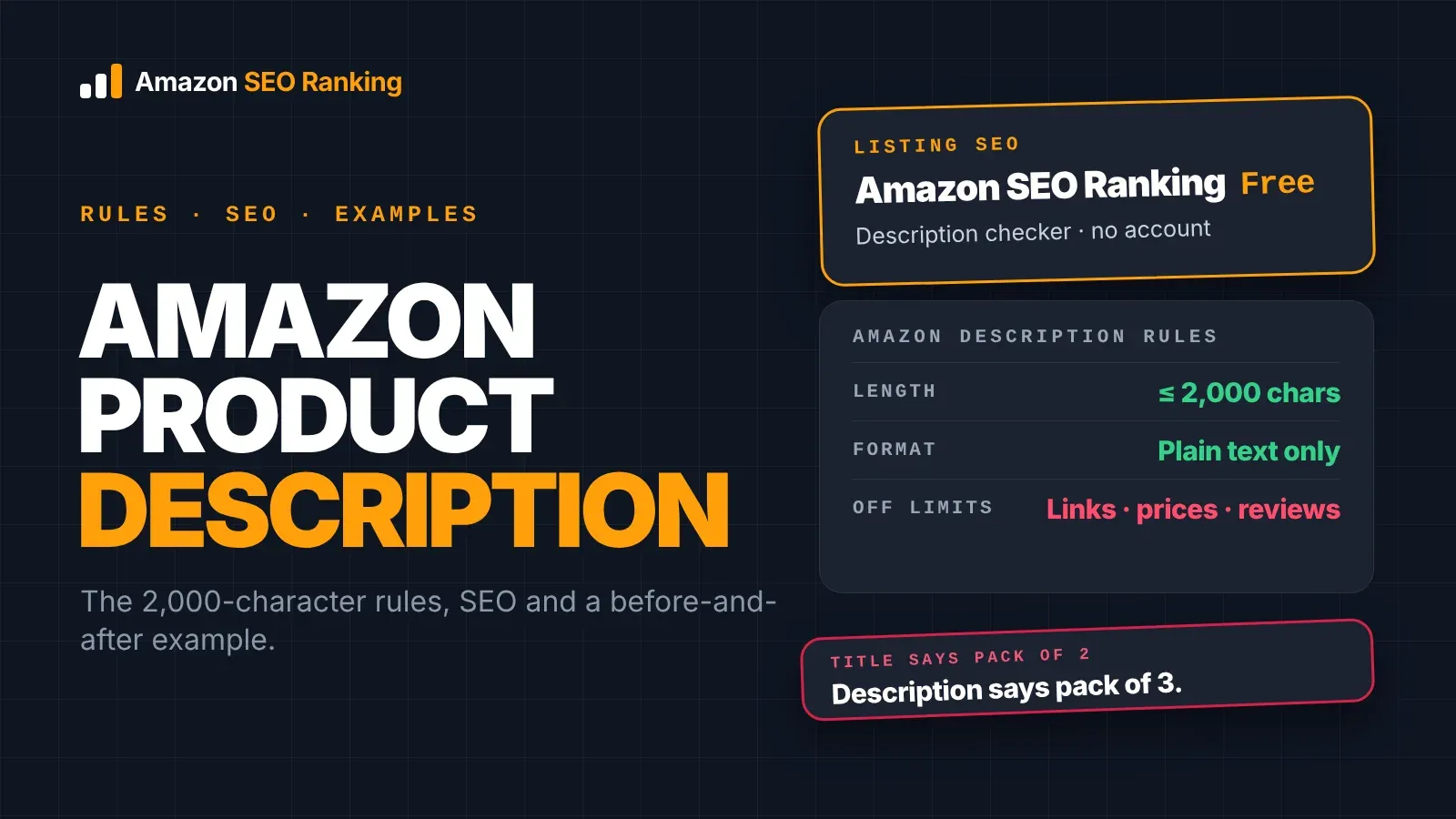
The 2,000-Character Limit
The description field holds 2,000 characters, and spaces count. Line breaks and any characters you add for formatting count too.
The practical risk is miscounting. Word processors count differently, AI writers estimate, and a draft that "looks about right" can run over. Paste the final text into a counter before uploading. Our free Amazon product description character limit checker counts the description against 2,000 characters as you type and shows where the text would be cut.
Formatting: Plain Text and Line Breaks
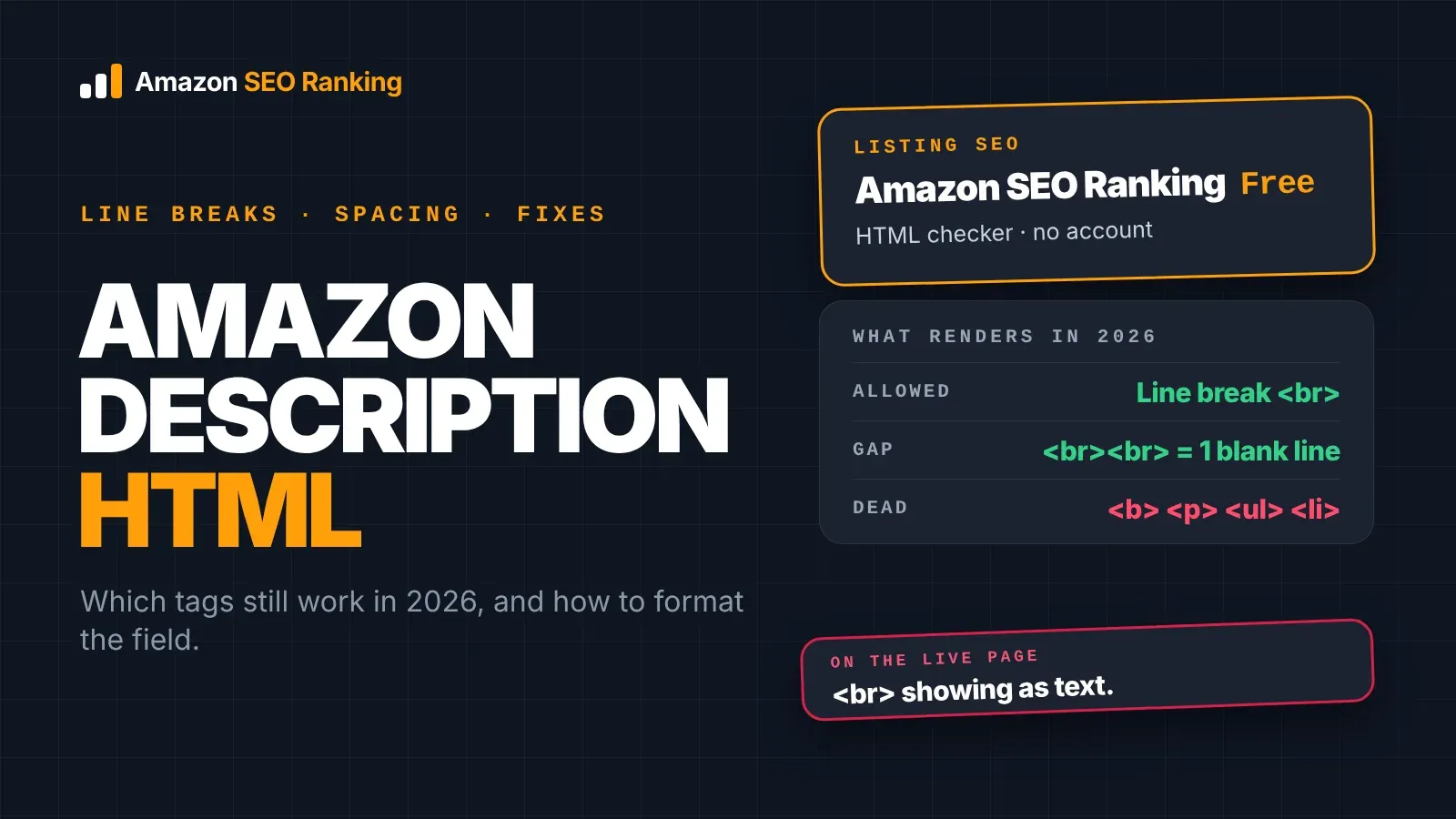
Amazon's rule is short: don't use HTML, JavaScript or other code on the detail page, with line breaks allowed in the description as a special case. Bold tags, paragraph tags and bullet lists inside the field aren't part of that exception.
Many Amazon product description best practices 2025 articles still recommend <b> and <p> tags. Write to the current rule instead. Separate short paragraphs with line breaks, and start a paragraph with a plain label such as "Care:" if you want a visual anchor.
What Amazon Doesn't Allow in the Description
Amazon's general detail page rules ask sellers to exclude links or contact information, reviews or requests for reviews, and advertising. The same page lists reviews, quotes and testimonials as prohibited content.
In practice, leave out:
- website addresses, email addresses and phone numbers
- customer quotes, star ratings and "loved by thousands" lines
- price, discounts, "free shipping" and other offers, which go stale and read as advertising
- comparisons naming other brands
- your seller name in place of brand information
Amazon also asks that titles, descriptions and bullet points be clearly written and help customers understand the product. That rules out keyword lists pasted in as sentences.
Claims That Put a Listing at Risk
Health and medical claims ("detox", "boosts immunity", "relieves pain") are among the policy risks that get listings suppressed, and the description is where they slip in because there's room for them. Claims the product data doesn't support ("organic", "BPA-free", "protein") carry a different risk: shoppers who buy on them and find otherwise leave returns and reviews.
Check every claim against your spec table and the facts your brand has approved. If you can't point to the source of a claim, cut it. On Pro and Agency, Amazon SEO Ranking's Compliance Risk Scanner reads the copy for these risks: medical and health claims, guarantees, review manipulation, contact details and banned formatting.
Where the Description Fits After the 2026 Title Change
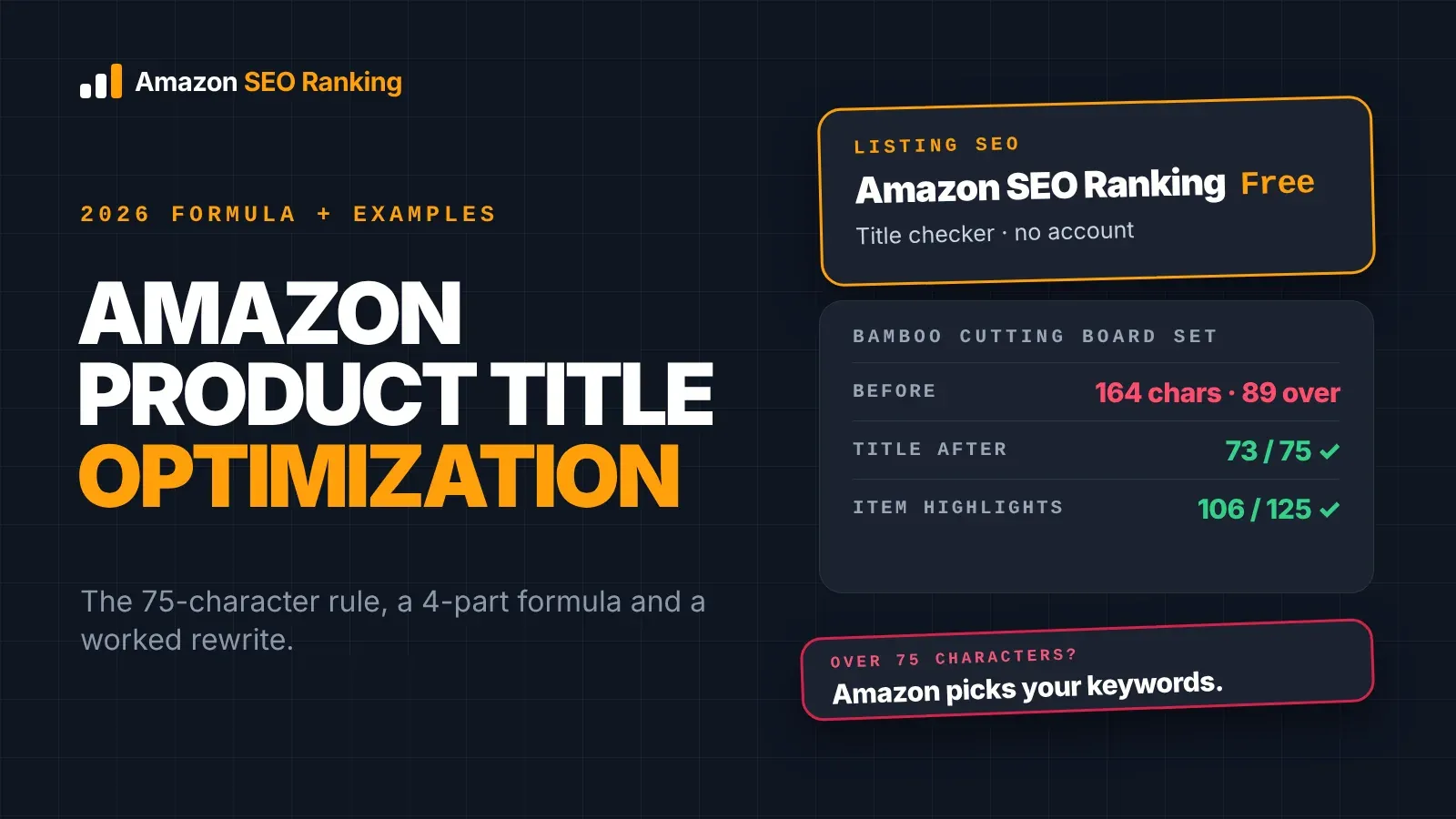
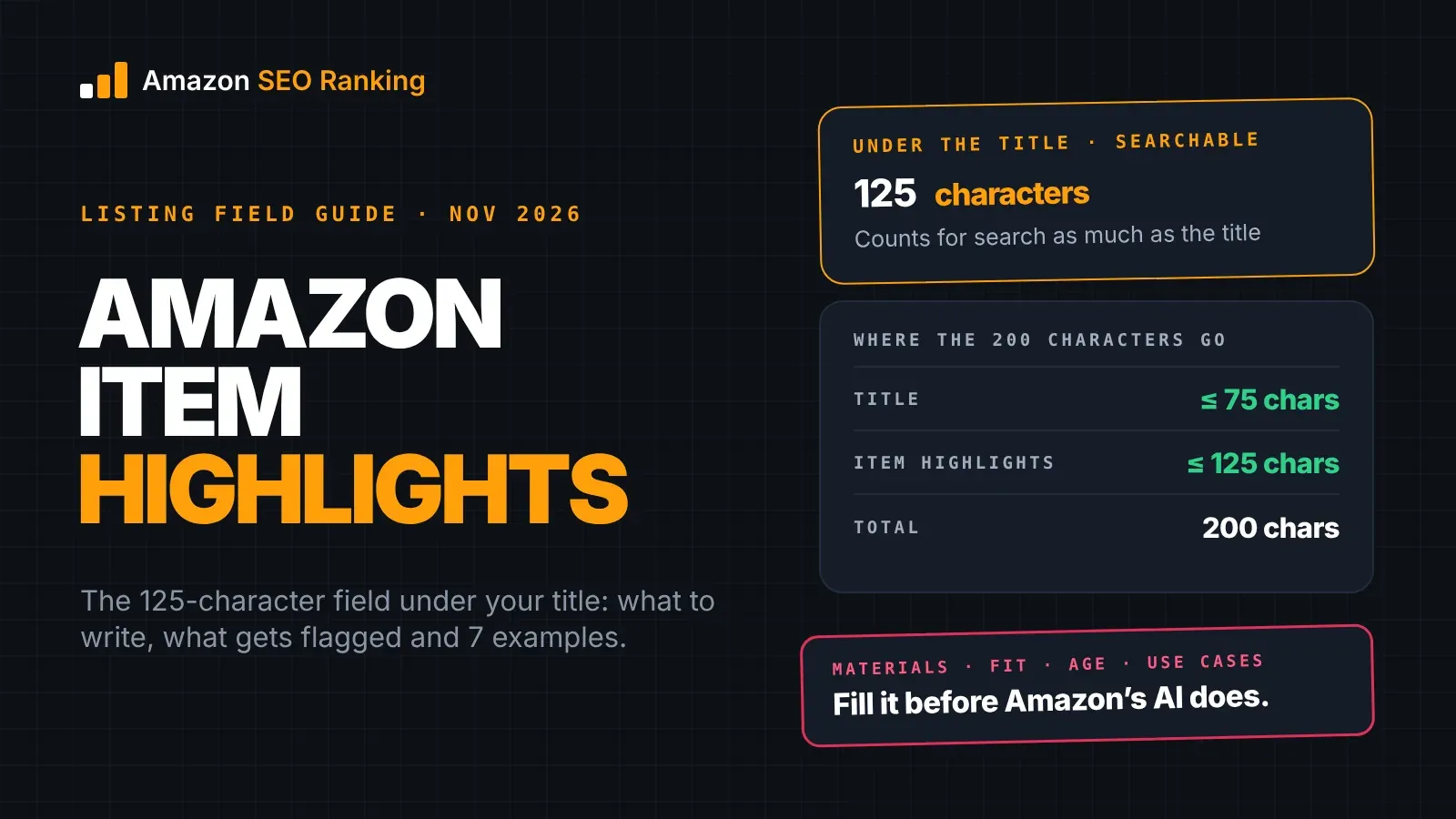
Since July 27, 2026, the description shares the listing with a much shorter title. Titles in all categories except media must now be 75 characters or fewer, spaces included, and Amazon added a 125-character Item Highlights field next to the title.
That split changes what the description has to do. The title names the product, Item Highlights carries the short attributes shoppers compare, and the bullets carry the main benefits.
The description gets the context none of those fields can hold.
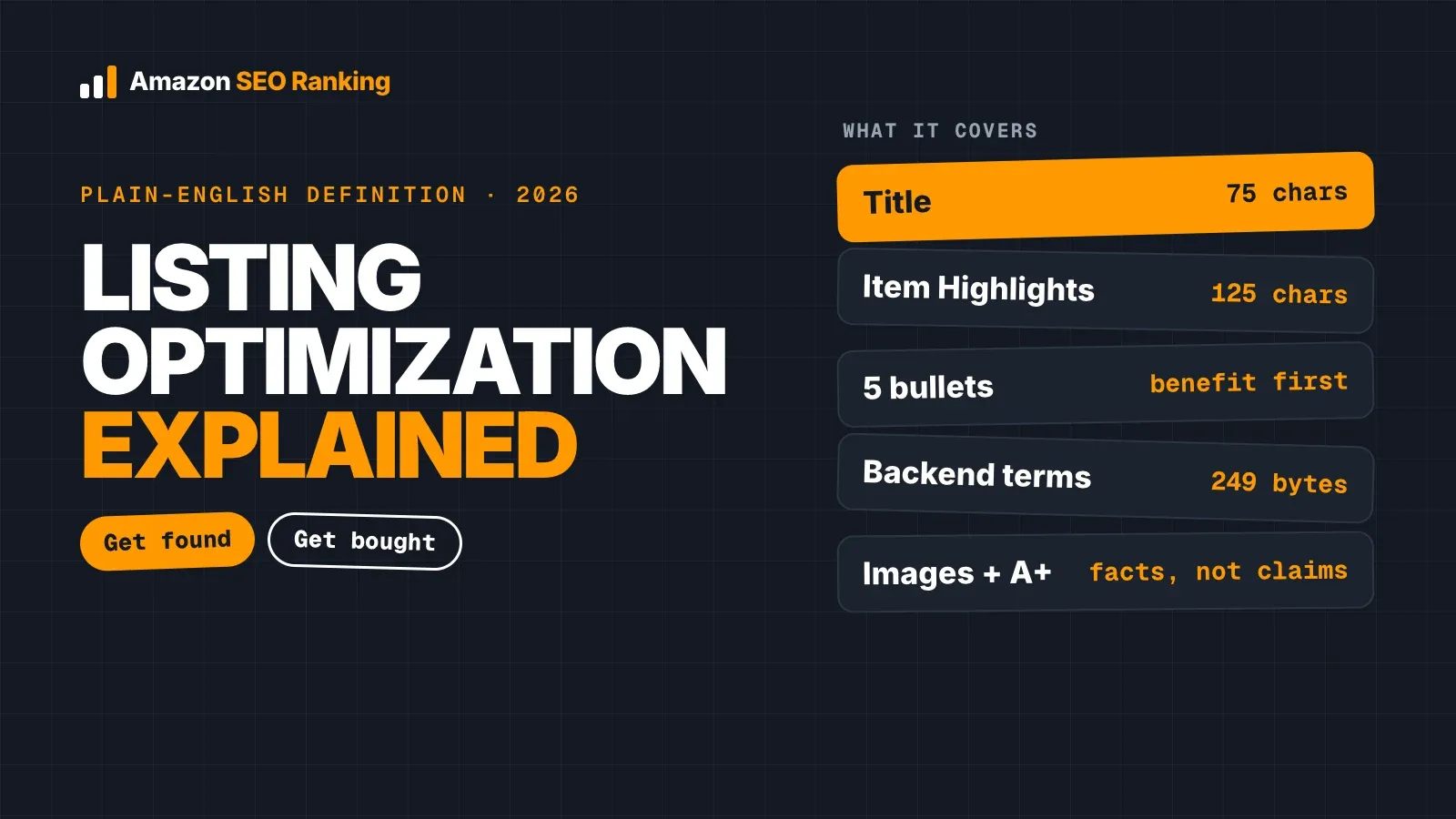
| Field | Limit | Its job |
|---|---|---|
| Title | 75 characters | Brand, product type, key attribute |
| Item Highlights | 125 characters | Materials, sizes, compatibility, use cases |
| Bullet points | Five bullets, up to 255 characters each (under 200 shows in full on mobile) | The main benefits, one per bullet |
| Product description | 2,000 characters | Who it's for, how it's used, care, what's in the box, limits |
| Backend search terms | 249 bytes | Synonyms and terms not used on the page |
A description that repeats the bullets word for word wastes the field. Read your bullets, then write the paragraph about what they left out.
Amazon Description and SEO: What Search and AI Read
Amazon description and SEO meet in two places in 2026: keyword search, where shoppers type a phrase, and AI answers, where shoppers ask a question in their own words. The description feeds both, though Amazon doesn't publish how much weight each field carries in ranking.
Keywords in the Description
Amazon product description SEO starts with relevance. Use the words shoppers search for when they describe your product, especially terms for use cases and audiences that didn't fit in the 75-character title. A dog harness description that mentions "reflective", "no-pull" and "for small breeds" covers searches the title couldn't.
Write keywords into sentences that make sense. Amazon's rules ask for clear copy that helps customers understand the product, and a block of repeated phrases fails that test. Words that only belong in search, like misspellings and synonyms, go in the backend search terms; our guide to Amazon search terms shows how to fill those 249 bytes.
Writing for Alexa for Shopping
On May 13, 2026, Rufus was renamed Alexa for Shopping, and the assistant now sits in the Amazon app's search bar. Amazon said Rufus helped more than 300 million customers research, compare and buy products in 2025.
An assistant answering "is this bottle dishwasher safe?" or "will this fit a 15-inch laptop?" needs a sentence in your listing that says so. Descriptions written as complete sentences give it that. Feature fragments ("Dishwasher. Leakproof. 750ml.") give it less to work with, and a vague line gives it nothing.
Write down the questions shoppers ask in your reviews and the customer questions section, then answer each one in a sentence somewhere in the listing. The description is the natural home for the answers that don't fit in a bullet. Amazon SEO Ranking's audit includes an AI-readiness category with two criteria that grade how well the listing serves Amazon's AI shopping systems, and our post on Amazon Rufus and COSMO SEO covers the rest of the listing in detail.
How to Write an Amazon Product Description in 6 Steps
This is the method we'd use on a live listing. It takes a seller about as long as the research in step 1, which is where most of the value is.
1. Collect the Facts Before Writing
Open the spec table, the packaging, the manual and your brand's approved claims. Note the exact pack count, size, materials and what's in the box.
Then read your three-star and one-star reviews and the customer questions. These show what shoppers misunderstood or couldn't find. A water bottle with reviews saying "doesn't fit my car cup holder" needs its base diameter in the description.
2. Read the Title, Item Highlights and Bullets
List what those fields already say. The description shouldn't repeat it.
Mark the gaps: the audience, the situations of use, care, compatibility, what the product doesn't do. Those gaps are the description's content.
3. Pick Your Keywords
Choose one main keyword and a few secondary phrases that describe uses and audiences. Check search volume before committing, since a phrase you'd use may not be the one shoppers type. Amazon SEO Ranking's Search volume tool reads real Amazon search data in 16 marketplaces, and a free account shows the first 3 results of each search.
Note which keywords the title and Item Highlights already cover. The description should pick up the relevant ones that didn't fit. If you rewrite with the AI Copy Rewriter, enter the main and secondary keywords and its coverage check shows where each one landed, description included.
4. Write Short Paragraphs, One Job Each
Open with who the product is for and the problem it solves, in two or three sentences. Follow with how it's used, then the details: materials, care, compatibility, what's in the box.
Keep each paragraph to a few sentences and separate them with line breaks. Amazon's own seller forum guidance puts mobile at over 60% of Amazon shopping, and a 2,000-character block with no breaks is hard to read on a phone.
5. Check Length, Claims and Counts
Count the characters with a tool. Read every number in the description against the title, bullets and spec table: pack count, capacity, dimensions.
Then read every claim. Remove health claims, and remove anything you can't support with the spec table or your approved facts. Delete links, contact details, prices and offers if any crept in.
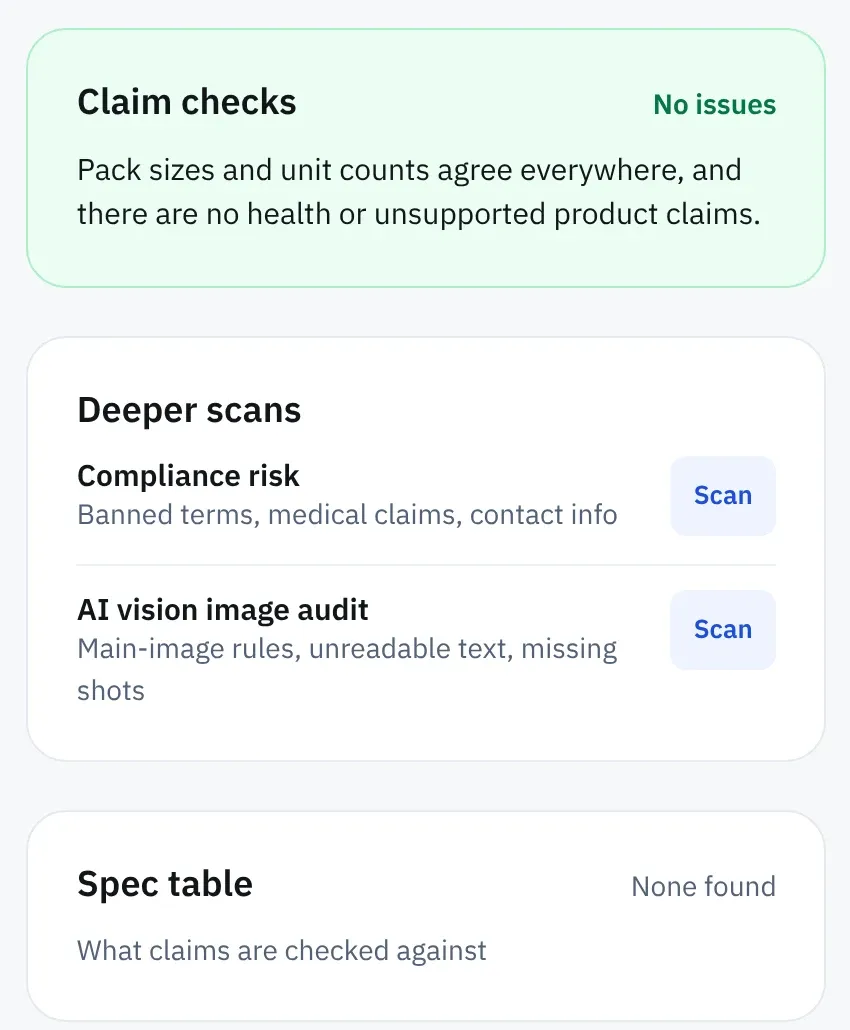
You don't have to do all of this by eye. The free Character Limit Checker counts the description against 2,000 characters and flags promotional wording, contact details, HTML and health claims, with no account. For a live listing, every Amazon SEO Ranking audit (free plan included) compares pack sizes and unit counts across the title, Item Highlights, bullets, description and spec table, and flags health claims and product claims the spec table doesn't support.
6. Check the Draft Against the Live Listing
A description that reads well on its own can still contradict the live title or bullets. Before uploading, check the new text against the rest of the listing as it stands, so a count mismatch or a claim gets fixed before Amazon indexes it.
Amazon SEO Ranking's draft audit does this. Paste the new description, plus any title, Item Highlights or bullets you changed, and blank fields keep the live copy. The draft is checked against the live listing for pack-count mismatches and claims, and on Pro and Agency the compliance scan runs on it automatically. If you also changed the title or bullets, you see the listing's score before and after.
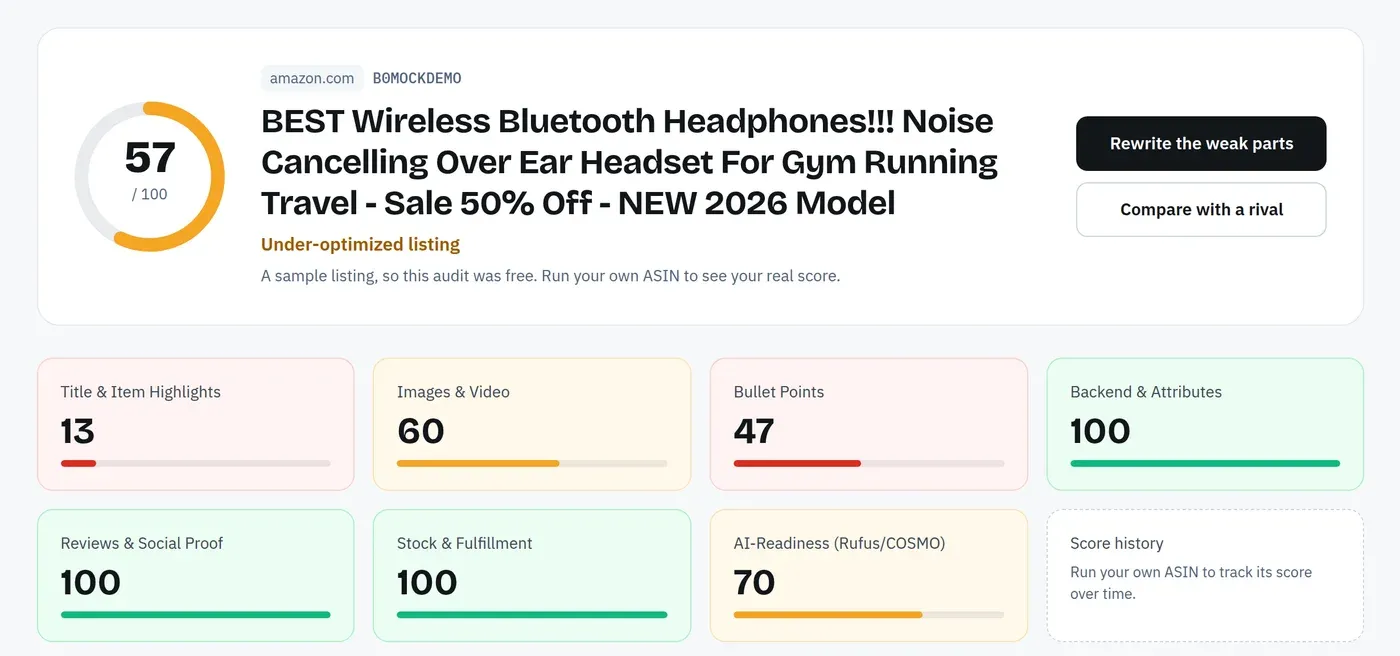
Amazon Product Description Example: Before and After
The listing below is fictional. It shows the most common problems in one place: a pasted manufacturer paragraph, a wrong pack count and claims nobody can back up.
Before (title: "Halden Insulated Water Bottle 750 ml, Stainless Steel, Pack of 2")
HALDEN BOTTLE!!! The BEST insulated bottle on Amazon, 5 stars from 10,000+ happy customers. Keeps drinks cold 48 hours. Pack of 3. BPA free, eco friendly, boosts hydration and energy. 20% OFF this week only. Visit haldenbottles.com for more colors.
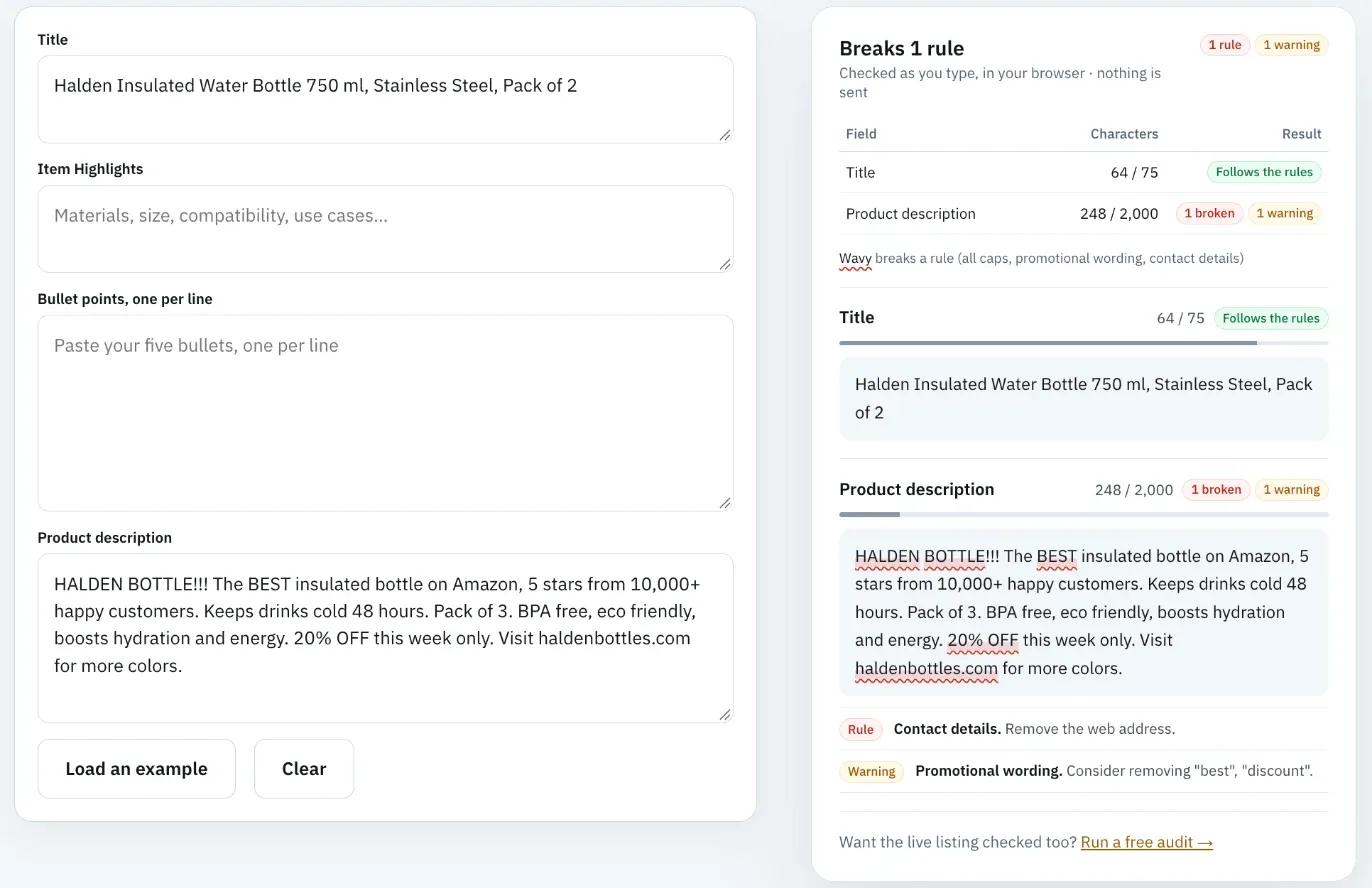
This breaks several rules at once. "Pack of 3" contradicts the title's "Pack of 2". The review claim, the discount and the website link are all prohibited content. "Boosts hydration and energy" is a health claim, and "48 hours" and "BPA free" need checking against the spec table.
After (same product, facts from its spec table)
Halden's 750 ml bottle is sized for a full day at a desk or a long walk, and this set includes two. Each bottle has double-wall stainless steel insulation, so cold drinks stay cold through the afternoon and the outside stays dry in a bag.
Use: the screw lid seals for carrying in a backpack, and the flip straw opens with one hand. The base is 7.4 cm across and fits most car cup holders.
Care: wash the lid and straw in the dishwasher's top rack. Hand wash the bottle body to protect the outer finish.
In the box: two 750 ml bottles, two straw lids, one cleaning brush.
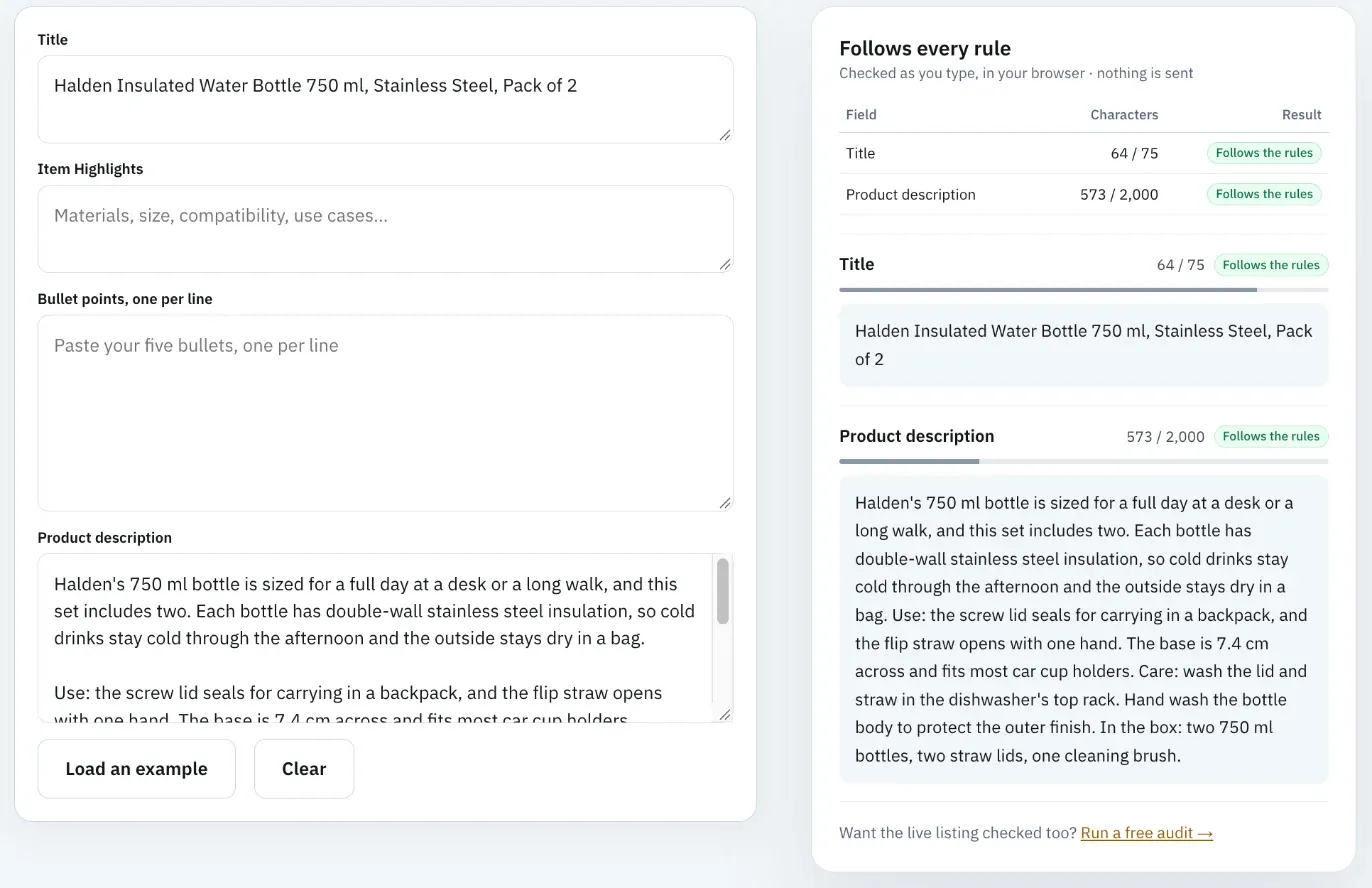
The new version is about 570 characters, well inside the limit. It repeats the title's pack count, answers the cup-holder and dishwasher questions shoppers ask, and drops every claim the spec table can't support. The insulation time is gone because the spec table didn't give one.
Most of the "before" problems are machine-checkable. Amazon SEO Ranking's audit would flag "Pack of 3" against the title's "Pack of 2" and the "boosts hydration" health claim, and the free Character Limit Checker would flag the ALL CAPS, the promotional wording and the website address.
Amazon Product Description Best Practices 2026: Mistakes to Avoid
Most weak descriptions fail for the same handful of reasons. These Amazon product description best practices 2026 sellers should check are the fixes for each.
Copying the manufacturer's paragraph. It was written for a box or a website, often with claims Amazon doesn't allow, and the same text appears on every reseller's listing. Rewrite it from the spec table.
Repeating the bullets. Two thousand characters of the same five points gives shoppers nothing new. Use the description for context the bullets skipped.
Letting counts drift. A product goes from a 3-pack to a 2-pack, the title gets updated and the description doesn't. Every time a spec changes, search the whole listing for the old number.
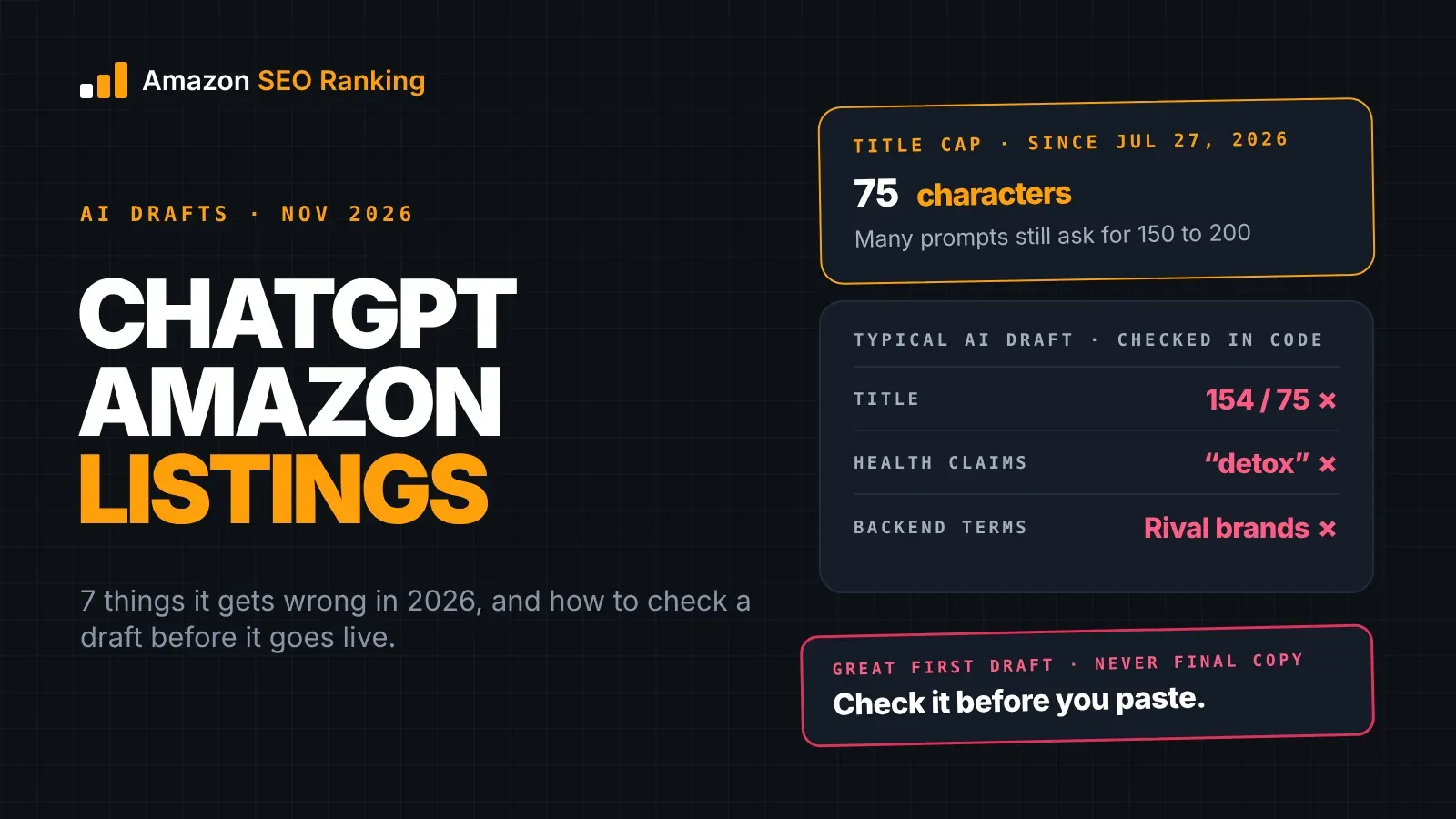
Accepting AI drafts unread. Amazon says over 900,000 sellers use its generative AI listing tools and accept the content with little or no editing about 90% of the time. That makes publishing fast. It also means errors in the draft go live with it, so read each AI description against your product data before accepting it. If your team writes with Claude, Amazon SEO Ranking's Claude connector (from Pro, $79/mo) lets it check a draft against Amazon's limits, pack counts and claims inside the chat.
Writing one description for every storefront. A description written for amazon.com isn't ready for amazon.de or amazon.co.jp. Each storefront's shoppers search and read in their own language, so each needs its own description in that language.
Trusting old formatting advice. Guides that recommend bold text, HTML lists or emoji in the description predate the current rules. Plain text with line breaks is what the field accepts.
Amazon Product Description Optimization Across a Catalog
Writing one good description takes an afternoon. Keeping 200 of them accurate across three storefronts is a different job, and most of the errors above come from that second job.
The work splits into three checks, repeated whenever a product changes: does the description still match the product data, does it break a rule, and is it in the right language for the storefront. Doing those by hand for each ASIN is slow, and it's the part sellers skip.
Amazon SEO Ranking was built for that part of Amazon product description optimization. The first check is free: every audit compares pack sizes and unit counts across the title, Item Highlights, bullets, description and spec table of the live listing, and flags health claims and claims the spec table doesn't support, with no AI call.
The AI Copy Rewriter then writes the description as part of a full copy set (title, Item Highlights, bullets, description and backend terms) from the listing's own spec table and your brand fact sheet. The same checks run on the draft before you see it, and length is counted in code rather than estimated.
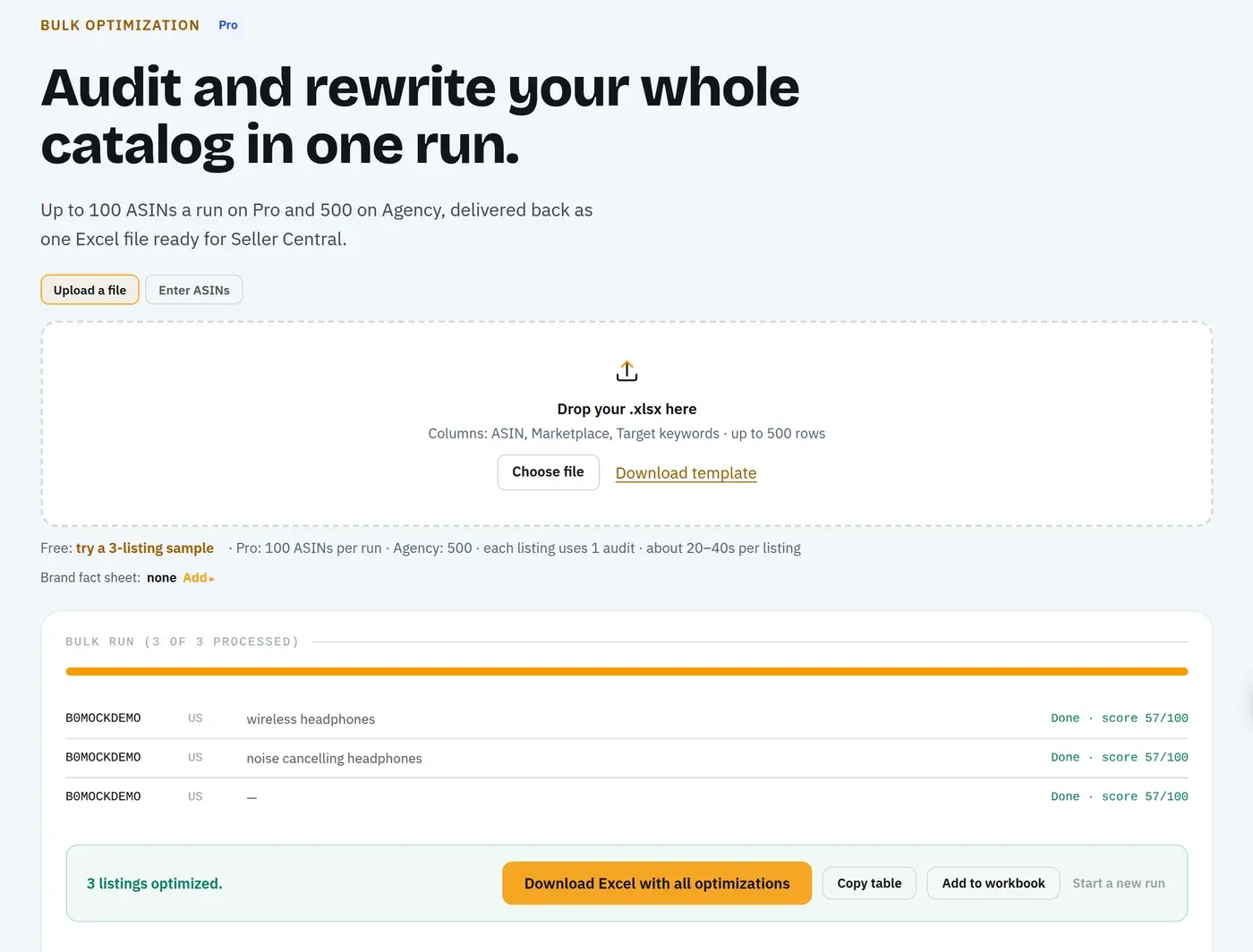
For a catalog, Bulk Optimization runs the same audit and rewrite on up to 100 ASINs per run on Pro and 500 on Agency, each row in its own marketplace's language across 23 Amazon storefronts. If you only need the writing step, our Amazon product description writer page shows it on a demo listing, and our comparison of the best Amazon product description writer tools covers the alternatives honestly.
Everything You Need to Know About Amazon Product Description
| Topic | The short answer | Source or tool |
|---|---|---|
| What it is | The long-form text field below the bullets on a detail page | Amazon Seller Central |
| Who controls it | Amazon chooses what to display from seller contributions; brand owners carry more weight | Amazon Seller Central |
| Length | 2,000 characters including spaces | Free Character Limit Checker |
| Formatting | No HTML or code; line breaks allowed | Amazon detail page rules |
| Banned content | Links, contact information, reviews, review requests, advertising | Amazon detail page rules |
| Claims | No health claims; only claims your product data supports | Claim checks in the AI Copy Rewriter and Character Limit Checker |
| Consistency | Same pack count, size and materials in every field | Free consistency checks on every audit |
| Its job since July 2026 | Context the 75-character title, Item Highlights and bullets can't hold | Amazon title update |
| SEO | Relevant keywords in readable sentences; search-only terms go in backend terms | Keyword research, Backend Keyword Checker |
| AI shopping | Alexa for Shopping answers questions from listing content | Full-sentence answers to real shopper questions |
| A+ Content | Replaces the description on the page once published | A+ Content generator |
| Testing changes | Check the draft against the live listing before uploading | Draft audit |
| Several storefronts | One description per marketplace, in its language | Rewrites in 12 languages across 23 storefronts |
Check Your Description Free With Amazon SEO Ranking
Paste an ASIN and Amazon SEO Ranking's free audit checks the live description against the rest of the listing: pack counts that disagree with the title or spec table, health claims, and claims your product data doesn't support. The AI Copy Rewriter then writes a new description from your spec table and brand fact sheet, checked in code for length, claims and counts before you see it, and the draft audit checks it against the live listing before you upload. The audit's 12 criteria and pass rules are published, so every finding can be traced to a rule.
It's built for sellers and brand teams rewriting live listings, especially those selling the same product in several Amazon storefronts or working within approved claims. It's trusted by eRetail Search specialists at Nestlé and eCommerce SEO services agencies such as Reach AI.
The free plan includes 3 audits a month with AI rewrites, and no credit card is required. Run a free Amazon listing audit on the ASIN whose description you trust least, and see what it flags before your shoppers do.
FAQ
What is an Amazon product description?
An Amazon product description is the long-form text field of up to 2,000 characters shown below the bullet points on a product detail page. It gives shoppers the context the title and bullets can't hold, such as who the product suits, how to use and care for it, and what's in the box. It's a shared field, so when several sellers offer the same product, Amazon chooses which contribution to display. Once a brand publishes A+ Content for an ASIN, the A+ modules appear in its place.
How long should an Amazon product description be?
An Amazon product description should be no longer than 2,000 characters, including spaces, which is the field's limit. Within that limit, length should follow the facts: a description that covers the use, care, compatibility and box contents in 600 characters is better than 2,000 characters of repeated bullets. Count characters with a tool before uploading, because AI writers and word processors often miscount. Amazon SEO Ranking's free Character Limit Checker counts the field as you type, with no account.
Can you use HTML in an Amazon product description?
You can't use HTML in an Amazon product description, apart from line breaks. Amazon's detail page rules say not to use HTML, JavaScript or other code on the detail page, with line breaks allowed in the description as a special case. Bold tags, paragraph tags and HTML lists recommended in older guides fall outside that exception. Use short paragraphs separated by line breaks instead.
Does the Amazon product description help SEO?
The Amazon product description helps SEO by giving search and Amazon's AI shopping assistant more relevant text about your product's uses, audiences and details. Amazon doesn't publish how much ranking weight the description carries compared with the title or Item Highlights. Since July 2026 the title is capped at 75 characters, so the description is one of the few places left for use-case phrases written as full sentences. Keep keywords readable, and put misspellings and synonyms in the 249-byte backend search terms instead.
How do I write a product description for Amazon?
You write a product description for Amazon by collecting the facts first, then writing short paragraphs about what the title and bullets left out. Start from the spec table, packaging and approved claims, and read low-star reviews and customer questions for what shoppers couldn't find. Open with who the product is for, then cover use, care, compatibility and box contents in plain text with line breaks. Before uploading, check the 2,000-character limit, match every number to the title and bullets, and cut health claims and anything you can't support.
Where is the product description on Amazon?
The product description on Amazon appears below the bullet points and images, under the "Product description" heading on the detail page. If the brand has published A+ Content for that ASIN, the A+ modules take its place in that section. Sellers edit the field in Seller Central under the listing's edit page or through an inventory file upload.
Does A+ Content replace the Amazon product description?
A+ Content replaces the Amazon product description on the detail page once it's published for that ASIN, as Amazon staff have confirmed on the Seller Forums. The plain description still matters for ASINs where you haven't published A+, and for brands that aren't in Brand Registry and can't use A+ at all. Write both from the same approved facts so the page never contradicts itself. Amazon SEO Ranking drafts A+ modules and a brand story on every plan, including the free one.
Can AI write my Amazon product description for me?
AI can write your Amazon product description, but a general AI writer doesn't see your spec table or live listing, so it fills gaps with plausible claims and miscounted lengths. Amazon says sellers accept its own AI listing content with little or no editing about 90% of the time, which is how those errors reach live pages. Read any AI draft against your product data, check the 2,000-character limit with a counter, and remove health and unsupported claims. Amazon SEO Ranking writes from the listing's spec table and your brand fact sheet, and flags health claims, unsupported claims and pack-count mismatches in code on every draft.
Paste your description and see every rule it breaks before Amazon does. Free, no account.
Check my description free