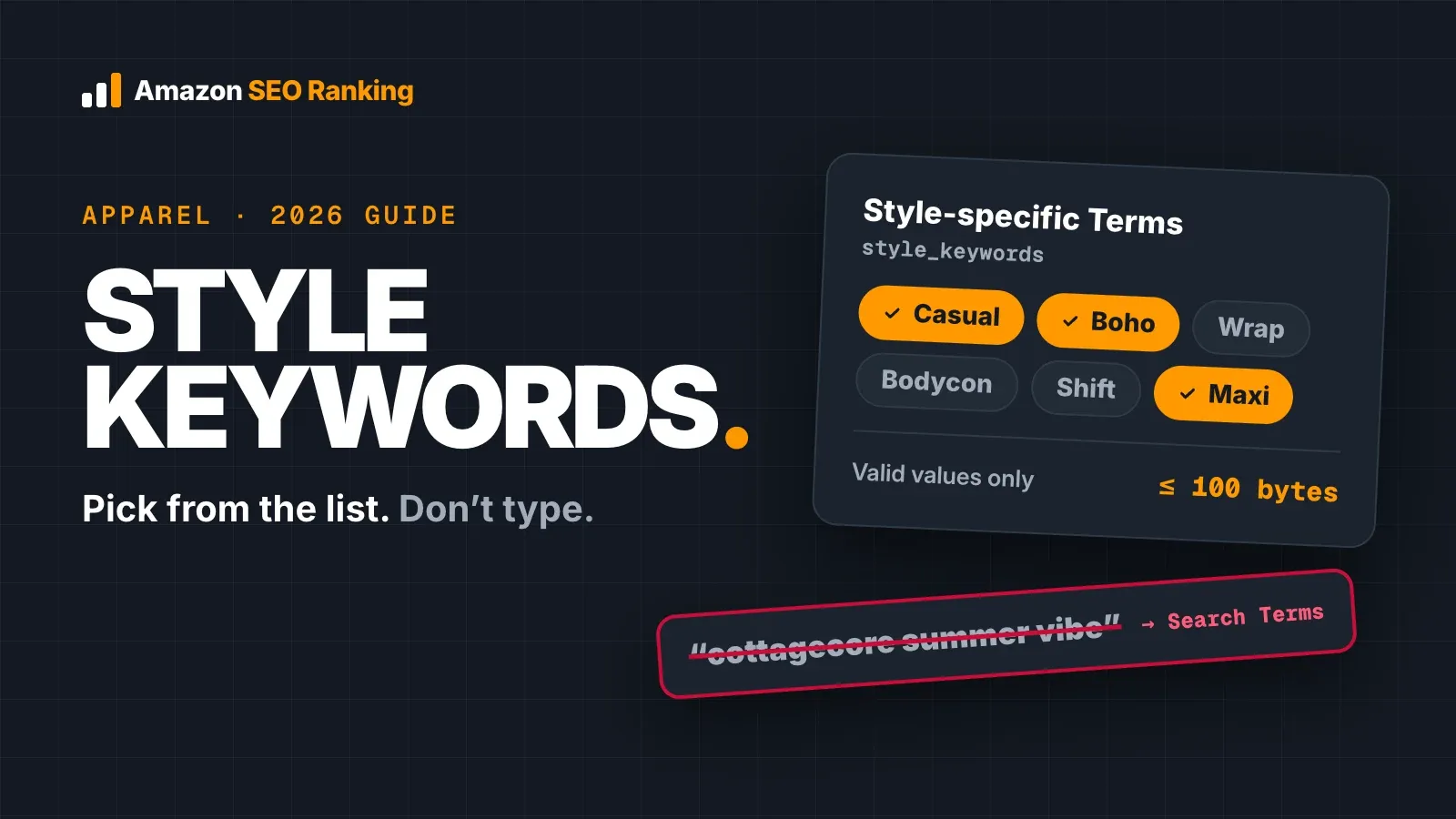
If you searched "style keywords Amazon" after spotting the field on a listing, here's the short version. Style keywords (the style_keywords attribute, labelled Style-specific Terms) are an apparel field that takes values from a set list, up to 100 bytes. Amazon's keyword attributes help page lists the field as active for apparel, with valid values drawn from the Browse Tree Guides.
So the field works like a dropdown. You pick the style values your category offers that describe the product, and you leave everything else to your title, bullets and Search Terms line.
This guide covers where the field sits next to Amazon's other keyword attributes, how it differs from Search Terms, how to find the values your category accepts, and a worked example on a linen dress. It's written for apparel sellers and agencies editing live listings.
Key Takeaways (TL;DR)
- Style keywords are an apparel attribute (style_keywords, Style-specific Terms) with a 100-byte limit.
- The field takes valid values from your category's list. Free text that isn't on the list doesn't belong there.
- Style values describe the look of a product, so shoppers can filter results by style.
- Search Terms (generic_keywords) is still the free-text hidden field, at 249 bytes in most marketplaces.
- Style words your category's list doesn't offer, such as trend terms, go in Search Terms, or in the title and bullets when they're accurate.
- Several other keyword attributes, including Target Audience and Intended Use, are being phased out. Style-specific Terms isn't one of them.
Style Keywords Amazon: at a Glance
| Question | Short answer | Source |
|---|---|---|
| What is the field called? | Style-specific Terms (style_keywords) | Amazon keyword attributes help page |
| Which products use it? | Apparel | Amazon keyword attributes help page |
| What can you enter? | Valid values from your category's list | Amazon keyword attributes help page |
| How long can it be? | 100 bytes | Amazon keyword attributes help page |
| Is it being phased out? | No; it's listed as active | Amazon keyword attributes help page |
| Where do other style words go? | Search Terms, or visible copy when accurate | Worked example below |
| How big is the Search Terms field? | 249 bytes in most marketplaces | Amazon staff, Seller Forums |
What Are Style Keywords on Amazon?
The plain answer to what are style keywords on Amazon: they're a structured attribute that tells Amazon which style a clothing item belongs to. Amazon's help page calls the field Style-specific Terms. In inventory files the column is style_keywords.
The "keywords" part of the name causes most of the confusion. Sellers read it as a second hidden keyword box and paste in a line of search phrases. The field expects values from a fixed list, the same way Department or Material does, and Amazon's Shoes style guide tells sellers to pick refinements from the Valid Values tables in the flat file template.
What style values do
A style value groups your product with others of the same look, so a shopper narrowing results by style can still find it. That's a different job from Search Terms, which adds words a product can match when a shopper types them.
Because the values come from a list, two sellers with the same style of dress end up with the same value. That consistency is what makes a filter work.
Where Style Keywords Sit Among Amazon's Keyword Fields
Amazon's keyword attributes page lists every keyword field with its status and byte limit. Summarized, as of 10 November 2026:
| Field (attribute) | Status | Byte limit |
|---|---|---|
| Search Terms (generic_keywords) | Active, free text | 249 |
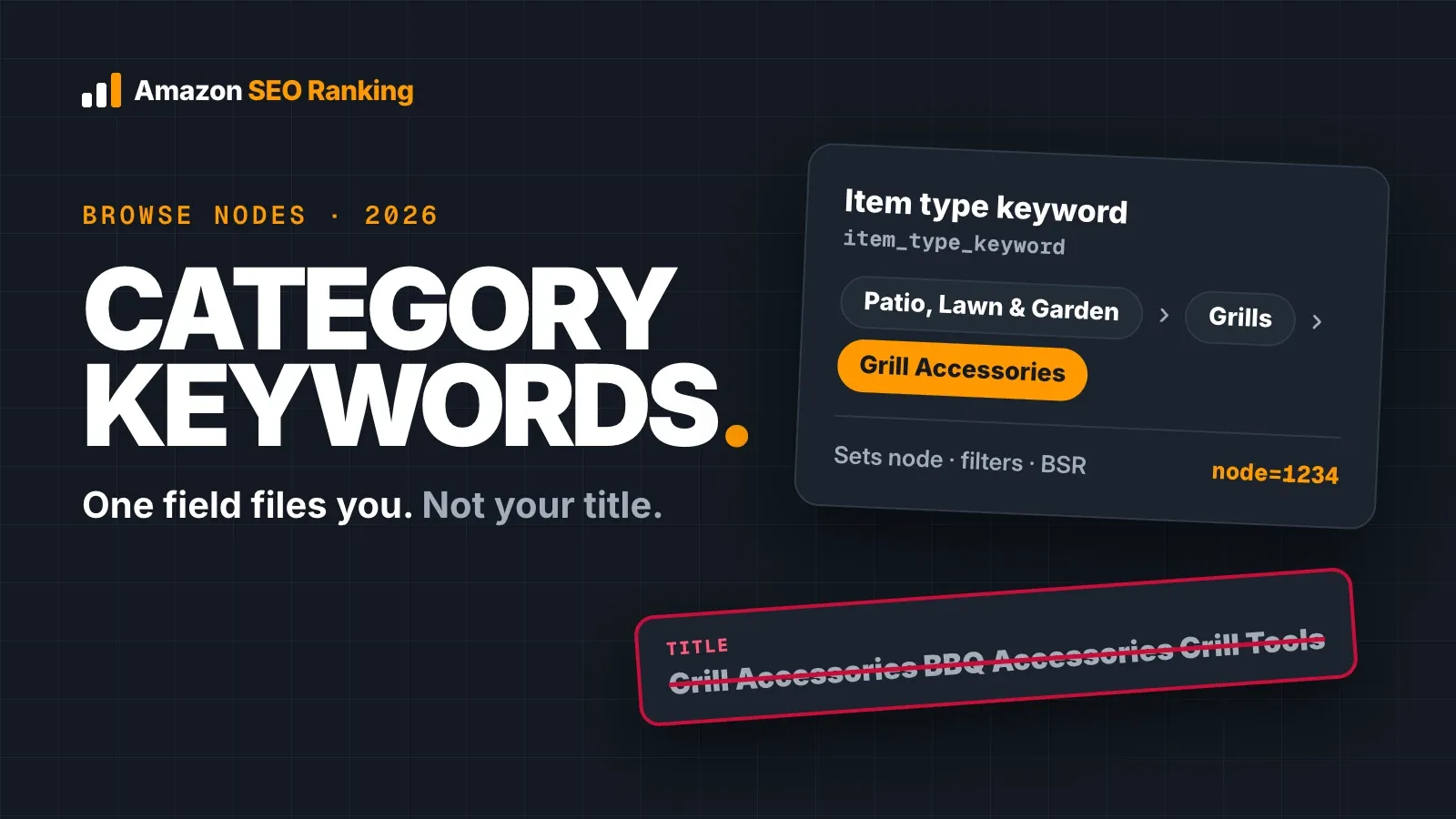
| Item Type Keyword (item_type_keyword) | Active, valid values only | 250 |
| Subject Matter (thesaurus_subject_keywords) | Active, valid values only | 250 |
| Style-specific Terms (style_keywords) | Active for apparel, valid values only | 100 |
| Subject Keywords (subject_keywords) | Media products only | 210 |
| Intended Use (specific_uses_keywords) | Being phased out | 150 |
| Target Audience (target_audience_keywords) | Being phased out | Not listed |
| Other Attributes (thesaurus_attribute_keywords) | Being phased out | Not listed |
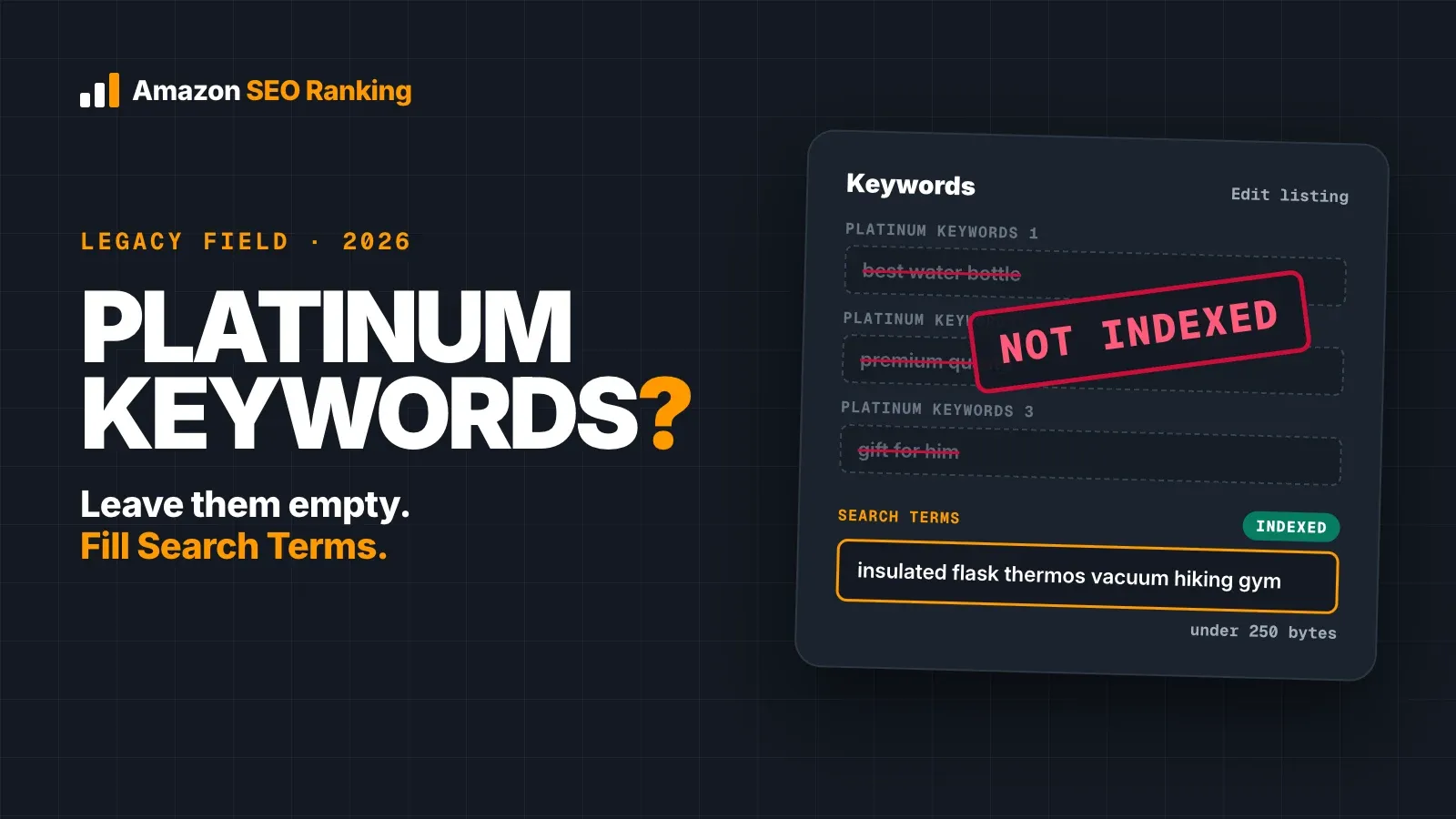
| Platinum Keywords (platinum_keywords) | Redundant | Not listed |
Two things stand out. Only one field takes free text: Search Terms. And sellers have noticed the phase-outs, with one seller on the forums pointing to fields marked N/A and advising others to move their keywords to match.
If you still have terms in Platinum Keywords, our post on Amazon platinum keywords shows how to move them somewhere Amazon reads.
Item Type Keyword comes first
Style values sit on top of the product's classification. Amazon's Clothing style guide asks sellers to classify to the deepest level, so polo shirts go under "polo-shirts" and not "shirts". A correct style value on a product filed in the wrong node still puts it in the wrong set of results.
Check the Item Type Keyword before you spend time on style values.
Style Keywords vs Search Terms
Style keywords vs search terms is the comparison most sellers need, because the two fields look alike in Seller Central and do different jobs.
| Style keywords | Search Terms | |
|---|---|---|
| Attribute | style_keywords | generic_keywords |
| Applies to | Apparel | All categories |
| Input | Values from your category's list | Free text |
| Limit | 100 bytes | 249 bytes in most marketplaces |
| Shown to shoppers | No | No |
| Job | Groups the product by style for filtering | Adds words the product can be found for |
| Typical content | A style value from the list | Synonyms, spelling variants, other-language terms |
Amazon staff put the Search Terms limit at 249 bytes, and a line over the limit gets ignored as a whole. Our guide to Amazon backend search terms covers that field's rules in detail.
The practical split is simple to remember. If a style word is on your category's list and true of the product, it goes in the style field. If it isn't on the list, it can still earn its place in Search Terms.
How to Find the Style Values Your Category Accepts
The accepted values change by category and marketplace, so a list copied from a blog post won't match your template. Pull them from Amazon's own files:
- Download your category's inventory file template from the Add Products via Upload page in Seller Central.
- Open the Valid Values tab and find the column for style_keywords (it may read Style-specific Terms or Style Keywords, depending on the template).
- Download the Browse Tree Guide for the same category from the inventory file templates help page, and confirm your Item Type Keyword while you're there.
- Match values to the product. A value has to describe what the item is. A linen dress isn't "athletic" because athleisure sells.
- Enter the values in the listing's edit page or the template, and count bytes against the 100-byte limit.
On the edit page, the keyword fields have moved over time. Amazon staff told one seller the keywords now sit under the Product Details tab, and which fields appear depends on the product type.
If the field doesn't appear at all, your product type doesn't use it. Nothing is missing from the listing. Merch by Amazon and KDP listings use their own fields, so this attribute doesn't apply to them either.
Selling the same item in more than one marketplace
Each Amazon marketplace has its own templates and Browse Tree Guides, so a style value accepted on amazon.com may not exist, or may be worded differently, on amazon.de or amazon.co.uk. Download the template for each marketplace you list in and pick values from that file.
The same goes for Search Terms. A backend line written in English does nothing for shoppers searching amazon.de in German. Amazon SEO Ranking audits listings on 23 Amazon marketplaces, and its rewrites, backend line included, come back in each marketplace's language.
What Should I Put in Amazon Style Keywords?
The short answer to what should I put in Amazon style keywords: the values from your category's list that a shopper would agree describe the product, and nothing else. Fill the field from the list first, then decide where the leftover words go.
Here's how to sort the words a style brief usually contains:
- On the list and accurate: style field.
- Not on the list, but shoppers search it: Search Terms, once you've checked demand.
- The single most important descriptor: the title, if it fits in Amazon's 75 characters.
- Brand names ("Free People style", "Zara dupe"): nowhere. Amazon treats other brands' names in keyword fields as a policy issue.
- Claims ("best seller", "trending"): nowhere.
Amazon style keywords examples
The Amazon style keywords examples below are the kinds of style words apparel sellers sort, with where each tends to land. Your category's list decides the first column, so treat these as a pattern to follow.
| Word | Usual home | Why |
|---|---|---|
| A style value on your list (e.g. a bohemian or casual option) | Style field | It's accepted and describes the product |
| A shortened form of that style (e.g. "boho") | Search Terms | Shoppers type it; the list usually holds one form |
| A trend term (e.g. "cottagecore") | Search Terms | Lists change slowly; shopper language changes fast |
| An occasion (e.g. "beach vacation") | Search Terms or bullets | Describes use, not style |
| A cut or fit (e.g. "midi", "relaxed fit") | Title, bullets or its own attribute | Many templates have separate fields for these |
Worked Example: A Linen Dress, Field by Field
Take a fictional listing: Larkfield Women's Linen Midi Dress, Short Sleeve V-Neck, Sage (61 characters). The brief from the brand team lists the style words they want the dress found for. Before deciding where each goes, we checked US demand with Amazon SEO Ranking's Amazon keyword search volume tool on 10 November 2026:
| Search phrase | Est. monthly US Amazon searches |
|---|---|
| summer dress | ≈12,342 |
| casual dress | ≈4,226 |
| beach dress | ≈3,814 |
| boho dress | ≈2,992 |
| cottagecore dress | ≈2,206 |
| vintage dress | ≈2,057 |
| linen midi dress | ≈710 |
| bohemian dress | ≈673 |
| linen dress for women | ≈448 |
| casual linen dress | ≈74 |
| minimalist dress | ≈74 |
| boho linen dress | ≈37 |
Two readings jump out. "Boho dress" has more than four times the searches of "bohemian dress", and style lists tend to hold the formal word. "Vintage dress" has volume, but this dress is a modern cut, so it stays out of every field.
The first draft of the backend line
The brand team's draft put every style word in Search Terms:
boho bohemian beach vacation cottagecore summer casual flowy sundress best seller free people style vestido de lino
At 115 bytes it passed the byte check. We ran it through Amazon SEO Ranking's listing copy check from inside Claude, through the Claude connector (Pro and Agency), with the AI compliance scan on. On the website, the same scan runs automatically on a draft audit or an AI rewrite on Pro and Agency. The scan flagged two problems:
| Flag | Words | Severity |
|---|---|---|
| Another brand's name | free people style | High |
| Unsupported ranking claim | best seller | Medium |
The split
With the brand name and the claim gone, the words go to the field that fits each one:
- Style field: the bohemian and casual values, if the template's Valid Values tab lists them for this product type. Check the tab; don't type them in from memory.
- Search Terms: boho beach vacation cottagecore summer flowy sundress vestido de lino
- Title: already holds linen, midi and dress, so none of those repeat in the backend.
The cleaned line comes to 69 bytes and passed the same check with no flags, leaving 180 bytes for other terms. "Casual" left the backend line because it goes in the style field; if your template doesn't list it, put it back. "Vestido de lino" covers US shoppers who search in Spanish.
The 100-byte style field and the 249-byte Search Terms line now carry different words, and the title carries the product. That's the whole method: list values in the style field, shopper language in Search Terms.
Doing this for a whole catalog
An agency or brand team sorting style words for 200 dresses won't do it line by line. Pull the valid values once per product type, then run the ASINs through Bulk Optimization, which audits and rewrites up to 100 listings per run on Pro and 500 on Agency. Each rewrite includes a backend line that doesn't repeat that listing's visible copy, and the results export to one Excel file, or copy straight into Google Sheets with Copy table.
How to Check That a Style Word Is Working
You can't see the style field from the product page, and neither can any outside tool, ours included. Two checks still work.
The filter check. Search Amazon for your product type, open the style filter in the left-hand results column, and pick the value you entered. If your product appears in the filtered results, the value is doing its job. If the filter isn't offered for that search, the value has nothing to show up in there.
The ASIN check. For words in Search Terms, search Amazon for your ASIN followed by the word. If your product shows up, the word is indexed. Run it again a few days after an edit, since changes take time to appear.
The ranking check. To see every keyword the dress already ranks for, with its position, run the ASIN through What I rank for in Amazon SEO Ranking's keyword research (Pro, in the US, Egypt, Saudi Arabia and UAE). If "boho linen dress" shows up with a position a few weeks after the edit, the backend line is working; if a style word you added never appears, look at it again.
If a word fails both checks, look at the Item Type Keyword first. Our guide on how to rank for keywords on Amazon covers the difference between matching a search and ranking for it.
Where the visible copy comes in
Style values and Search Terms are hidden, but shoppers and Amazon's AI shopping assistant both read the title, Item Highlights and bullets. Two of the 12 criteria in Amazon SEO Ranking's audit score that visible copy as AI-Readiness: whether it uses the language shoppers use to describe their need, and whether it states facts an assistant can quote. The audit reads the public product page, so it scores the copy shoppers see and not your style values. Our post on Amazon Rufus and COSMO SEO covers what Amazon has published about how its assistant reads a listing.
Everything You Need to Know About Style Keywords Amazon
| Topic | What to know | Rule or number |
|---|---|---|
| Definition | Apparel attribute for a product's style | style_keywords (Style-specific Terms) |
| Status | Active | Not being phased out |
| Input | Values from your category's list | Valid Values tab, Browse Tree Guide |
| Limit | Style field | 100 bytes |
| Job | Groups products by style for filtering | Check with the style filter |
| Comes after | Item Type Keyword | Classify to the deepest level |
| Free-text alternative | Search Terms (generic_keywords) | 249 bytes in most marketplaces |
| Search Terms over the limit | Whole field ignored | 0 words count |
| Words not on the list | Search Terms, or title and bullets | Check demand first |
| Never in either field | Other brands' names, claims like "best seller" | Strip before saving |
| Phased-out neighbors | Target Audience, Intended Use, Other Attributes | Move useful words to Search Terms |
| Redundant neighbor | Platinum Keywords | Leave empty |
Check the Fields No Shopper Can See
Style values and Search Terms share one problem: shoppers never see them, so a mistake never shows up on its own. A competitor's brand name in your backend line, or a line one byte over 249, costs you without warning. Amazon SEO Ranking's free Backend Keyword Checker counts your Search Terms line against the 249-byte limit and flags words your title and bullets already cover, with no account. On Pro and Agency, a draft audit or AI rewrite runs the AI compliance scan automatically, the check that caught "free people style" in the example above.
For the visible copy, the audit scores a live listing against 12 equally weighted criteria in seven categories, with every pass rule published, including Backend & Attributes, which checks the listing's category. The AI rewrites are tied to the specific criterion a listing fails, and every rewrite is checked in code for health claims, unsupported claims and Amazon's length limits before you see it. A draft audit scores new copy before it goes live.
It's built for sellers and agencies working on listings that are already live, apparel catalogs included, across 23 Amazon marketplaces, with Bulk Optimization rewriting up to 500 ASINs per run on Agency, each in its marketplace's language. It's trusted by eRetail Search specialists at Nestlé and eCommerce SEO agencies such as Reach AI.
Start with one dress, one shirt or one jacket: run a free Amazon listing audit, with 3 full audits a month and no credit card required. The same free account shows the first 3 results of each Search volume check, enough to test whether "boho" beats "bohemian" in your category. For full keyword lists, What I rank for and the compliance scan on every draft, see Pro and Agency pricing: Pro is $79 a month with a 7-day free trial and a 14-day money-back guarantee.
FAQ
What are style keywords on Amazon?
Style keywords on Amazon are an apparel attribute, style_keywords, that Amazon's help page labels Style-specific Terms. The field takes values from your category's list, up to 100 bytes, and groups a product with others of the same style. Amazon lists it as active, with valid values drawn from the Browse Tree Guides. It's hidden from shoppers, like Search Terms.
What is the difference between style keywords and search terms?
The difference between style keywords and search terms is the input: style keywords take values from a set list, while search terms take free text. Style keywords apply to apparel and hold 100 bytes. Search Terms (generic_keywords) apply to every category and hold 249 bytes in most marketplaces. Use the style field for list values and Search Terms for synonyms, spelling variants and other-language words.
What should I put in Amazon style keywords?
You should put in Amazon style keywords only values from your category's Valid Values list that describe the product accurately. Find the list in the inventory file template for your category. Words the list doesn't offer, such as trend terms or shortened forms, belong in Search Terms if shoppers search them. Leave out other brands' names and claims like "best seller" everywhere.
How many characters can Amazon style keywords have?
Amazon style keywords can have up to 100 bytes, according to Amazon's keyword attributes help page. Bytes and characters match for plain English letters, but accented letters such as é take two bytes. The Search Terms field is larger at 249 bytes in most marketplaces. Since the style field takes list values, most entries use a small part of the limit.
How do I add style keywords on Amazon?
You add style keywords on Amazon through the listing's edit page in Seller Central or the style_keywords column in your category's inventory file template. Amazon staff have said the keyword fields now sit under the Product Details tab on the edit page. Which fields appear depends on the product type. If no style field shows for your product, the product type doesn't use it.
Are style keywords indexed on Amazon?
Style keywords on Amazon feed the style filters shoppers use to narrow results, and the field is listed as active on Amazon's keyword attributes page. To check a value, search for your product type, open the style filter and select it, then look for your product. For hidden words you want shoppers to find by typing, Search Terms is the field to use. A word on your style list that you also want typed searches for can go in both fields.
Do style keywords still matter in 2026?
Style keywords still matter in 2026, because Amazon lists Style-specific Terms as active while Target Audience, Intended Use and Other Attributes are being phased out. Platinum Keywords is listed as redundant. Alongside Search Terms, Item Type Keyword and Subject Matter, it's one of the few keyword attributes Amazon still lists as active, though only for apparel.
I don't sell clothing. Should I fill style keywords anyway?
If you don't sell clothing, you don't need to fill style keywords, because Amazon lists the field as active for apparel. If the field doesn't appear on your listing, your product type doesn't use it. Your keyword work goes into the title, bullets and the 249-byte Search Terms line. Check your Item Type Keyword and Subject Matter values too, since both are active for many categories.
Check which of your listing fields Amazon actually reads. Free audit, 3 a month, no card required.
Run free audit